How to Build a Document Management System
2 hours agoPUBLISHED INAi Development
 ali
ali 2026-10-06 13:25:00
 0
0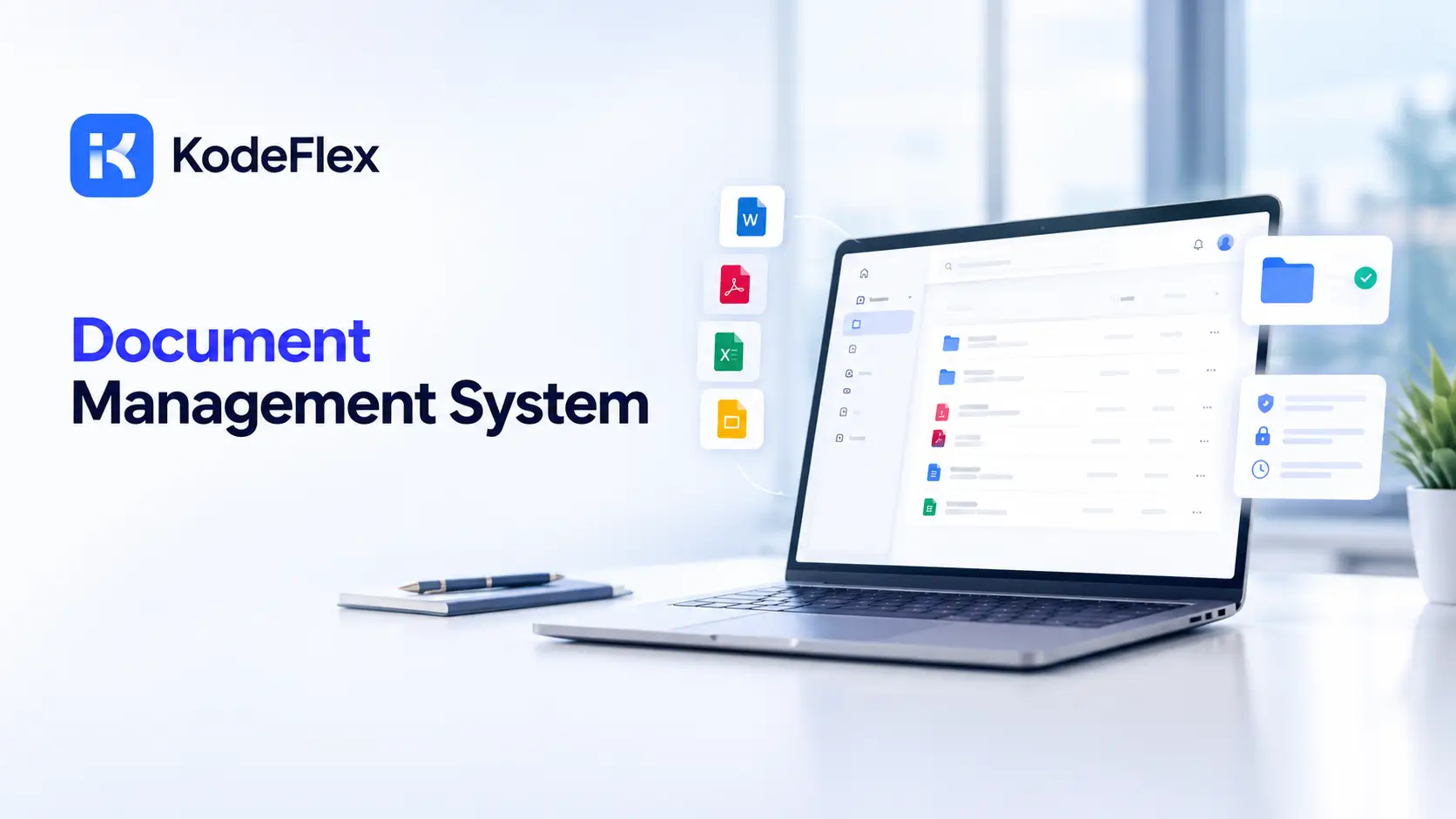
Monday morning. Someone asks for the latest travel policy. Three people send three files. One is called "final". Another is called "final v2 real". Nobody knows which one HR approved. Sound familiar?
A document management system fixes that. One place for files, one current version, a clear approval trail. The good news is you can build a lightweight one yourself, using the app lifecycle and instance management features of an AI app builder. Here is how, step by step.
What a document management system needs to do
Keep the scope small at first. AIIM, an industry group for information management, lists five core capabilities: check-in and check-out, version control, roll back, security and access controls, and audit trails. That is a good target for a first build.
-
Check-out. While one person edits, nobody else overwrites their work.
-
Version control. Every change gets a new version, and the current one is obvious.
-
Roll back. If a bad version goes out, you can return to the last good one.
-
Access control. Only the right people can view or change a document.
-
Audit trail. A record of who changed what, and when.
Add approval routing on top. A document is not really "current" until someone with authority says so.
Step by step: build your document management system
Step 1. Pick one document type
Do not start with "all company documents." That is how projects die. Pick one type that hurts. Internal policies are a good start. So are supplier contracts under review, or controlled work instructions.
Write down who creates it, who reviews it, who approves it and who needs to read it. Twenty minutes. It saves days.
Step 2. Describe the app in one prompt
KodeFlex is an AI development platform and app builder. You describe a business need in natural language, and it generates a runnable app with the frontend, backend and approval flows. So turn your notes into a prompt. For example:
-
"A policy library. Authors upload a document with a title, owner, department and review date. A reviewer comments. A department head approves. Approved documents are visible to all staff. Older versions are kept."
Rough is fine. You will refine it in the next steps.
Step 3. Fix the data model
This is where a document system works or turns into a pile. Check what the AI produced against this table, and add what is missing.
|
Record |
Fields |
Notes |
|---|---|---|
|
Document |
Title, type, owner, department, status, current version, review date |
One row per document. The status drives who sees it. |
|
Version |
Document, version number, file, author, created on, change note |
Never overwrite. Add a new row. |
|
Approval |
Document, version, reviewer, decision, comment, decided on |
One row per decision. This is your trail. |
|
Person |
Name, department, role, active status |
Roles drive access. |
|
Status values |
Draft, In review, Approved, Superseded, Archived |
Keep the list short and fixed. |
Step 4. Design the metadata
Metadata is what makes documents findable. Skip it, and you have a shared drive with extra steps. Keep it to what people will actually search or filter by.
-
Document type. Policy, contract, form, procedure.
-
Owner. One named person, not a team.
-
Department. Drives who can see it.
-
Review date. So old documents do not rot quietly.
-
Status. Always visible on screen.
Make owner, type and review date required. Optional fields end up empty. Always.
Step 5. Design the approval routing
Open the visual workflow editor. The basic path is simple: Draft, In review, Approved. A rejected document goes back to the author with the reviewer's comment. Then add rules.
-
Branch on type. Contracts go to legal. Policies go to a department head.
-
Branch on value. A contract above a set amount needs a second approver.
-
Rule on comments. A rejection must carry a comment. No silent bounces.
-
Rule on timing. Flag reviews that sit untouched for three days.
Pick your own thresholds. They depend on your company.
Step 6. Set roles and access
Decide who sees what before you test. Write it down.
|
Role |
Can do |
Cannot do |
|---|---|---|
|
Author |
Create documents, upload new versions of their own drafts |
Approve their own document |
|
Reviewer |
Read, comment, send back |
Edit the file under review |
|
Approver |
Approve or reject, publish |
Delete versions |
|
Reader |
View approved documents in their department |
See drafts |
|
Admin |
Manage people, types and rules |
Change approved content without a new version |
Plainly: the KodeFlex site does not go into detail on role-based access settings. Ask about role setup in a KodeFlex demo before you rely on it for anything sensitive.
Step 7. Add version history
Every upload becomes a new version with a change note. The old one is marked Superseded, not deleted. Readers always land on the current approved version. Anyone with the right role can open the history.
There is a second kind of version control to think about. KodeFlex has version control for the app itself, so you can change your document app later without breaking last month's files. Two layers, two jobs. Do not mix them up.
Step 8. Preview, test, release
KodeFlex has live preview and debugging built in. Use them. Then release with one click. The home page covers the full lifecycle, and the pricing page lists the plans.
Retention considerations
How long you keep a document is not a technical question. It is a legal and policy one. Different document types, industries and countries have different rules. Ask your legal or records team before you decide, and do not copy a number from a blog post, including this one.
What the app can do is make retention easy to apply. Give each document type a retention period field. Show an "eligible for review" flag when the date arrives. Make deletion a deliberate approved action, not a quiet click. And keep Archived as a status, so old files leave the main view without vanishing.
What to test before you launch
-
Two editors, one file. Does the second person get blocked or warned?
-
Reject and resubmit. Does the comment show up? Does the version number go up correctly?
-
A reviewer on leave. Who covers? Name a backup.
-
Reader view. Can someone outside the department open a draft? They should not.
-
Roll back. Restore an older version and check the history still makes sense.
-
Search. Can a new hire find the travel policy in under a minute?
Common mistakes to avoid
Most homemade document systems fail for dull reasons. Here are the usual ones.
-
Too many document types at launch. Start with one. Add the next after people trust the first.
-
No named owner. A document owned by "the team" is owned by nobody.
-
Editing approved files in place. Every change should be a new version that goes through review again.
-
Migrating everything on day one. Move the documents people actually use. Leave the dusty archive where it is for now.
-
Skipping training. A ten minute walkthrough beats a forty page guide nobody opens.
Adoption is the real test. If people keep emailing files around, the system has not won yet. Make the library the only place the current version lives, and say so out loud.
Where a dedicated product is better
Worth saying plainly. KodeFlex is a general builder for internal business apps. It is not a ready-made enterprise content platform. The public pages do not list full text search, optical character recognition, scanning, email capture or e-signature features.
So choose with care. If you need legally binding e-signatures, use an e-signature product. If you have millions of scanned records or strict records rules, a dedicated document management product is probably safer. If you need a controlled library with approvals for one or two document types, building makes sense. You can also mix: keep your file storage, and build the approval layer around it.
What it costs
Per the pricing page, lifetime plans start at $1,499 for Team (50 users, 20 apps), and annual plans start at $3,699. One document app shares that price with everything else you build. Plans change, so check the page before you set a budget.
Frequently asked questions
What is a document management system?
It is software that stores documents, tracks their versions, routes them for approval and controls access. A good one replaces the "final v2 real" mess with one current version and a clear history.
Can I build a document management system without code?
Yes, for a focused version. You describe the process, review the first app, and adjust the form, the approval path and the roles visually. You still have to decide who approves what. The tool cannot do that part.
What metadata should I track?
Document type, owner, department, status and a review date. Add more only when someone asks to search by it. Every extra required field slows people down.
How should document approvals work?
Keep it simple. The author submits, a reviewer comments, an approver decides. Rejected documents go back with a comment. Add a second approver for high value items, and a reminder for stuck reviews.
How long should we keep documents?
That depends on your industry, country and document type, so ask your legal or records team. The app can store a retention period and flag documents when the date arrives. The rule itself comes from your policy.
When should I buy a dedicated document management product instead?
When you need e-signatures that hold up legally, scanning at scale, advanced search or strict records rules. A built app is better for a small controlled library with custom approvals.
Can I keep my data on our own servers?
KodeFlex lists a private deployment option, so your data can stay off a shared cloud. Whether that matters depends on your policies. Ask about it in a demo.
|
Ready to build your document management system? Pick one document type and write down its approval path. Then see it as a working app. Request a KodeFlex demo to try it on your own process, or download KodeFlex and test it yourself. You can also read about the app lifecycle and instance management features. |
Related Blogs

Enterprise Collaboration Software: What to Look For