Instance Management 101: Running Multiple App Versions Safely
August 18, 2026PUBLISHED INAI Development
 ali
ali 2026-08-18 17:18:00
 51
51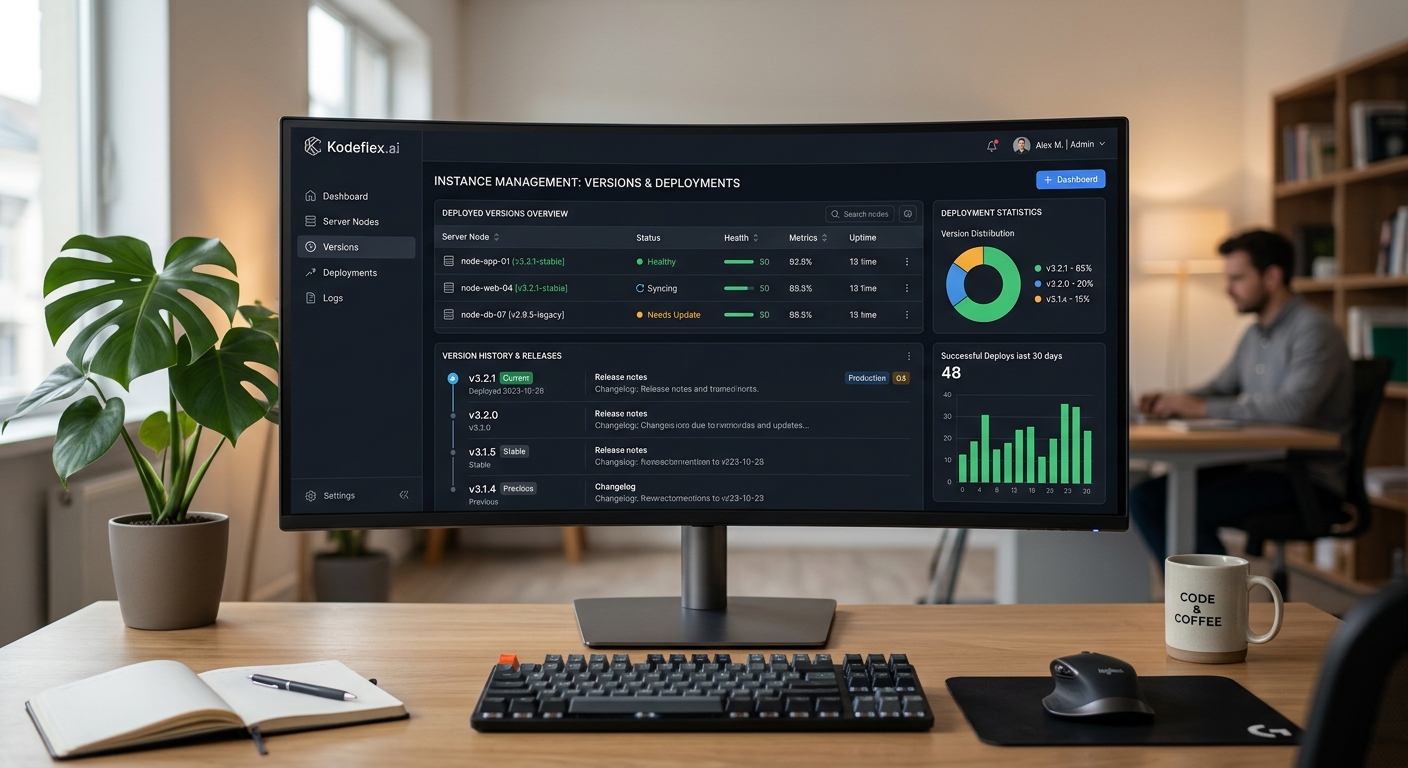
Instance management is the practice of running multiple, isolated copies of an application, typically separated by purpose, development, testing, production, so changes can be built and verified without touching the version people are actively using. It sounds like a fairly technical concern, and it is, but it matters just as much for a small internal approval app as it does for a large customer-facing product, and it's one of the details that separates a tool people trust with real work from one that quietly breaks every time someone tweaks it.
Why a Single Live Version Is Risky
Without separate instances, every change, a new field, an adjusted approval rule, a fixed bug, has to be made directly on the version people are actively using. That means testing happens in production, on real data, in front of real users. A mistake isn't caught in a safe environment, it's caught by whoever hits it first, often mid-task, and the fix has to happen under pressure rather than calmly, before anyone was affected.
What Instance Management Actually Provides
At a basic level, this means having at least a development or staging instance separate from the production (live) instance. Changes get built and tested on the non-production instance first, verified against realistic scenarios, and only then promoted to production once they're confirmed to work as intended. More mature setups add multiple stages, dev, test, staging, production, each serving a slightly different verification purpose, though for most internal business apps, a simple two-instance split (staging and live) covers the vast majority of what's actually needed.
Version History and Rollback
The other half of instance management is version control specifically for the app's structure and logic, not just the data inside it. Being able to see what changed between versions, and roll back to a previous version if a new release causes unexpected problems, turns a launch mistake into a quick fix rather than a scramble to manually undo changes under time pressure. This matters more for internal apps than people often assume, a broken approval workflow doesn't just look bad, it can genuinely stall real business processes until it's fixed.
How This Works in Practice With KodeFlex
This is exactly what instance management is designed to support inside KodeFlex: each app can run multiple isolated instances, letting a team test a new approval step, an added field, or a workflow change on a staging instance before deploying it to the live version people depend on. Instances can be deployed from any version, upgraded independently, and enabled or disabled without affecting other running instances, so a team managing several internal apps isn't stuck making every change directly against production and hoping nothing breaks.
A Simple Rule of Thumb
If a change to an app could plausibly disrupt someone actively using it, a new required field, a changed approval path, a different notification trigger, it belongs on a staging instance first, tested with a realistic scenario, before it touches the live version. This applies just as much to a small internal tool used by five people as it does to something used by five hundred, the blast radius of a mistake is smaller with five users, but the principle, don't test on people who are relying on the tool working, doesn't change.
Frequently Asked Questions
Is instance management only necessary for large, complex apps?
No, even small internal tools benefit, since any change carries some risk of disrupting active users if it's made directly on the live version without testing first.
What's the difference between staging and production instances?
Staging is where changes are built and verified before they're trusted. Production is the live version people are actively using for real work. Changes flow from staging to production, not the reverse.
Can instances be rolled back if a new version causes problems?
Yes, version history should allow reverting to a previous, known-working version rather than requiring a manual, ad hoc fix under time pressure.
How many instances does a typical internal app actually need?
Often just two, a staging instance for testing and a production instance for live use, is enough for most internal business apps. Larger, more complex systems may benefit from additional stages.
Does managing multiple instances slow down releasing changes?
It adds a verification step, but it prevents the much larger time cost of fixing a mistake that's already affected real users on a live system.
Want to see instance management in action?
Request a demo and see how staging and live versions stay separate.
Related Blogs

AI Agent Builder: Comparing the Top Platforms