KodeFlex vs Microsoft Power Apps: A Straight Comparison
August 22, 2026PUBLISHED INAI Development
 ali
ali 2026-08-22 14:42:00
 0
0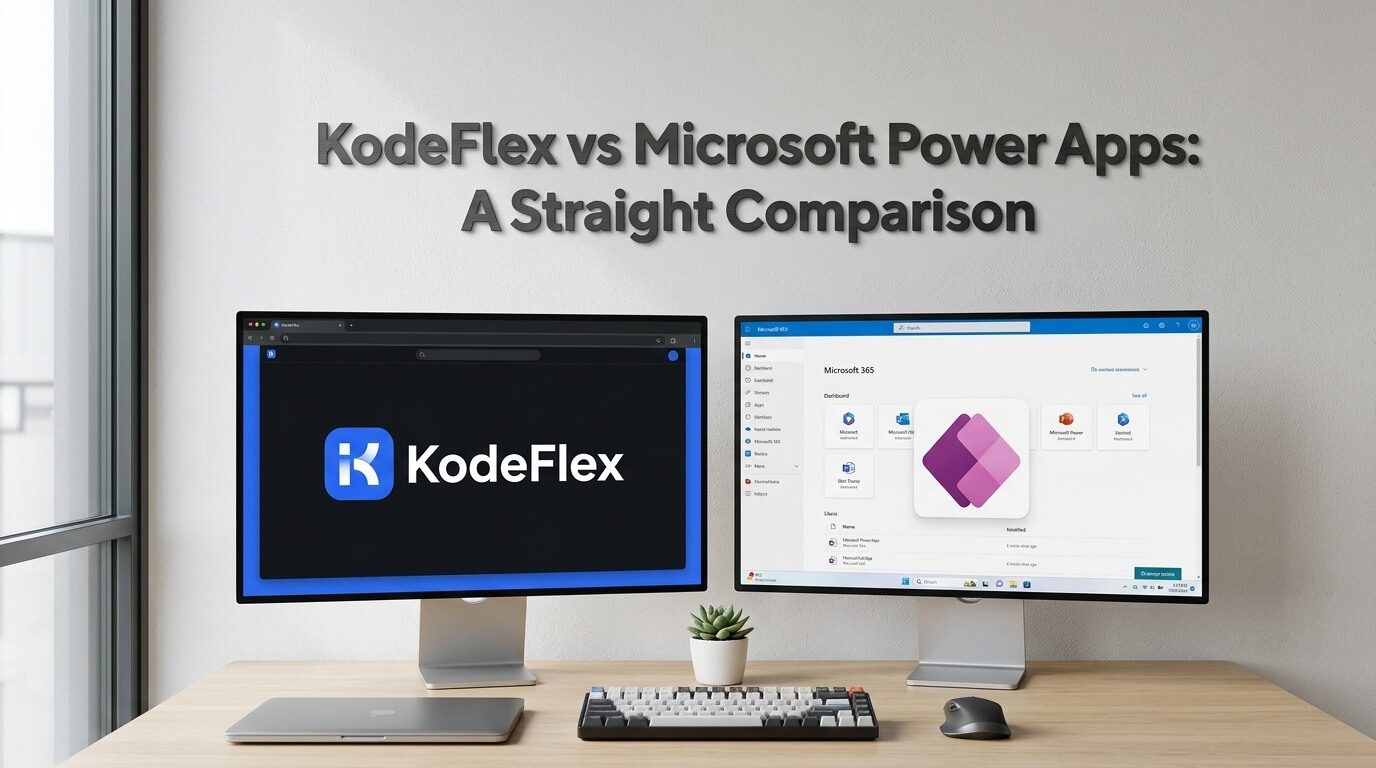
Power Apps is part of Microsoft's Power Platform, built to work closely with Dataverse, SharePoint, Teams, and Power Automate. That deep integration is its biggest strength for organizations already living inside Microsoft 365, and its biggest limitation for anyone who isn't. KodeFlex takes a standalone approach, generating a working app from a description without assuming any particular existing stack underneath it.
Licensing Has Gotten More Complicated, Not Less
As of January 2026, Microsoft removed the Per App plan ($5/user/app/month) from most purchasing channels, leaving two main production paths: Power Apps Premium at roughly $20 per user per month (about $12 at 2,000+ seat volume), giving unlimited apps, or Pay-as-you-go at roughly $10 per active user per app per month through Azure. There's also a free Developer Plan, but it's restricted to non-production testing, you can't actually deploy a live app on it. Reviewers frequently note that real production costs escalate further once Power Automate, premium connectors, and Dataverse storage get added on top of the base license. Check KodeFlex's pricing for a simpler comparison.
Workflow Logic Often Means Adding Power Automate
Power Apps handles the interface and data layer well, but meaningful workflow logic, approvals, conditional routing, notifications, frequently means pairing it with Power Automate, a separate product with its own licensing. That's not necessarily a dealbreaker, but it does mean the "simple app" often becomes two or three Microsoft products working together rather than one. KodeFlex's workflow engine handles approvals and routing natively within a single generated app, without needing a second product to make the logic work.
How Much Microsoft Ecosystem Do You Actually Need?
If your organization already runs on Microsoft 365, with SharePoint document libraries, Teams for collaboration, and existing Dataverse data, Power Apps' integration depth is a real advantage that's hard to replicate elsewhere. If you're not deeply invested in that ecosystem, though, you're paying for integration value you're not using, and dealing with Power Platform's licensing complexity for a benefit that doesn't apply to your situation.
Feature Comparison
|
KodeFlex |
Power Apps |
|
|
Starting point |
AI generates a working app from a plain-language description |
Canvas or model-driven app built on Microsoft's Power Platform |
|
Pricing |
See current plans on the pricing page |
Premium ~$20/user/mo (~$12 at 2,000+ seats), Pay-as-you-go ~$10/active user/app/mo |
|
Workflow logic |
Built-in workflow engine for approvals, branching, multi-role routing |
Often requires pairing with Power Automate for workflow logic |
|
Ecosystem dependency |
Standalone platform |
Deeply tied to Microsoft 365, Dataverse, SharePoint, Teams |
|
Best for |
Teams needing fast, workflow-driven apps built without a Microsoft-centric stack |
Organizations already standardized on Microsoft 365 |
Who Should Pick Which
Power Apps tends to fit organizations already standardized on Microsoft 365 that want apps deeply integrated with SharePoint, Teams, and Dataverse, and that have the internal expertise (or budget) to navigate its licensing model. KodeFlex tends to fit teams that want a workflow-driven app running fast without first needing to map out which Microsoft products it'll need to pair with, especially outside heavily Microsoft-centric environments.
Frequently Asked Questions
Is Power Apps free?
There's a free Developer Plan, but it's for building and testing only, not production use. Deploying a live app requires a paid Premium or Pay-as-you-go license.
Do I need Power Automate to use Power Apps?
Not always, but meaningful workflow logic, approvals, notifications, conditional routing, often requires pairing Power Apps with Power Automate, which has its own separate licensing.
Is KodeFlex tied to any specific existing software stack?
No, KodeFlex is built to work as a standalone platform rather than assuming integration with a particular existing ecosystem.
What happened to Power Apps' Per App pricing plan?
Microsoft removed it from most purchasing channels as of January 2026, leaving Premium (per user, unlimited apps) and Pay-as-you-go as the two main production licensing paths.
Is Power Apps worth it if we're not using Microsoft 365 heavily?
Its core advantage is deep Microsoft ecosystem integration. Organizations not invested in that ecosystem often find less differentiated value relative to the licensing complexity involved.
Want to see a workflow app running without a Microsoft-centric stack?
Request a demo and describe the app you need.
Related Blogs
KodeFlex vs Appsmith: AI-Native vs Open-Source Low-Code