What Is a Workflow Engine? Guide to Enterprise Workflows
August 4, 2026PUBLISHED INAI Development
 ali
ali 2026-07-03 15:39:00
 0
0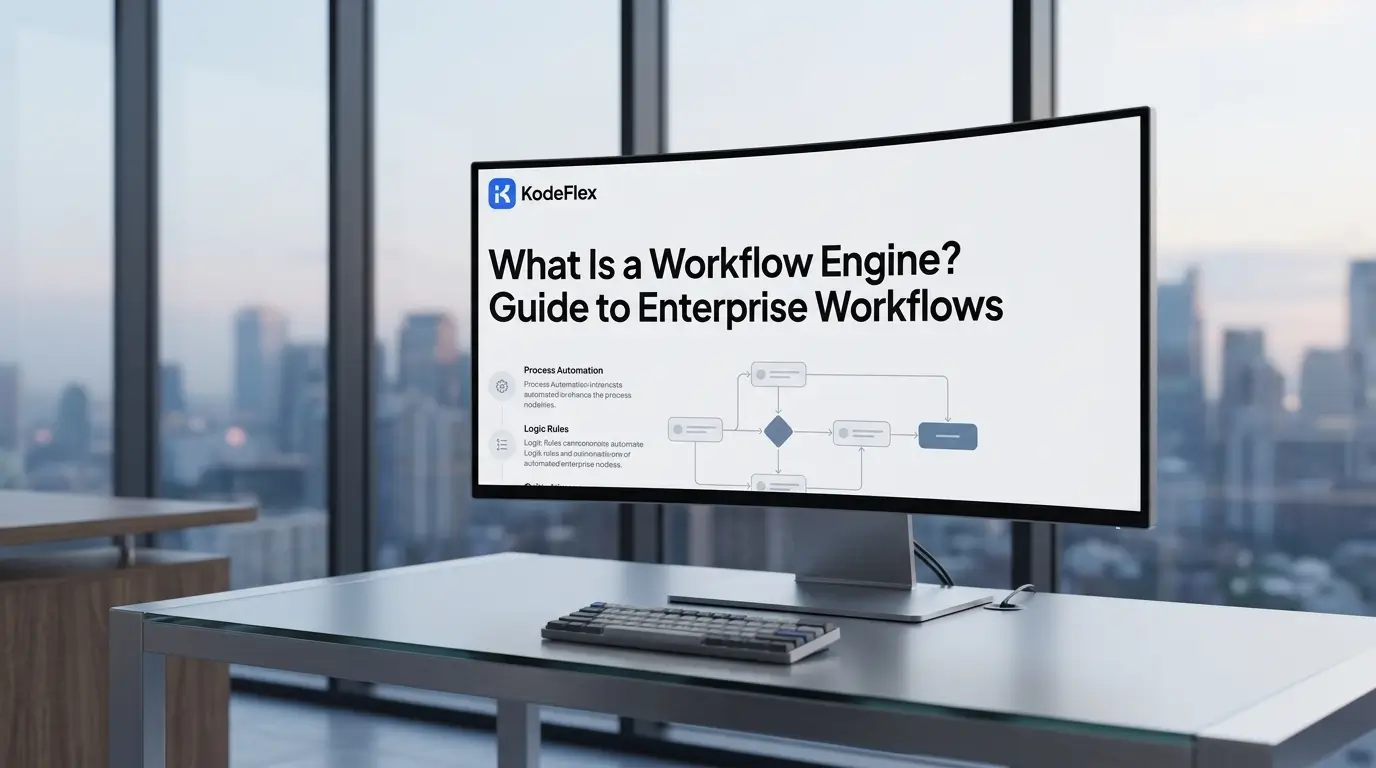
Every enterprise app that routes an approval, triggers a notification, or moves a record from one status to the next is relying on some version of a workflow engine under the hood. Understanding what one actually does — and where it fits relative to business process management (BPM) tools and simple automation scripts — makes it much easier to choose the right approach for a given system.
What Is a Workflow Engine?
A workflow engine executes business processes as a sequence of automated, rule-based steps, tracking the state of each running process instance and determining what happens next based on defined logic. It sits between an application's business logic and its execution — the app defines what should happen, and the engine handles when and in what order it happens.
The core object a workflow engine operates on is the workflow definition (a structured description — often as a flowchart, state machine, or XML/JSON specification — of the steps, conditions, and transitions that make up a process). When a new process starts, the engine creates a process instance (a single running execution of a workflow definition, with its own state and data) and moves it through each step until it reaches a defined end point.
Workflow engines are typically embedded inside larger systems rather than used standalone:
-
CRM platforms use them to route leads and trigger follow-up tasks
-
HR systems use them to manage onboarding checklists and approval chains
-
DevOps pipelines use them to sequence build, test, and deployment stages
-
Insurance and banking software use them to manage claims and loan approval processes
This embedded, invisible role is exactly why the term is often confused with the bigger platforms built on top of it — which is worth untangling next.
How Does a Workflow Engine Work?
A workflow engine works by reading a workflow definition, creating a process instance when triggered, and then advancing that instance step by step — executing tasks, evaluating conditional logic, and waiting on external events — until the process reaches completion. Each step's outcome determines the path the engine takes next.
The typical execution cycle involves five stages:
-
Definition loading — The engine loads a workflow definition, which specifies each step, the conditions that route between them, and any timeouts or error-handling rules.
-
Instance creation — A trigger (a form submission, an API call, a scheduled time, an incoming message) creates a new process instance and assigns it a unique state.
-
Task execution — The engine performs or delegates each task: calling an API, sending a notification, waiting for a human approval, or running a calculation.
-
State transition — Based on the task's outcome, the engine evaluates the defined conditions and moves the instance to its next step, or pauses it if it's waiting on an external event.
-
Completion or exception handling — The process either reaches a defined end state, or the engine triggers error-handling logic if a step fails or times out.
A key architectural decision that separates workflow engines is state persistence — whether the engine can pause a process for hours, days, or months (waiting on a human approval, for instance) and resume exactly where it left off, even across system restarts. Engines built for durable, long-running processes (like Temporal or Camunda) persist in this state explicitly; simpler in-memory schedulers generally cannot survive a restart mid-process.
Workflow Engine vs. BPM Platform vs. Simple Automation Script
The right choice depends on how complex the process is, who needs to modify it, and how critical it is that a paused process reliably resumes. The table below compares the three most common approaches.
The practical distinction: a workflow engine is the execution layer, while a BPM platform wraps that engine with modeling tools, governance, and reporting aimed at non-developers. A simple automation script, by contrast, usually has no concept of a persisted, resumable process state at all — if it fails partway through, it typically has to start over.
Core Components of a Workflow Engine
Every workflow engine, regardless of vendor, is built from the same handful of core components working together to define, execute, and track a process.
-
Workflow definition language — The format used to describe the process, such as BPMN (Business Process Model and Notation), a standard maintained by the Object Management Group, or a proprietary JSON/YAML schema.
-
Execution runtime — The part of the engine that actually processes each step, evaluates conditions, and advances the process instance.
-
State store — Where the engine persists the current state of each running process instance, critical for surviving crashes or long pauses.
-
Task queue / scheduler — Manages which tasks are ready to run and dispatches them to the right worker, service, or human user.
-
Event and trigger system — Listens for the external signals (API calls, timers, messages) that start new instances or move paused ones forward.
-
Error and retry handling — Defines what happens when a step fails: retry with backoff, escalate to a human, or route to a compensating action.
Understanding these components matters because it clarifies what to evaluate when comparing engines: a tool that's strong on visual modeling but weak on state persistence, for example, may look appealing in a demo but struggle with real production failure scenarios.
Common Use Cases for Workflow Engines
Workflow engines are most valuable wherever a process spans multiple steps, systems, or time periods — especially when some steps depend on a human decision or an external system's response.
-
Order and fulfillment processing — coordinating inventory checks, payment capture, and shipping triggers across multiple services
-
Approval chains — routing a request (expense report, purchase order, content publication) through the correct sequence of approvers
-
Employee onboarding — sequencing account provisioning, document collection, and training assignments over a multi-day period
-
Claims and loan processing — managing long-running, multi-stage decisions that may pause for days awaiting documentation
-
CI/CD pipelines — sequencing build, test, and deployment steps with conditional branching on failure
-
Data pipeline orchestration — coordinating extract-transform-load (ETL) jobs that depend on each other's completion
The common thread across all of these: each process needs to reliably track where it is and what happens next, even if that means pausing for an indefinite period waiting on a person or another system.
Common Mistakes and Misconceptions
Misconception 1: “A workflow engine and a task queue are the same thing.”
A task queue (a system that holds jobs to be processed, typically in order) simply dispatches individual units of work. A workflow engine coordinates sequences of tasks with conditional branching, state persistence, and awareness of the overall process — a task queue has no concept of “the process this task belongs to.”
Misconception 2: “You need a full BPM platform to get workflow automation.”
Many production systems embed a lightweight workflow engine directly into their codebase without ever adopting a full BPM suite with visual modeling and governance dashboards. A BPM platform adds real value for organizations that need business users to design and audit processes — but it's not a prerequisite for using a workflow engine.
Misconception 3: “All workflow engines handle long-running processes the same way.”
State persistence approaches vary significantly: some engines checkpoint state to a durable store after every step, while others hold state in memory and lose it on a crash or restart. This distinction determines whether a multi-day approval process can survive a server restart, and it should be tested — not assumed — before going to production. [internal link: how to evaluate workflow engine reliability]
Misconception 4: “Adding a workflow engine automatically simplifies your architecture.”
A workflow engine adds real value for genuinely multi-step, stateful processes, but introducing one for a simple, linear, single-step action just adds operational overhead — another service to deploy, monitor, and version. The decision should be based on whether the process needs conditional branching, pausing, or retries, not on trend-following.
Misconception 5: “BPMN diagrams are just documentation — they don't affect execution.”
In many modern workflow engines, the BPMN diagram is the executable definition, not a separate illustration of it. Changing the diagram changes the actual runtime behavior of the process, which is powerful but also means diagram changes need the same review rigor as code changes.
Frequently Asked Questions
What is the difference between a workflow engine and a workflow management system?
A workflow engine is the execution component that runs process logic, while a workflow management system typically refers to the broader software — including the engine plus a user interface, monitoring, and administration tools — used to design, deploy, and oversee those workflows.
Is a workflow engine the same as an orchestration engine?
They're closely related and the terms are often used interchangeably. “Orchestration” sometimes emphasizes coordinating calls between multiple independent services, while “workflow engine” more often emphasizes business-process logic, but the underlying execution concepts are largely the same.
Do I need a workflow engine for a simple two-step process?
Usually not. A workflow engine earns its complexity when a process has conditional branching, needs to pause and resume, or must reliably survive failures. For a simple, linear two-step action, a direct function call or a basic script is typically simpler and easier to maintain.
What is BPMN and do I need to use it?
BPMN (Business Process Model and Notation) is a standardized graphical notation for modeling business processes, maintained by the Object Management Group. It's not required — many workflow engines use code-based or JSON/YAML definitions instead — but it's useful when business stakeholders need to read or help design the process visually.
Can a workflow engine handle processes that run for weeks or months?
Yes, if it's built with durable state persistence. Engines designed for long-running processes checkpoint their state to a database after each step, allowing a process to pause for an extended period and resume exactly where it left off, even after a server restart or deployment.
What happens if a step in a workflow fails?
A properly configured workflow engine applies defined error-handling rules: retrying the step (often with an increasing delay between attempts), escalating to a human for manual intervention, or routing the process to a compensating action that reverses prior steps.
Are workflow engines only useful for large enterprises?
No. While large enterprises often adopt full BPM platforms for governance and compliance reasons, smaller teams commonly embed lightweight workflow engines directly into applications to manage multi-step processes without needing enterprise-scale tooling.
How is a workflow engine different from a state machine library?
A state machine library defines the states an object can be in and the valid transitions between them, which is conceptually similar to what a workflow engine does internally. The distinction is usually scope: workflow engines add process-specific features on top — durable persistence, task scheduling, human task assignment, and retry policies.
Conclusion
A workflow engine's real job is deceptively simple to describe and genuinely hard to build well: keep track of exactly where a process is, and reliably move it to what happens next — even if “next” doesn't happen for another three days. That reliability, not the visual diagram or the modeling tool sitting on top of it, is what actually separates a production-grade workflow engine from a script that happens to work most of the time. Before adopting one, the more useful question isn't “which platform is most popular” but “does this process actually need conditional branching, durable pauses, and failure recovery” — because for anything that does, a workflow engine isn't overhead, it's the part of the system quietly preventing lost work.
Related Blogs
What Is an AI App Builder? Complete 2026 Guide