How to Build an IT Asset Management App: Step-by-Step
July 31, 2026PUBLISHED INAi Development
 ali
ali 2026-07-31 12:52:00
 0
0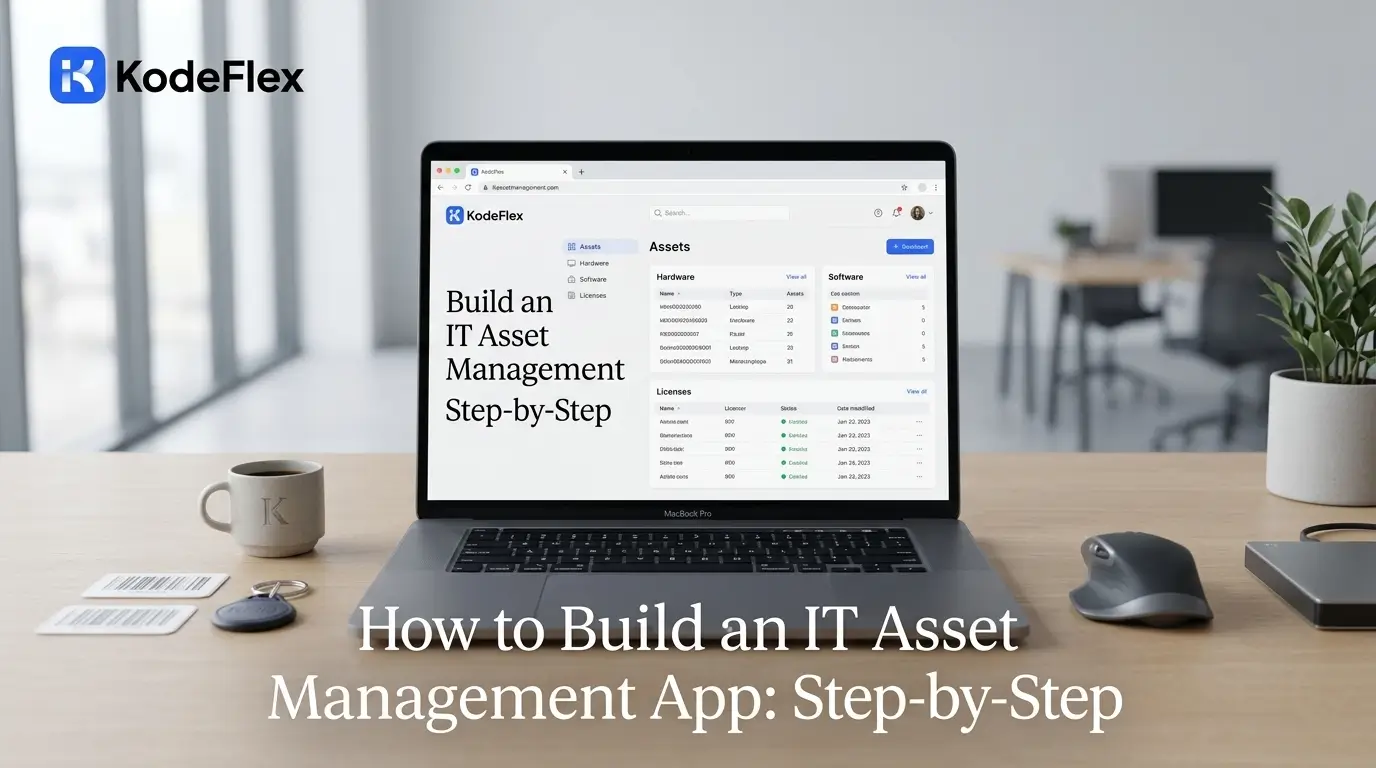
An IT asset management (ITAM) app tracks every hardware and software asset through seven lifecycle stages — request, procure, deploy, maintain, reassign, retire, dispose. Building one without code takes three to five working days: define the asset record and its relationship to people and locations, model the seven stages as enforced status transitions, build check-out and check-in workflows, then add licence tracking and an audit trail. The hardest part is not the app; it is the initial data capture.
What an IT asset management app must actually do
ITAM is not an inventory. An inventory tells you what you own. Asset management tells you what you own, where it is, who has it, what it costs, what state it is in, and when it stops being your problem.
Four questions define whether your app is working. If you cannot answer all four in under thirty seconds, you have a spreadsheet with extra steps:
-
Which assets are currently assigned to a named employee?
-
Which software licences are we paying for that nobody has used in 90 days?
-
Which devices are out of warranty and still in production use?
-
When Amina left in March, did every device come back?
Question four is the one that costs money. Unreturned equipment at offboarding is a routine, quantifiable loss, and it exists almost entirely because there is no linked record between the person and the hardware.
The seven-stage IT asset lifecycle
Each transition should be an enforced state change, not a free-text status field. An asset cannot move to Dispose without a sanitisation record. An asset cannot be checked out while its status is In Repair. This is where an app earns its keep over a spreadsheet — the spreadsheet lets you type anything into the status column.
Define the data model
Build check-out and check-in workflows
These two workflows are where daily value is created.
-
Check-out — select asset (filtered to Available status only), select recipient, set expected return date if temporary, record condition and accessories issued, capture recipient acknowledgement, set status to Deployed, write an assignment history row, notify the recipient's manager.
-
Check-in — scan or select the asset tag, record returned condition, note missing accessories, route to a decision: return to available pool, send to repair, or begin retirement. Close the assignment history row with actual return date and condition in.
-
Two practical additions that raise adoption sharply:
-
Asset tags with QR or barcode. Print the asset tag as a scannable code. Check-in from a phone camera is a five-second action; typing a serial number is a thirty-second action people skip.
-
Bulk operations. IT never issues one laptop. Onboarding week means eleven. Check-out should support multi-select against a single recipient list.
Add software licence tracking
Hardware is visible and gets tracked. Software is invisible and does not — which is why software is where the money leaks.
Model licences separately from hardware and link allocations to both people and devices. Then build three views that pay for the entire project:
• Over-allocated — seats allocated exceeds seats purchased. This is your compliance exposure and it is what a vendor audit finds.
• Under-utilised — seats purchased but unallocated, or allocated to someone who left. This is your immediate saving.
• Renewals in the next 90 days — with annual cost and current utilisation shown side by side, so the renewal decision has evidence behind it.
Add a validation rule preventing allocation beyond purchased seats, with an override that requires justification and finance notification. That single rule converts licence compliance from an annual panic into a daily control.
Connect ITAM to onboarding and offboarding
An asset register that is not connected to joiner and leaver processes will be wrong within six months. Two integrations do most of the work:
Onboarding — when a new hire record reaches the provisioning stage, generate asset requests from the role's standard equipment profile. A developer profile might be laptop, external monitor, dock, and specific software licences; a warehouse role might be a handheld scanner and a shared account.
Offboarding — when a leaver record is created, automatically generate a return checklist from every asset currently assigned to that person, with a due date tied to the last working day and escalation to the line manager if items remain outstanding. This is the control that stops equipment loss.
If both apps run on the same platform, this is cross-module configuration rather than an integration project.
Build and populate
Generate the application. Describe the asset record, the two sub-tables, the licence record, and the seven lifecycle stages to an AI application builder. It produces a runnable app with forms, lists, detail pages, and back-end logic. Refine field types, add the state-transition validation rules, and configure filter tags for the standard views.
Then face the real work: initial data capture. This is 60% of the project effort and no platform removes it. The pragmatic approach:
-
Import what exists — purchasing records, previous spreadsheets, MDM exports, and DHCP or directory data give you serial numbers and rough assignment.
-
Accept incomplete records. An asset with a tag, a type, and a holder is useful. Waiting for perfect data means never launching.
-
Complete records opportunistically. Every check-in is a chance to fill gaps. Add a "record complete" flag and drive it up over the first quarter.
-
Do one physical audit of high-value assets only. Servers, network equipment, and anything above a cost threshold. Not every mouse.
Deploy to an isolated production instance, keeping development and test instances separate so schema changes cannot corrupt live asset records.
Realistic timeline
Build versus buy
Buy a dedicated ITAM platform such as ServiceNow, Lansweeper, or Snipe-IT when you need automated network discovery, deep agent-based inventory, or a CMDB feeding a full ITIL service management practice.
Build when the asset register itself is the requirement, when your lifecycle or approval rules are organisation-specific, when you need it tightly coupled to your own onboarding and offboarding workflows, or when asset data must remain on your own infrastructure. Many organisations run discovery tooling for detection and a purpose-built app for lifecycle, assignment, and financial tracking.
FAQs
What is an IT asset management app?
An IT asset management app is an internal application that tracks hardware and software assets through their full lifecycle — request, procurement, deployment, maintenance, reassignment, retirement, and disposal. It records what each asset is, who holds it, where it is, what it cost, and what condition it is in, with an auditable history of every change.
How do I build an IT asset management app without code?
Define an asset record with identity, financial, warranty, assignment, status, and disposal fields; add assignment history and maintenance log sub-tables; model the seven lifecycle stages as enforced status transitions; build check-out and check-in workflows; and link the app to onboarding and offboarding. On an AI application builder this takes three to five working days including data import.
What fields should an IT asset register include?
At minimum: asset tag, serial number, type, manufacturer, model, category, purchase date and cost, PO reference, warranty end date, current holder, location, lifecycle stage, and condition. Add depreciation and cost centre for finance reporting, and sanitisation plus disposal certificate fields for compliant retirement.
What are the seven stages of the IT asset lifecycle?
Request, procure, deploy, maintain, reassign, retire, and dispose. Each transition should be enforced by the system rather than typed as free text — for example, an asset cannot reach disposal without a recorded data sanitisation method and certificate.
How do I track software licences alongside hardware?
Model licences as separate records linked to both users and devices, storing licence type, seats purchased, seats allocated, renewal date, and annual cost. Build three views — over-allocated, under-utilised, and renewals within 90 days — and add a validation rule that blocks allocation beyond purchased seats unless justified.
Do I need ServiceNow or will a custom app do?
A dedicated platform is worth it when you need automated network discovery, agent-based inventory, and a CMDB supporting a full ITIL practice. A custom app is the better fit when the register and lifecycle control are the actual requirement, when rules are organisation-specific, or when asset data must stay on your own infrastructure.
Conclusion
An IT asset management app gives organizations complete visibility into their hardware and software assets while reducing manual tracking, compliance risks, and unnecessary costs. By combining a structured asset lifecycle, automated check-in and check-out workflows, software licence management, and seamless onboarding and offboarding processes, businesses can manage assets more efficiently from procurement to disposal. With an AI application builder, you can create and deploy a scalable ITAM solution in just a few days without traditional development, making it easier to improve operational efficiency, maintain accurate asset records, and support long-term IT governance.
Related Blogs
How to Build an Employee Onboarding App (No Developer)