AI Agent Use Cases: 15 Real Business Applications
September 15, 2026PUBLISHED INAI Development
 ali
ali 2026-09-15 18:08:00
 0
0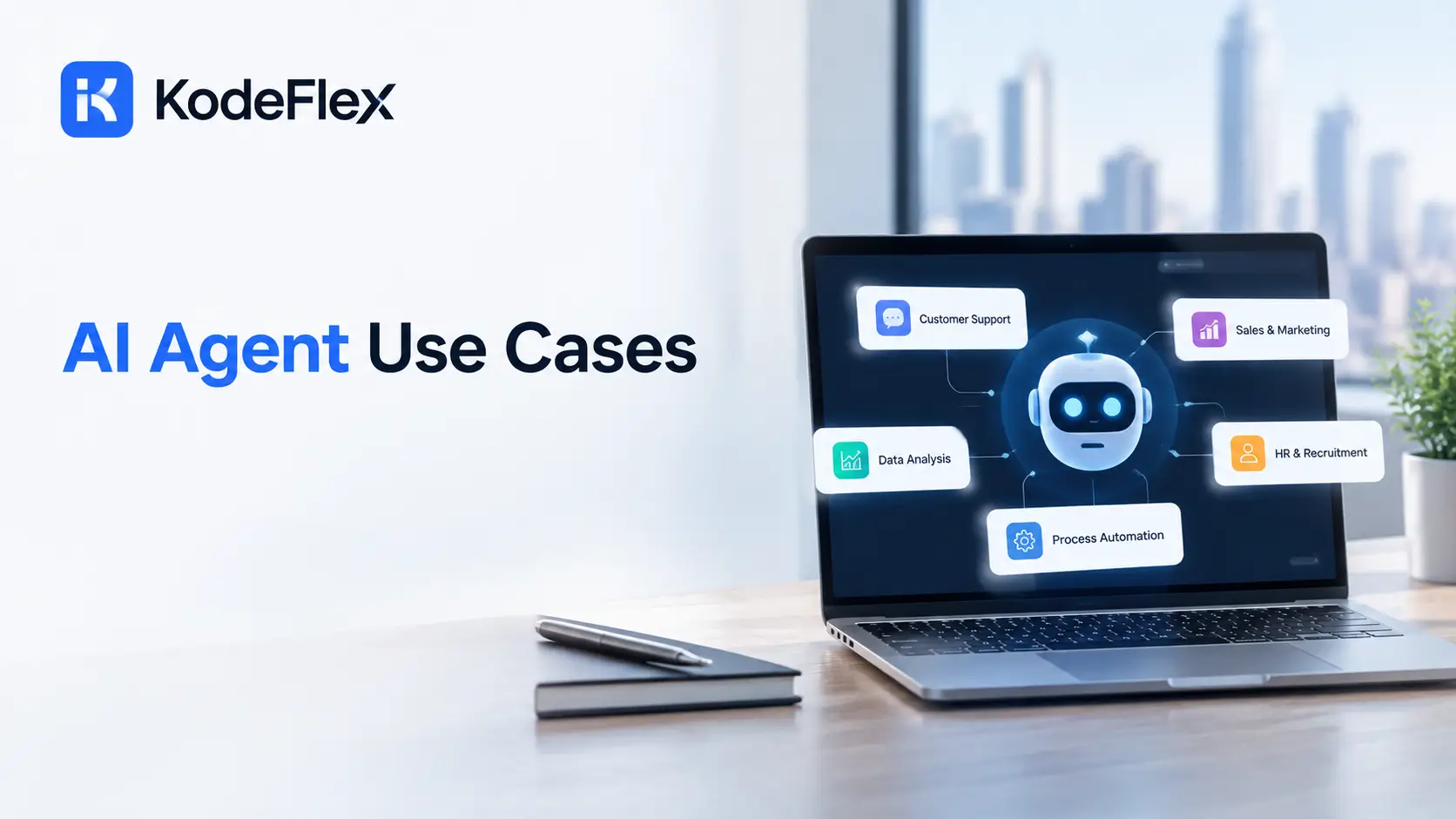
An AI agent reads context, makes a decision, and takes action across your actual tools, rather than just answering a question and stopping there. That distinction matters, because most published roundups of AI agents use cases read like science fiction, when the useful version is narrower and more grounded in ordinary, repetitive work. Here are fifteen real applications businesses are actually running today, organized by department.
What Actually Counts Among Real AI Agents Use Cases?
A genuine entry among AI agents use cases is a recurring, multi step task the agent completes across your real tools, with a human approving anything that carries real consequences. It’s not a chatbot answering a single question and stopping.
The Test Worth Applying
-
Does it touch more than one system, like reading a ticket, checking a CRM, and drafting a reply
-
Does it happen repeatedly, often enough that a person doing it manually genuinely loses hours to it each week
-
Does a human still approve the parts that actually matter, like a refund or a contract change
Which AI Agent Use Cases Show Up in Customer Support?
Customer service is currently the most mature category for agent deployment, and it’s not close.
-
Reading an incoming ticket, pulling the customer’s account history, and drafting a reply for a human to approve
-
Triaging incoming requests by urgency so complex or emotionally sensitive issues reach a human faster
-
Answering routine order status and refund policy questions without looping in a person at all
-
Summarizing a long support thread into a clear handoff note when escalating to a specialist
Industry data suggests agentic systems could eventually resolve the large majority of routine customer service issues on their own, with human agents shifting toward the complex, high empathy cases that actually need a person.
Which AI Agent Use Cases Show Up in Sales?
Sales teams lose real hours every week to admin work that has nothing to do with actually closing deals.
-
Updating CRM records automatically after a call or email exchange, so reps stop doing manual data entry
-
Qualifying inbound leads and scheduling a call with the ones that meet defined criteria
-
Drafting personalized outreach emails based on a prospect’s role, industry, and recent activity
-
Flagging deals that have gone quiet longer than usual, so a rep follows up before the deal goes cold
Which AI Agent Use Cases Show Up in Operations?
Operations tends to be the broadest category, since it touches document heavy, rule based processes across nearly every department.
-
Routing vendor onboarding documents to the right internal reviewer automatically
-
Reviewing incoming contracts against standard terms and flagging anything unusual for legal review
-
Managing multi step approval workflows for purchases, expenses, or access requests
-
Monitoring a supply chain for disruptions and alerting the right team before a delay becomes a real problem
Which AI Agent Use Cases Show Up in HR and IT?
These two departments share a lot of the same pattern: routine, repeatable requests that used to eat a real chunk of a support team’s day.
-
Screening resumes against a defined set of role requirements and surfacing the strongest matches
-
Answering employee questions about benefits, time off policy, or onboarding steps
-
Managing access requests, granting or revoking software permissions once a manager approves
-
Providing step by step troubleshooting guidance for common technical issues before escalating to a person
Which AI Agent Use Cases Show Up in Marketing and Finance?
Rounding out the fifteen, these two departments benefit from agents mostly around repetitive analysis and reporting work.
-
Generating a first draft of a monthly performance report by pulling numbers from multiple connected tools
-
Reviewing expense reports against spending policy and flagging anything outside the normal range
-
Drafting social media captions and scheduling posts based on a content calendar
-
Reconciling transactions across systems and flagging mismatches for a human to review
How Should You Actually Pick Your First AI Agent Use Case?
Start with the task that’s repetitive, multi step, and already eating real hours every week, not the flashiest idea on this list.
-
Pick a task your team already does the same way every time, since consistency makes it far easier to build and trust
-
Choose something with a clear way to measure success, like hours saved or tickets resolved without escalation
-
Keep a human in the loop for anything with real financial, legal, or customer relationship consequences at first
-
Expand to a second use case only once the first one is actually working reliably in production
What Results Are Businesses Actually Seeing From These Deployments?
Numbers vary by industry and task, but the pattern across most reported case studies is consistent enough to trust directionally.
Typical Reported Outcomes
-
Meaningful reduction in time spent on routine, repetitive tasks, often described in hours saved per employee per week
-
Faster first response times in support, since an agent can draft a reply the moment a ticket arrives instead of waiting in a queue
-
Lower cost per resolved ticket or completed task once a workflow moves from fully manual to agent assisted
-
Fewer dropped follow ups in sales, since an agent flags a stalled deal automatically rather than relying on a rep remembering
Why These Numbers Should Be Read Carefully
Vendor reported statistics tend to reflect their best case customers, not the average deployment. A more useful approach is treating any published number as a directional signal rather than a guarantee, then measuring your own pilot against your own baseline before rolling anything out more broadly.
What Should You Watch Out for Before Rolling One Out?
A few practical issues come up often enough to plan for ahead of time, rather than discovering them mid deployment.
-
Agents built on unclear or undocumented business logic are genuinely hard to audit later, which becomes a real problem if compliance ever asks how a decision was made
-
Giving an agent too much autonomy too early tends to erode trust fast the first time it gets something wrong publicly
-
Integrating with older, legacy systems that lack a clean API often takes more setup work than the agent itself
-
Employees sometimes resist a new agent handling work they used to own, so framing it as removing busywork rather than replacing people tends to land better
Frequently Asked Questions
What’s the difference between an AI agent and a chatbot?
A chatbot answers a question and stops. An AI agent reads context, takes multi step action across real tools, and often completes an entire task rather than just responding once.
Do I need a developer to build an AI agent for my business?
Not necessarily. Several platforms let non technical teams set up agent workflows visually, though more complex integrations sometimes still benefit from developer support.
Which department sees the fastest return from AI agents?
Customer support tends to show measurable results fastest, since ticket volume is high and the tasks are relatively well defined compared to more judgment heavy work elsewhere.
Is it safe to let an AI agent take action without human approval?
For low risk, repetitive actions, generally yes. For anything with real financial or legal consequences, most businesses keep a human approving the final step.
How is an AI agent different from an AI app builder?
An AI agent performs recurring tasks across existing tools. An AI app builder generates an entirely new application, forms, database, and workflow logic, from a written description. If you’re deciding which approach fits your project, this AI agent builder comparison breaks down the options in more detail.
Building the actual internal application these agents plug into, an approval flow, a data portal, a tracking system?
See how KodeFlex generates that starting point from a plain language description, or request a demo to see it built around your workflow.
Related Blogs

AI vs Automation: What’s the Real Difference?