App Builder for Government and Public Sector Teams
2 hours agoPUBLISHED INAI Development
 ali
ali 2026-10-26 14:31:00
 0
0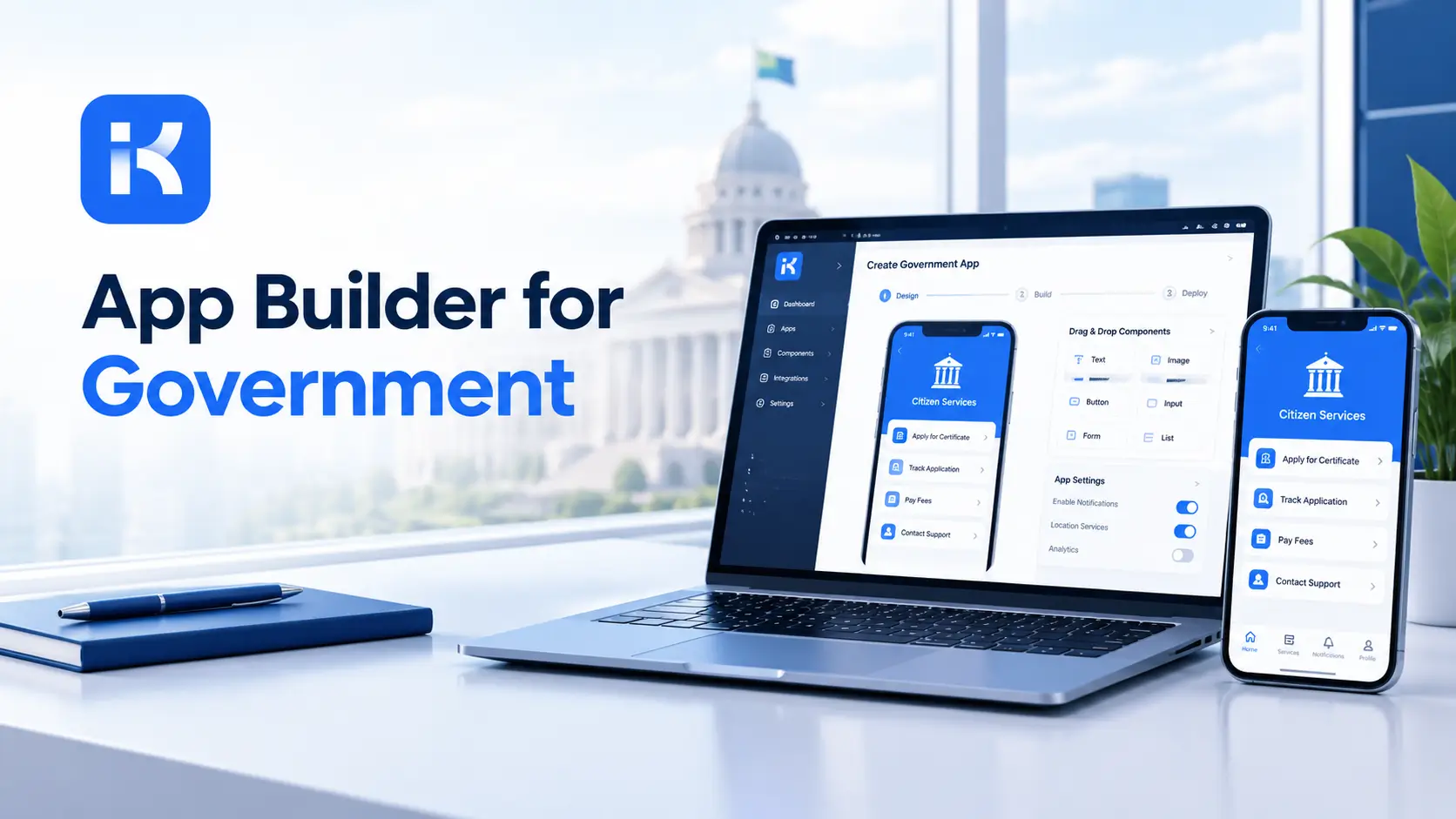
A permit application arrives by email. It's printed, stamped, scanned and filed. The applicant calls to ask where it is. Three officers each think someone else has it. The legal deadline is next Friday.
That's a normal week in many public sector teams. An app builder gives staff a way to build their own tools: forms, approval paths and records, without a long software project. This guide covers what teams build, what to check and where the limits are. You can also request a KodeFlex demo to see it on your own scenario. This is general information, not procurement or legal advice.
Why public sector teams look at app builders
-
Paper and email. Slow, easy to lose and hard to audit.
-
Tight budgets. Custom software projects are costly and slow.
-
Specific rules. Each office has its own procedures that products rarely match.
-
Accountability. Every decision needs a record.
-
Data control. Many teams want to decide where data is stored.
Apps public sector teams build first
Case tracking
Intake, assignment, status and outcome for cases handled by a team. Every case has an owner and a history.
Permit and license applications
Applicants submit details. Officers review, request changes and approve. Deadlines are visible.
Internal approvals
Purchase requests, travel, leave and equipment, with approval paths that match your rules.
Service requests
Staff or citizens report an issue. The request is routed to the right team and tracked until closed.
Inspection and compliance tracking
Schedules, results and follow-up actions in one place.
What to check before you choose a platform
|
Question |
Why it matters |
|---|---|
|
Where does the data live? |
Many public bodies need control over location. Ask about private deployment. |
|
Who can see what? |
Case data is sensitive. Roles and permissions come first. |
|
Is there an audit trail? |
Decisions must be traceable. |
|
What are our procurement rules? |
These decide what you may buy and how. |
|
What security standards apply to us? |
Check with your security team, not the vendor's brochure. |
|
How is it priced? |
Compare per-user and license models over several years. |
|
Who maintains it? |
Budget for ownership after launch. |
Step by step: build your first government app
Step 1. Pick one process
Choose a process with a clear owner and a lot of paper. Permit intake and internal approvals are common starters.
Step 2. Map it on one page
Who submits? Who reviews? What are the deadlines? What is the final record?
Step 3. Describe it in one prompt
KodeFlex is an AI development platform and app builder for enterprise collaboration. You describe a business need in plain language, and it generates a runnable app with the frontend, backend and approval flows. Then you refine it with visual tools for forms, approval paths, rules and branches. Turn your page into a prompt:
-
"A permit application app. Applicants submit details and documents. An officer reviews, requests changes or approves. A supervisor approves above a set category. Each application shows status and deadline."
Step 4. Refine, set access and test
Adjust the form and approval path, then set roles. Test with real officers on dummy data before anything live.
Step 5. Pilot, then expand
Run one team for a few weeks. Review what changes. Then move to the next process.
Write a better prompt for your first app
|
Weak prompt |
Better prompt |
|---|---|
|
"Build a government app." |
"Applicants submit a permit request. An officer reviews and approves or requests changes. Each request shows status and deadline." |
|
"Track cases." |
"Each case has an owner, status, due date and notes. Show cases overdue or due this week." |
|
"Add approvals." |
"Requests above a set value need supervisor approval after the officer." |
Who uses the apps, and what they see
|
Role |
What they do |
What they should see |
|---|---|---|
|
Applicant or requester |
Submit and track a request |
Their own items only |
|
Officer or case worker |
Review, request changes and update status |
Items assigned to them |
|
Supervisor |
Approve above a set category and reassign |
Their team's items |
|
Records or admin staff |
Check completeness and file |
Items ready for filing |
|
Manager or director |
Review reports |
Summaries and exceptions |
Decide these roles before you load any real data.
Reports and records your team will need
-
Items past deadline. What is overdue, and with whom?
-
Items by status. Where are the bottlenecks?
-
Time to decision. How long do approvals take?
-
Workload by officer. Who has capacity?
-
Decision history. Who decided what, and when?
What to test before launch
-
A request sent back for changes. Can the applicant fix and resubmit?
-
A deadline tomorrow. Does it show on the due view?
-
An officer who is away. Can a supervisor reassign?
-
A user without access. Do they see only their own items?
-
A rejected request. Is the reason recorded?
How KodeFlex fits
The platform covers generation, design, preview, debugging, release and deployment, with version control, one-click release and a unified operations dashboard. It also has a private deployment option if you want data kept in-house. The KodeFlex home page has the full overview.
Pricing is by license. The KodeFlex pricing page lists lifetime licenses from $1,499 for the Team edition (50 users, 20 apps) and annual licenses from $3,699. Plans change, so check the page.
Where KodeFlex does not fit
Worth saying plainly. KodeFlex builds internal business apps. The public pages describe a private deployment option, but they don't list security accreditations, compliance standards, citizen-facing portals or integrations with national systems. If your rules require any of those, ask the KodeFlex team directly and check with your own security and procurement teams. Large public services with strict mandated platforms may not be able to use it at all.
A practical example: a municipal permits office
A small permits office handles applications by email. This is an illustration, not a case study.
-
Before. Email, printouts and a spreadsheet of deadlines.
-
Build. An intake form, an officer review step, a supervisor approval and a deadline view.
-
Test. Two officers use dummy applications for two weeks.
-
Result. Each application has an owner, a status and a visible deadline.
Common mistakes to avoid
-
Skipping procurement and security review. Do it early, not after the pilot.
-
Loose access. Case data is sensitive.
-
No owner. Every app needs a name against it.
-
Overbuilding. Start with one process.
-
Using real data in tests. Use dummy data first.
Checklist before you go live
-
Procurement and security review completed.
-
Roles and access defined and tested.
-
One process mapped and owned.
-
Dummy-data test completed.
-
Record keeping rules checked.
-
Pilot team named.
Want to see it on your own process? You can request a KodeFlex demo or download KodeFlex and test it yourself.
Frequently asked questions
What is an app builder for government?
It's a platform that lets public sector teams create their own internal apps, such as case trackers, permit workflows and approvals, without a long software project.
What can government teams build without code?
Case tracking, permit applications, internal approvals, service requests and inspection tracking are common starting points.
Can an app builder run on private infrastructure?
Some can. KodeFlex lists a private deployment option. Check details with the vendor and your own security team.
Does KodeFlex hold government security certifications?
The public KodeFlex pages don't make such claims. Ask the KodeFlex team directly and check your own requirements.
Is an app builder allowed under public procurement rules?
That depends on your jurisdiction and policies. Check with your procurement and legal teams before you start.
Can citizens use the apps directly?
The public pages describe internal business apps. Ask in a demo whether external access fits your needs.
How much does KodeFlex cost?
According to the KodeFlex pricing page, lifetime licenses start at $1,499 for the Team edition (50 users and 20 apps), and annual licenses start at $3,699. Check the page for current plans.
|
Ready to retire the paper trail? Tell us which process slows your team down and we will show you what it looks like as a working app. Request a KodeFlex demo to see it live, or explore the KodeFlex AI app builder first. |
Related Blogs
How to Build a Custom ERP System Without Code