How to Build a Custom ERP System Without Code
2 hours agoPUBLISHED INAI Development
 ali
ali 2026-10-26 14:24:00
 0
0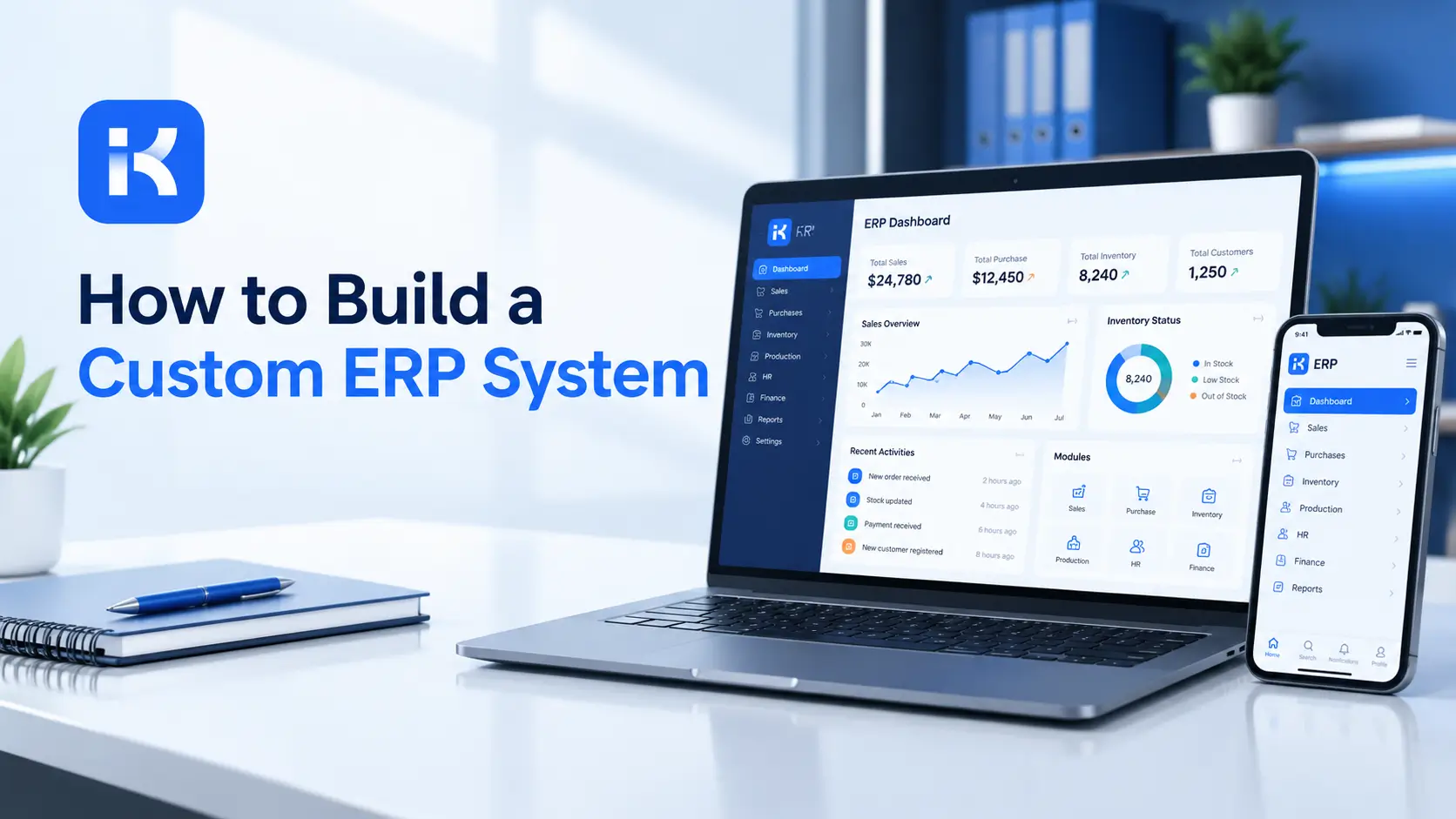
The finance team uses one system. Purchasing uses a spreadsheet. Warehouse staff use paper. HR has its own tool. At month end, someone rebuilds the picture by hand, and the numbers still don't quite match.
That's why people ask whether they can build their own ERP. The honest answer is: partly. This guide covers what ERP means, which modules suit a no-code build, which don't, and how to start. If you want to see how the approval side works, you can see KodeFlex in action.
What is an ERP system?
ERP stands for enterprise resource planning. It's software that ties core business functions together, such as finance, purchasing, inventory, sales, HR and operations, around shared data.
Big ERP suites cover all of that. They also take months to set up and often force your processes into their shape. That's the reason some companies look at building a lighter, custom version.
Can you really build an ERP without code?
Yes, for parts of it. No, for all of it. The trick is knowing which is which.
|
Good fit for no-code |
Better to buy or build properly |
|---|---|
|
Approval workflows and requests |
General ledger and tax |
|
Purchase requests and approvals |
Payroll |
|
Internal tracking: assets, tasks, incidents |
Complex inventory with warehouse hardware |
|
HR requests and onboarding steps |
Statutory reporting |
|
Budget requests and sign-off |
Banking and payment processing |
A custom ERP built without code usually means a set of connected internal apps, not a replacement for a full accounting system.
Which modules to build first
1. Purchase requests and approvals
Staff request, managers approve, finance checks. It's a common first module because the process is clear and the pain is real.
2. Order or request management
Track orders or internal requests from intake to completion, with statuses and owners.
3. Asset and equipment tracking
A register of what you own, where it is, who has it and when it needs service.
4. HR requests
Leave, equipment, onboarding and document requests, with approvals.
5. Budget requests
Department budgets and spend approvals, with a simple view of what is left.
Step by step: build your first ERP module
Step 1. Map your processes
List the processes across departments. Mark where information gets re-typed or lost. Those are your candidates.
Step 2. Choose one module and one owner
Pick the module with the clearest pain. Name one person who owns the process.
Step 3. Define shared records
ERP value comes from shared data. Agree early on records such as suppliers, departments, cost centers and employees, so modules don't duplicate them.
|
Shared record |
Used by |
|---|---|
|
Supplier |
Purchasing, finance, requests |
|
Employee |
HR, requests, approvals |
|
Department and cost center |
Budgets, purchases, reports |
|
Asset |
Maintenance, requests, finance |
Step 4. Describe the module in one prompt
KodeFlex is an AI development platform and app builder for enterprise collaboration. You describe a business need in plain language, and it generates a runnable app with the frontend, backend and approval flows. Then you refine it with visual tools for forms, approval paths, rules and branches. Turn your page into a prompt:
-
"A purchase request app. Staff submit a request with item, supplier, cost and cost center. A manager approves. Finance approves anything above a set amount. Approved requests are tracked until delivered."
Step 5. Refine, test and release
KodeFlex offers live preview, debugging and one-click release and deployment. Test with real requests for two weeks. Release to one department first.
Step 6. Add the next module
Once the first module works, build the next one on the same shared records. Keep a list of modules and their owners.
Write a better prompt for your first module
|
Weak prompt |
Better prompt |
|---|---|
|
"Build me an ERP." |
"A purchase request app with approvals by amount, linked to suppliers and cost centers." |
|
"Add inventory." |
"Track equipment items with location, owner and service due date." |
|
"Add reports." |
"Show open purchase requests by department and total value waiting for approval." |
How KodeFlex fits
The platform covers generation, design, preview, debugging, release and deployment, with version control, one-click release and a unified operations dashboard. It also has a private deployment option if you want data kept in-house. It also supports multiple instances from a single app. The KodeFlex home page has the full overview.
Pricing is by license. The KodeFlex pricing page lists lifetime licenses from $1,499 for the Team edition (50 users, 20 apps) and annual licenses from $3,699. Plans change, so check the page.
Where KodeFlex does not fit
Worth saying plainly. KodeFlex builds internal business apps for enterprise collaboration. It isn't a full ERP. The public pages don't list accounting, payroll, tax, inventory or banking features, or connectors to other systems. Keep core finance in a proven product, and use KodeFlex for the approval and tracking modules around it. Ask about integrations in a demo.
Build, buy or mix?
|
Path |
When it fits |
Watch out for |
|---|---|---|
|
Buy a full ERP |
You need accounting, inventory and payroll in one standard system |
Cost, long setup, bending your process |
|
Build everything custom |
Your core process is truly unique |
Time, cost, maintenance |
|
Mix: core product plus custom modules |
Core finance is standard, but approvals and tracking are odd |
Keeping data in step between systems |
For many mid-sized companies the mix is the realistic path. Keep the standard parts standard. Customize where your process is different.
Questions to ask before you commit
-
Which processes are truly unique to us? Build there.
-
Which are standard? Buy or keep what you have.
-
How will data move between systems? Ask for specifics.
-
Who maintains each module? Name people, not teams.
-
What does it cost over three years, including changes?
What to test before launch
-
A request above the approval limit. Does the extra approver appear?
-
A supplier added twice. Does the app catch the duplicate?
-
A department change. Do approvals follow the new structure?
-
A user without access. Do they see only what they should?
-
A rejected request. Does it go back with a reason?
A practical example: a growing services company
A company of 150 people runs finance in an accounting system and everything else in spreadsheets. This is an illustration, not a case study.
-
Module one. Purchase requests with approvals.
-
Module two. Asset register with service dates.
-
Module three. HR requests.
-
Core. Accounting stays in its existing product.
The result is a connected set of small apps, not a big-bang replacement.
Common mistakes to avoid
-
Trying to replace everything. Start small and keep core accounting where it is.
-
No shared records. Duplicated suppliers and employees cause chaos.
-
No owner per module. Each needs a name against it.
-
Ignoring integration. Ask early how data moves between systems.
-
Skipping the pilot. Test with one department first.
Checklist before you start
-
Processes mapped, pain points marked.
-
One module chosen, with an owner.
-
Shared records agreed.
-
Core finance plan decided: keep or replace.
-
Integration needs checked with the vendor.
-
Pilot planned with one department.
Want to see an approval module in KodeFlex? You can request a KodeFlex demo or download KodeFlex and test it yourself.
Frequently asked questions
Can I build an ERP system without code?
Partly. You can build lightweight modules such as approvals, requests and internal tracking. Core accounting, payroll and tax are better left to proven products.
How do I build an ERP system?
Map your processes, choose one module and an owner, define shared records, build the module with an AI or no-code builder, test it with real users, then add the next module.
Which ERP modules suit a no-code build?
Approval-heavy modules like purchase requests, HR requests, asset tracking and budget requests. They have clear steps and benefit from custom rules.
Is a custom ERP cheaper than buying one?
It can be for small, approval-focused needs. For full ERP scope, custom builds often cost more than expected. Compare three-year costs.
Does KodeFlex replace an ERP?
No. KodeFlex builds internal business apps. Use it for approval and tracking modules, and keep core accounting in a specialist product.
Can KodeFlex connect to my accounting system?
The public KodeFlex pages don't list integrations. Ask the KodeFlex team in a demo about your specific system.
How much does KodeFlex cost?
According to the KodeFlex pricing page, lifetime licenses start at $1,499 for the Team edition (50 users and 20 apps), and annual licenses start at $3,699. Check the page for current plans.
|
Want to build the ERP modules that matter first? Tell us which process hurts most and we will show you what it looks like as a working app. Request a KodeFlex demo to see it live, or see KodeFlex in action. |
Related Blogs
How to Build a Fleet Management App Without Code