Business Process Automation: A Complete Guide
2 hours agoPUBLISHED INAi Development
 ali
ali 2026-10-06 12:52:00
 0
0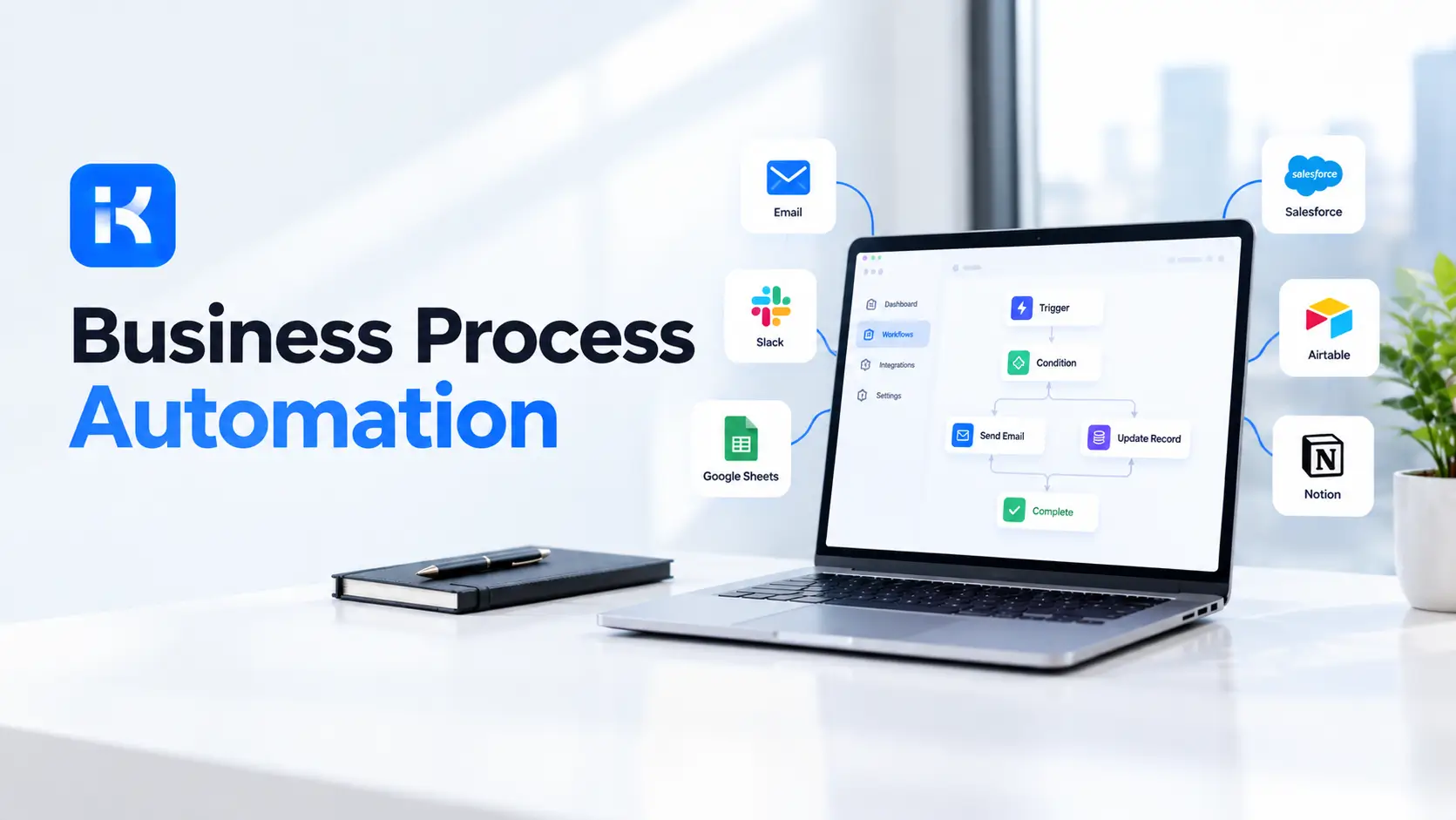
A purchase request goes by email to a manager. The manager is away. Nobody notices for four days. Finance finally gets it, but the amount is wrong, so it goes back. Everyone is busy. Nothing is moving.
That's the problem business process automation solves. This guide covers what it is, how it works, where it pays off in HR, finance and operations, and how to start. We also show where the KodeFlex product overview fits in.
What is business process automation?
IBM describes business process automation as a strategy that uses software to automate complex and repetitive business processes. The goal is simple: less manual work, fewer errors, faster handoffs.
It isn't one tool. BPA often links several systems together. It can include workflow engines, robotic process automation (RPA), business process management, AI and cloud platforms. What ties them together is the process itself: a request comes in, rules decide where it goes, people approve, and the system keeps a record.
Quick distinction. Automating a task means one step runs on its own, like sending a reminder. Automating a process means the whole path from request to result is handled, including the handoffs between people.
How business process automation works
Almost every automated process has the same five parts.
-
A trigger. Something starts the process. A form is submitted, a date arrives, a record changes.
-
Data. The information the process needs, collected in a form instead of scattered across emails.
-
Rules. If the amount is over a limit, send it to finance. If it's under, approve automatically.
-
People steps. Approvals, reviews and exceptions. Humans stay in charge of judgment calls.
-
A record. Who did what, and when. Handy for audits and for finding where things get stuck.
Business process automation examples
These are illustrations of common patterns, not case studies. IBM lists employee onboarding, purchase order management, invoice routing and service desk ticket routing among the typical uses.
HR: employee onboarding
A new hire is confirmed. The process creates a checklist: contract signed, laptop ordered, access requested, first-week schedule sent. Each owner gets a task with a due date. HR sees one dashboard instead of chasing five people.
Finance: invoice and purchase approvals
A purchase request arrives with an amount and a cost center. Under a set limit, the department head approves. Over it, finance joins the path. Every step is logged. Nobody has to ask "where is that request?"
Operations: service and maintenance requests
A staff member reports a broken machine. The request routes to the right team by category, gets a priority, and moves through assigned, in progress and done. The requester can see the status without calling anyone.
Benefits of business process automation
|
Benefit |
What it looks like day to day |
|---|---|
|
Efficiency |
Less copy-pasting, fewer reminders, no chasing approvals. |
|
Fewer errors |
Forms force required fields. Rules check amounts and dates. |
|
Compliance |
A record of every step is created as the work happens. |
|
Visibility |
You can see where each request sits and where the bottlenecks are. |
|
Staff focus |
People spend time on decisions, not on moving data around. |
Challenges to plan for
It's not all upside. IBM points to a few real difficulties: scaling automation across many processes, keeping humans and automated systems in sync, and the need for proper process documentation before you start.
-
Automating a mess. If the process is unclear today, automation makes the confusion faster. Map it first.
-
No owner. Every process needs one person who decides how it should work.
-
Too much at once. Pick one process. Prove it. Then move on.
-
Exceptions. Plan for the odd cases. A rejected request needs a path too.
BPA, RPA and workflow automation: what's the difference?
|
Term |
What it does |
Good fit |
|---|---|---|
|
Business process automation |
Runs a whole process from start to finish, often across systems |
Approvals, onboarding, requests |
|
Workflow automation |
Routes tasks and approvals between people and steps |
Internal approvals and handoffs |
|
RPA |
Software robots that copy what a person does on a screen |
Repetitive tasks on systems with no easy integration |
They overlap. In practice, a process often uses all three.
How KodeFlex fits into business process automation
KodeFlex is an AI development platform and app builder for enterprise collaboration. You describe a business need in plain language, and it generates a runnable app with the frontend, backend and approval flows. Then you refine it visually: forms, approval paths, rules and branches.
That makes it a good fit for the people-and-approvals side of automation. Think purchase requests, leave, onboarding checklists and service requests. The platform offers live preview, debugging, one-click release and deployment, and version control. It also has a private deployment option if data control matters to you. The KodeFlex home page has the full overview.
Worth saying plainly: KodeFlex builds internal business apps. It isn't an RPA tool that controls other software screens, and it isn't a customer-facing marketing automation product. If that's what you need, pair it with the right tool or choose another one.
On cost, the KodeFlex pricing page lists lifetime licenses from $1,499 for the Team edition (50 users, 20 apps) and annual licenses from $3,699. Plans change, so check the page.
What to look for in process automation software
Tools differ a lot, so judge them against your own process, not a feature list. Here are the questions that matter most.
|
Question |
Why it matters |
|---|---|
|
Can non-developers change a workflow? |
Processes change. If every tweak needs a developer, the backlog returns. |
|
How are approvals handled? |
Look for approval paths, rules and branches that match how your teams actually sign off. |
|
Can you preview and test before release? |
A broken approval path found after launch costs trust. |
|
Is there version control? |
You need to know what changed and be able to roll back. |
|
Where does it run? |
Some teams need private deployment for data control. Check this early. |
|
What does it really cost? |
Compare per-user, per-app and per-task pricing at your real volume. |
A worked example: purchase approvals
Here is how a small team might automate purchase approvals. It's an illustration, not a case study.
-
Before. Requests arrive by email. Amounts are missing. The manager is away, so nothing moves. Finance rebuilds a spreadsheet every Friday.
-
Map. One page: requester, item, amount, cost center, approver, finance check.
-
Build. A form with required fields. Under a set amount, the department head approves. Over it, finance joins. Rejected requests go back with a comment.
-
Test. Five real requests, two reviewers, one week.
-
Measure. Days to approve and number of requests sent back. Compare with the old email routine.
Nothing here is fancy. That's the point. The win comes from a clear path, not from clever technology.
How to start with business process automation
-
Pick one process that hurts. Look for lots of emails, lots of waiting, or frequent errors.
-
Map it on one page. Who starts it, who approves, what data is needed, what the end result is.
-
Name an owner. One person decides the rules.
-
Automate the clear steps first. Routing, reminders, status tracking. Keep judgment calls with people.
-
Build a rough version. An AI builder gets you there fast. Let real users try it.
-
Measure. Time to approve, number of rework loops, requests stuck. Compare before and after.
-
Expand slowly. Once one process runs well, pick the next.
Want to try this on one of your own processes? You can request a KodeFlex demo or download KodeFlex and test it yourself.
Frequently asked questions
What is business process automation?
It's using software to run repetitive, rule-based business processes with less manual effort. Think approvals, onboarding and invoice routing. The system moves the work along, and people step in for decisions.
What are examples of business process automation?
Employee onboarding, purchase request approvals, invoice routing, service desk ticket routing and contract reviews are common ones. Anything with a clear path and repeated handoffs is a candidate.
What is the difference between BPA and RPA?
BPA covers a whole process from start to finish, often across systems. RPA is one technique inside it: a software robot that repeats what a person does on a screen. Many automated processes use both.
How do I start automating a business process?
Pick one painful process, map it on a single page, and name an owner. Automate the clear steps first and keep judgment calls with people. Test a rough version with real users before rolling it out.
Do I need developers for business process automation?
Not always. For approvals and internal requests, an AI app builder can generate a first version from a plain-language description. Complex integrations may still need technical help.
What are the risks of automation?
Automating an unclear process just speeds up the confusion. Other risks are missing owners, ignoring exceptions and trying too much at once. Document the process first.
How much does a platform like KodeFlex cost?
According to the KodeFlex pricing page, lifetime licenses start at $1,499 for the Team edition (50 users and 20 apps), and annual licenses start at $3,699. Check the page for current plans.
|
Ready to automate your first process? Tell us which process is slowing your team down and we will show you what it looks like as a working app. Request a KodeFlex demo to see it live, or explore the KodeFlex product overview first. |
Related Blogs
How to Build a Timesheet App Without Code