How to Build a Field Service Management App
2 hours agoPUBLISHED INAi Development
 ali
ali 2026-10-09 14:34:00
 0
0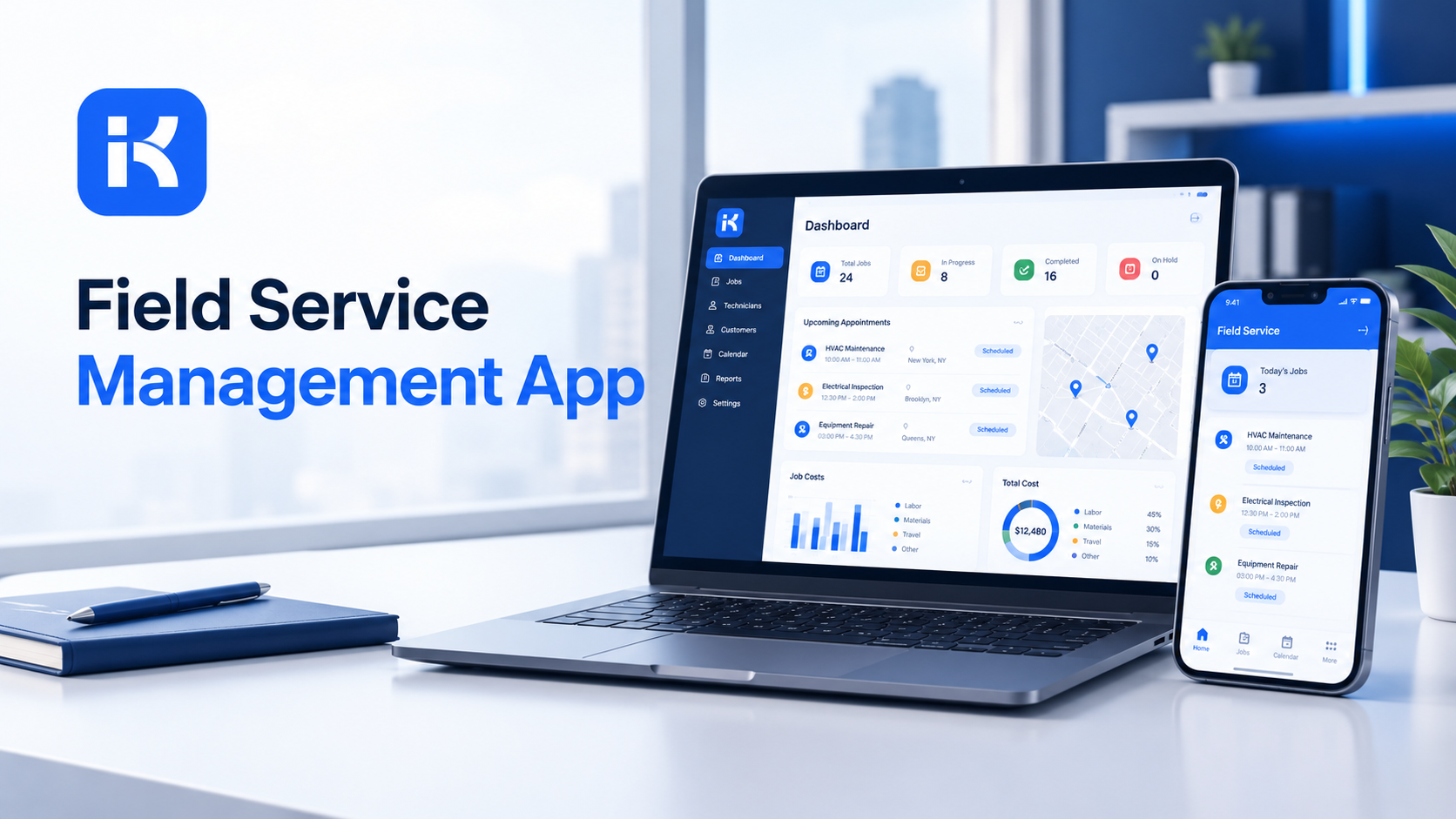
Field service means sending people to a customer's location to install, inspect or repair something. The app that runs it needs a few core jobs done well.
-
Capture requests. Customer, address, problem, priority, preferred time.
-
Schedule and assign. The right technician, the right day.
-
Track the job. From new to scheduled, on the way, in progress and done.
-
Record the work. What was done, parts used, time spent, notes.
-
Report. Open jobs, late jobs, workload per technician, repeat visits.
Keep the first version small. You can always add more later.
Step by step: build your field service management app
Step 1. Map your jobs on one page
Before you build, write down how a job travels today. Who takes the call? Who decides who goes? What does the technician record at the end? Who closes the job?
Honestly, twenty minutes here saves days. Most projects stall because nobody agreed who owns scheduling. Settle that now.
Step 2. Describe the app in one prompt
KodeFlex is an AI development platform and app builder. You describe a business need in plain language, and it generates a runnable app with the frontend, backend and approval flows. Turn your page into a prompt:
-
"A field service app. Dispatchers log a service request with customer, address, issue and priority. A supervisor assigns a technician and a date. The technician updates the job status and records work done and parts used. Managers see open and late jobs."
Rough is fine. You'll tune it next.
Step 3. Set up the data model
|
Record |
Key fields |
Notes |
|---|---|---|
|
Customer |
Name, contact, address, notes |
One record per customer or site. |
|
Job |
Customer, issue, priority, requested date, assigned technician, status |
The center of the app. |
|
Technician |
Name, skills, area, availability |
Used for assignment. |
|
Schedule entry |
Job, technician, date, time slot |
Shows who is where, and when. |
|
Work record |
Job, work done, parts used, time spent, notes |
Closes the job and builds history. |
Step 4. Build the request form
Make logging a job quick. A dispatcher on the phone has about a minute. Keep required fields few: customer, address, issue, priority. Use dropdowns for issue type and priority so reports stay clean.
Step 5. Design the status path and approvals
Shape the flow with visual workflow refinement. A typical path:
-
New. The request is logged.
-
Scheduled. A technician and a date are set.
-
In progress. The technician is on site.
-
Waiting. Parts or a customer decision are needed.
-
Done. Work is recorded and the job is closed.
Add a branch for quotes or large repairs. If a job needs approval above a set cost, route it to a manager before work starts. Add another path for cancelled and rescheduled jobs.
Step 6. Add a schedule view
A simple view of jobs by technician and day is often enough to start. Dispatchers need to see gaps and clashes at a glance. Add reminders for jobs that are still unassigned a day before the requested date.
Step 7. Set permissions
-
Dispatchers create and assign jobs.
-
Technicians see their own jobs and update status and work records.
-
Supervisors see everything for their team.
-
Managers see reports.
Step 8. Preview, test and release
KodeFlex offers live preview, debugging and one-click release and deployment. Use them. Run ten real jobs through the app with the dispatchers and technicians who will use it. Fix what confuses them, then release to one team first.
Write a better prompt for your first version
The first version is only as good as the description you give. Compare these.
|
Weak prompt |
Better prompt |
|---|---|
|
"Build me a field service app." |
"Dispatchers log requests with customer, address, issue and priority. A supervisor assigns a technician and date. Technicians update status and record work done." |
|
"Add scheduling." |
"Show each technician's jobs by day, and flag jobs that are still unassigned one day before the requested date." |
|
"Add approvals." |
"Jobs estimated above a set cost need manager approval before work starts." |
Same tool, very different result. Specific roles, fields and rules give the builder something to work with.
Reports your team will use
|
Report |
Question it answers |
|---|---|
|
Open jobs by priority |
What needs attention first? |
|
Late jobs |
Where are we missing promised dates? |
|
Jobs per technician |
Who is overloaded and who has room? |
|
Repeat visits |
Which problems keep coming back? |
|
Time to complete |
How long do jobs really take? |
How KodeFlex fits
KodeFlex builds internal business apps for enterprise collaboration. For field service, that means requests, assignments, approvals, status tracking and records. It also offers version control and a unified operations dashboard, plus a private deployment option if you want data kept in-house. The KodeFlex home page has the full overview.
Pricing is by license. The KodeFlex pricing page lists lifetime licenses from $1,499 for the Team edition (50 users, 20 apps) and annual licenses from $3,699. Plans change, so check the page.
Where KodeFlex does not fit
Worth saying plainly. Field work happens away from a desk, and the public KodeFlex pages don't document mobile access, offline mode, GPS tracking or route planning. Don't assume them. Ask in a demo, with your real scenario, whether technicians can use the app on a phone and what happens with no signal.
KodeFlex also isn't a payment, invoicing or inventory system. If your technicians need to take card payments on site or scan parts from a warehouse, plan for separate tools. And if live route optimization is central to your business, a dedicated field service product may suit you better.
A practical example: a small repair company
Imagine a repair company with six technicians. This is an illustration, not a case study.
-
Before. Jobs arrive by phone and message. The schedule lives on a whiteboard that nobody else can see.
-
Build. The team logs its job types, builds the request form and sets the status path.
-
Schedule. A simple view shows each technician's day. Unassigned jobs are flagged.
-
Rollout. Two technicians and one dispatcher test for two weeks. Then the whole team joins.
The result isn't magic. Every job simply has an owner, a time and a status that everyone can see.
Common mistakes to avoid
-
Skipping the mobile question. Ask early whether technicians can use the app in the field.
-
Too many required fields. Dispatchers will work around a slow form.
-
No status owner. A job nobody owns sits forever.
-
Overbuilding. Start with requests, assignment and status. Add the rest later.
-
No test with real technicians. They'll spot problems in ten minutes that you'd miss for weeks.
Checklist before you go live
-
Job types and statuses are defined and agreed.
-
One request form is quick to fill in.
-
Every status has an owner.
-
Permissions are tested with real accounts.
-
Mobile and offline needs are confirmed with the vendor.
-
Ten real jobs have gone through the app.
Want to try this on your own jobs? You can request a KodeFlex demo or download KodeFlex and test it yourself.
Frequently asked questions
What is a field service management app?
It's an app that handles service requests, scheduling, technician assignment, job tracking and work records for people who work at customer sites. It gives dispatchers and technicians one shared view of every job.
Can I build a field service app without code?
For the workflow side, yes. Requests, assignments, approvals, status and records can be built with an AI app builder and visual tools. Mobile access, offline use and GPS features depend on the platform, so confirm them first.
What should a field service app track?
At minimum: customers, jobs, technicians, schedule entries and work records. Add parts, quotes and customer sign-off once the basics run smoothly.
Does KodeFlex work offline or on mobile?
The public KodeFlex pages don't document offline mode or mobile access. Ask the KodeFlex team in a demo, using your real field scenario, before you decide.
How long does it take to build one?
A rough first version can come together in an afternoon with an AI builder. Tuning forms, approvals and permissions, and testing with real technicians, usually takes a few weeks.
Do I need a dedicated field service product instead?
If live route optimization, card payments on site or warehouse scanning are central to your work, a dedicated product may fit better. For request and job workflows, a custom app can be enough.
How much does KodeFlex cost?
According to the KodeFlex pricing page, lifetime licenses start at $1,499 for the Team edition (50 users and 20 apps), and annual licenses start at $3,699. Check the page for current plans.
|
Ready to build your field service app? Tell us how jobs move through your team today and we will show you what it looks like as a working app. Request a KodeFlex demo to see it live, or explore the visual workflow tools first. |
Related Blogs
Best Citizen Developer Tools for Business Teams