Best Citizen Developer Tools for Business Teams
2 hours agoPUBLISHED INAi Development
 ali
ali 2026-10-09 14:18:00
 0
0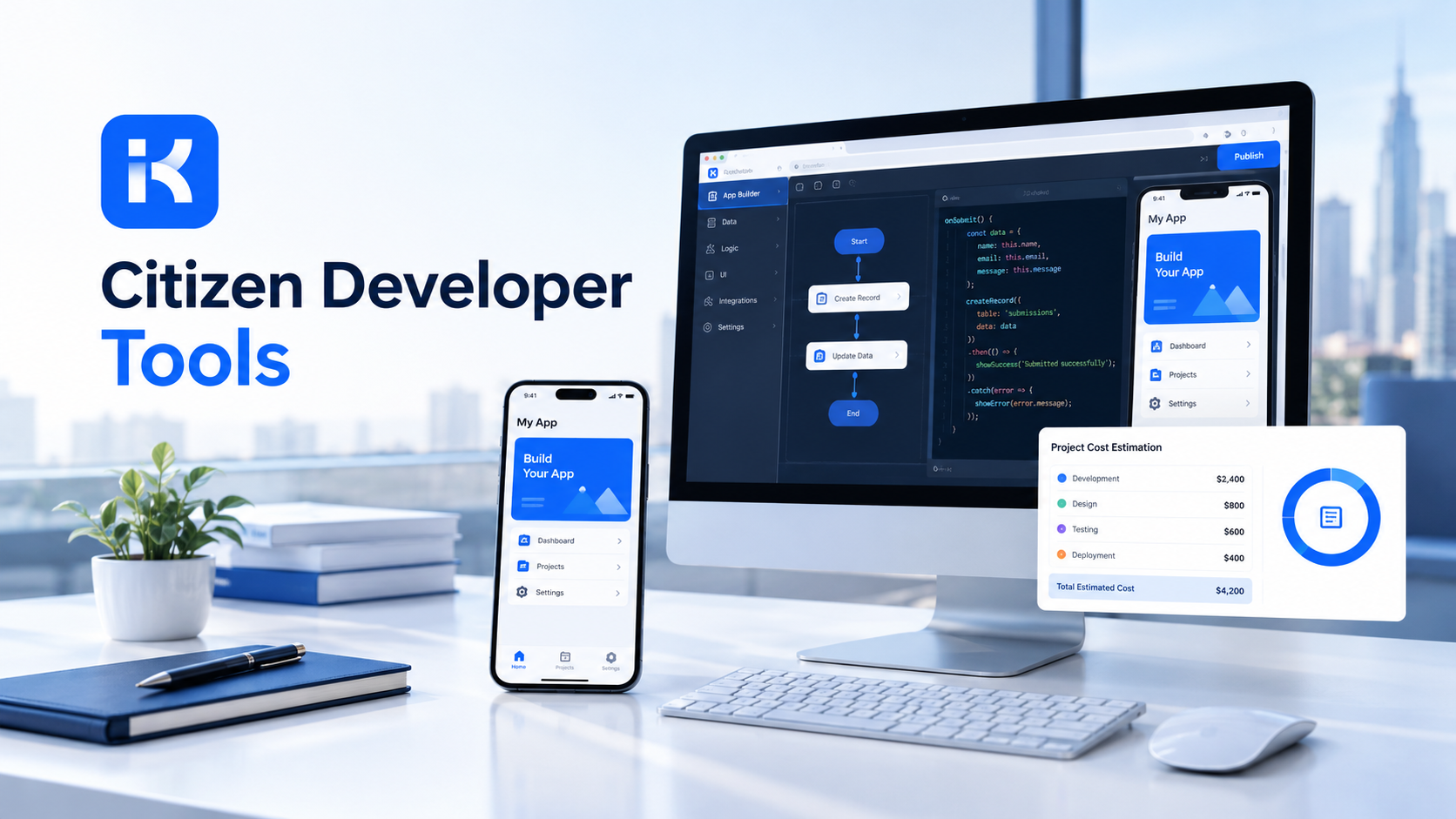
Someone in finance builds a spreadsheet to track purchase approvals. It works. Then eleven people use it. Then it breaks the week she goes on holiday. Nobody else knows how it works, and nobody in IT knew it existed.
That's the citizen developer story in one scene. Business people will build their own tools. The only question is whether they do it safely. This guide compares citizen developer tools, explains what to look for, and shows where the KodeFlex product overview fits.
What is a citizen developer?
A citizen developer is an employee who builds business apps without being a professional programmer. Think operations leads, HR managers, finance analysts. They know the process better than anyone, and modern tools let them turn that knowledge into a working app.
Citizen developer tools are the platforms that make this possible. They usually offer visual builders, templates and, increasingly, AI that can draft an app from a plain description.
The upside is speed and fit. The risk is mess: apps nobody governs, data in the wrong place, permissions set by guesswork. Good tools help with both.
What to look for in citizen developer tools
Ease of building gets all the attention in demos. Governance matters more in month six. Check these first.
|
What to check |
Why it matters |
|---|---|
|
Permissions and roles |
Who can build, who can edit, who can only use. Decide this before the first app. |
|
Review and release steps |
A way for IT or a lead to check an app before many people depend on it. |
|
Version history |
You need to see what changed and roll back when something breaks. |
|
Where it runs |
Some teams need private deployment for data control. Others are fine with the cloud. |
|
Editable output |
If an app can't be changed later, it becomes a black box. |
|
Approval workflows |
Most business apps are really approval paths with forms attached. |
|
Pricing model |
Per user, per app or per license. Compare at your real scale. |
|
Learning curve |
If only one enthusiast can use it, you haven't reduced the bottleneck. |
The best citizen developer tools compared
A fair warning: we didn't test these side by side, so this isn't a ranking. Think of it as a shortlist, with details taken from each vendor's own pricing page where noted. Plans change, so check their sites.
Microsoft Power Apps
A natural pick for teams already living in Microsoft 365. Per Microsoft's pricing page, Power Apps Premium costs $20 per user per month on a yearly plan, with a lower volume price of $12 per user per month for 2,000 or more seats. The page lists unlimited apps, premium connectors and governance and security at scale in the Premium plan. A free developer plan exists for building and testing in non-production environments.
Strengths: deep Microsoft integration and a large maker community. Limits: per-user licensing adds up as more people use apps, and the wider platform has a learning curve.
Zoho Creator
Zoho's low-code platform has plans by tier. Their pricing page lists a Standard plan limited to one application, with Professional and Enterprise plans offering unlimited applications and rising limits on data sources and connectors. There's a free edition for one custom app, and a 15-day free trial. Licensing is per user, and portal users are priced separately.
Strengths: a broad suite of connected business tools and multi-platform deployment. Limits: per-user pricing, and plan limits on apps, data sources and connectors that you'll want to check against your needs.
KodeFlex
KodeFlex is an AI development platform and app builder for enterprise collaboration. You describe a business need in plain language, and it generates a runnable app with the frontend, backend and approval flows. Then you refine it with visual tools for forms, approval paths, rules and branches.
The platform covers generation, design, preview, debugging, release and deployment, with version control and one-click release. It offers a private deployment option, and its home page says non-technical users can take part in building apps. Pricing is by license rather than per user: lifetime licenses start at $1,499 (Team, 50 users and 20 apps), and annual licenses start at $3,699. The KodeFlex pricing page has the details.
Strengths: AI generation, approval-heavy workflows, private deployment and flat license pricing. Limits: it's built for internal business apps, not consumer apps. The public pages don't detail the permission model, so ask about roles and access in a demo.
Others worth checking
Enterprise low-code platforms and spreadsheet-style database tools also serve citizen developers. We haven't covered their details here. Before you shortlist any of them, read their own pricing and governance pages.
Side by side
|
Tool |
Pricing model (per vendor page) |
Notable points |
|---|---|---|
|
Microsoft Power Apps |
Per user per month; free developer plan for non-production |
Premium lists unlimited apps, premium connectors, governance at scale |
|
Zoho Creator |
Per user per month by plan; free edition for one app |
Plan limits on apps, data sources and connectors; portal users priced separately |
|
KodeFlex |
License based: lifetime or annual |
AI generation, visual workflow tools, private deployment option |
How to give business teams safe app-building power
The tool is half the answer. The other half is a few simple rules.
-
Name an owner for the program. One person decides what's allowed.
-
Start with low-risk apps. Internal requests and trackers before anything touching money or customer data.
-
Set roles early. Builders, reviewers and users are different jobs.
-
Add a review step. Someone checks an app before it spreads to a whole department.
-
Keep a list of apps. If nobody knows what exists, nobody can support it.
-
Plan for handover. Every app needs a backup owner.
Common mistakes with citizen development
-
No rules at the start. Apps spread fast. Adding governance later is much harder than adding it first.
-
Picking by demo wow factor. The shiny AI moment fades. Permissions and release control last.
-
Skipping IT. IT doesn't need to build everything, but it should know what exists and how data flows.
-
Letting one hero own everything. When that person leaves, the apps become orphans.
-
Starting with a high-risk app. Begin with simple internal requests and learn from them.
-
Ignoring cost growth. Per-user pricing can climb as adoption spreads. Model it at your real size.
A practical example: an HR request app
An HR coordinator builds a leave and equipment request app. This is an illustration, not a case study.
-
Build. She describes the process in plain words and gets a first version. She adjusts the form and sets a manager approval.
-
Review. An IT lead checks permissions and who can see what.
-
Release. One team uses it for two weeks. Feedback leads to two changes.
-
Own. A backup owner is named. The app goes on the shared app list.
Nothing here needed a developer. IT still kept control, and that's the whole point.
Where KodeFlex does not fit
Be honest about fit. KodeFlex isn't a consumer app builder, and it isn't aimed at graphics-heavy products. If your team mostly lives in Microsoft 365 or Zoho and wants deep links to those tools, check their native options first. And if you need specific integrations, ask about them in a demo, since the public pages don't list connectors.
Checklist before you choose
-
Write down three real apps you want built.
-
List who will build and who will review.
-
Ask about roles and permissions in every demo.
-
Check where apps run and who can reach the data.
-
Compare pricing at your real number of users and apps.
-
Pilot with one team before you sign anything long.
Want to try this on one of your own processes? You can request a KodeFlex demo or download KodeFlex and test it yourself. The KodeFlex home page has the full overview.
Frequently asked questions
What are citizen developer tools?
They're platforms that let employees outside IT build business apps without much code. They usually offer visual builders, templates and AI to draft apps. Good ones add permissions, review steps and version history.
Who is a citizen developer?
An employee who builds business apps without being a professional programmer. Common examples are operations, HR and finance staff who know a process well and want a tool that fits it.
Are citizen developer tools safe for business use?
They can be, with the right setup. Look for roles and permissions, review before release, version history and control over where apps run. Add simple rules and an owner for the program.
What is the difference between low-code and no-code?
No-code tools aim to need no programming at all. Low-code tools reduce coding but allow it for advanced cases. Many platforms offer a bit of both.
How much do citizen developer tools cost?
It varies a lot. Some charge per user per month, such as Power Apps Premium at $20 per user per month on a yearly plan per Microsoft's page. Others charge by license. Check each vendor's page, since plans change.
Can AI help citizen developers?
Yes. AI builders can draft an app from a plain description, which gets non-programmers to a first version fast. Keep the output editable and put a review step before release.
How much does KodeFlex cost?
According to the KodeFlex pricing page, lifetime licenses start at $1,499 for the Team edition (50 users and 20 apps), and annual licenses start at $3,699. Check the page for current plans.
|
Want business teams building safely? Tell us which apps your teams want to build and we will show you what they look like in KodeFlex. Request a KodeFlex demo to see it live, or read the KodeFlex product overview first. |
Related Blogs
How to Build an Order Management System Without Code