How to Build a Recruitment Tracker Without Code
August 30, 2026PUBLISHED INAI Development
 ali
ali 2026-08-30 18:44:00
 0
0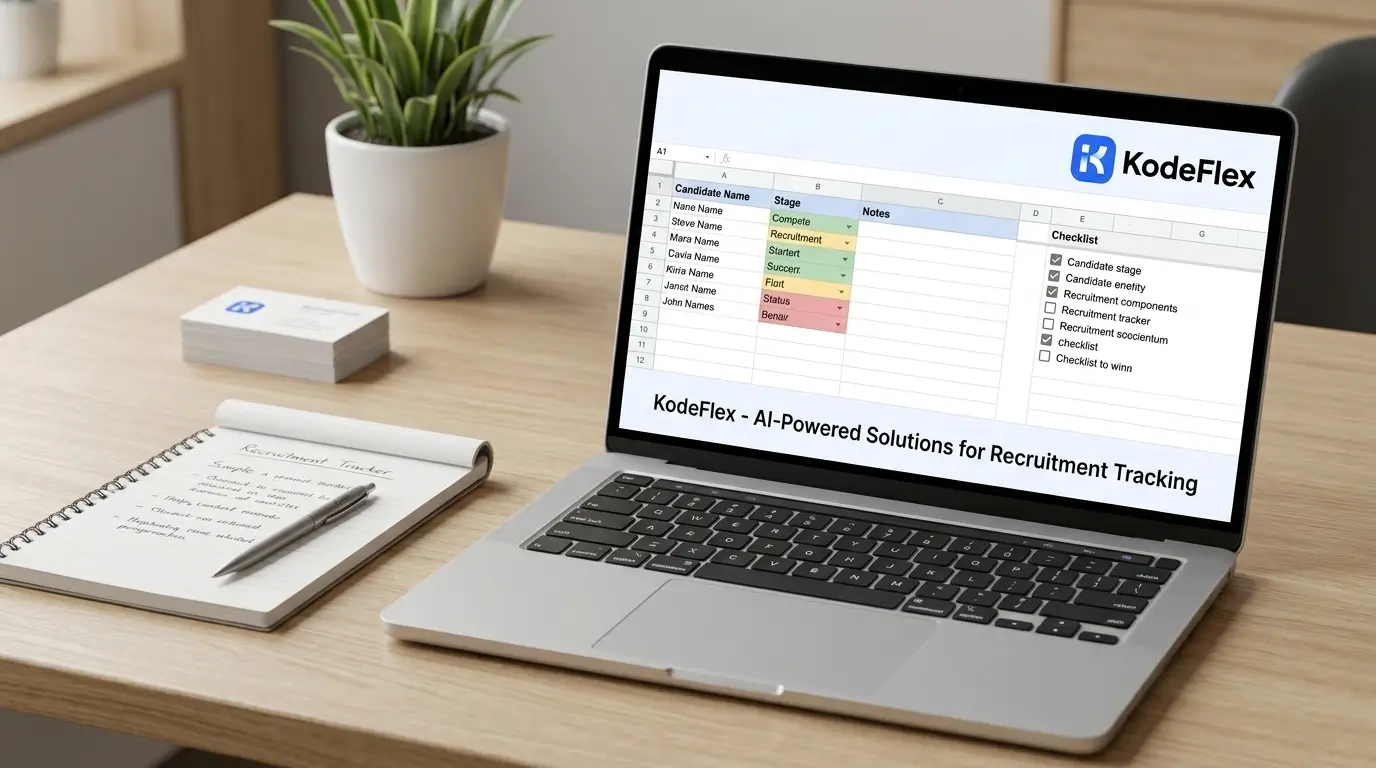
Small hiring teams often run recruitment through a shared spreadsheet or a scattered set of email threads, which works for the first two or three open roles and then quietly breaks down, a candidate's status gets forgotten, feedback from an interviewer never makes it back to the hiring manager, someone falls through the cracks between stages. A lightweight recruitment tracker fixes the coordination problem without requiring a full applicant tracking system subscription.
Here's how to build one, and where a dedicated ATS still earns its cost.
Step 1: Map Your Actual Interview Pipeline
Write down the real stages a candidate moves through at your company, Applied, Phone Screen, Technical Interview, Final Round, Offer, Hired or Rejected, or whatever your actual process looks like. Different roles sometimes need slightly different pipelines, note that upfront if it's the case, rather than forcing every role through an identical stage sequence.
Step 2: Generate the Structure From a Description
Describe it to KodeFlex in plain language, something like "a recruitment tracker where candidates move through Applied, Phone Screen, Interview, Offer, and Hired stages, with each candidate assigned to a hiring manager and interview feedback attached at each stage." The platform generates a working structure: candidate records, stage tracking, and feedback fields, built on the workflow engine so stage transitions are actually tracked, not just noted informally.
Step 3: Build In Structured Interview Feedback, Not Just Notes
Freeform notes get lost or forgotten to fill in. A structured feedback field tied to each interview stage, a rating plus a few specific questions relevant to that stage, makes it far easier to compare candidates fairly later and ensures feedback actually gets captured close to when the interview happened, rather than reconstructed from memory days later.
Step 4: Add Automatic Reminders for Stalled Candidates
A candidate sitting in "Phone Screen" for two weeks with no update is usually an oversight, not a deliberate decision, and it creates a genuinely bad candidate experience. Build in reminders tied to how long a candidate has been in a stage without an update, so hiring managers get nudged before a good candidate goes cold from silence.
Step 5: Give Hiring Managers a Clear Pipeline View
A kanban-style view, candidates as cards moving across stage columns, lets a hiring manager see their open roles' status at a glance, how many candidates are in each stage, who needs a decision. Keep it scoped so each hiring manager sees their own open roles clearly, without needing to filter through every requisition in the company.
Step 6: Test With a Real Requisition Before Full Rollout
Run one actual open role through the tracker end to end before switching every hiring manager over, confirming stage transitions, feedback capture, and reminders all work as expected. Use instance management to test changes to the pipeline structure on a staging version before they affect candidates already in process on the live system.
Where This Fits vs a Full ATS
A self-built tracker works well for small to mid-sized hiring volume with a fairly standard interview process. It's a weaker fit for high-volume recruiting needing job board integrations, resume parsing, or compliance-heavy hiring (EEO reporting, background check integrations), that's where dedicated applicant tracking systems have already built out real depth for exactly that scale.
Frequently Asked Questions
Can different roles have different interview pipelines?
Yes, pipeline stages can be configured per role or role type rather than forcing every position through an identical sequence.
Can interviewers submit structured feedback, not just free text?
Yes, structured feedback fields tied to specific stages make candidate comparisons more consistent than freeform notes.
How long does it take to build a basic recruitment tracker this way?
Most teams have a working draft within the same session, with feedback fields and reminder timing refined shortly after based on real hiring activity.
Can this handle job board integrations or resume parsing?
Not natively at the same depth as a dedicated ATS. High-volume recruiting with those needs is usually better served by established applicant tracking platforms.
Can hiring managers get reminders about stalled candidates?
Yes, time-based reminders tied to how long a candidate has sat in a stage are configured through the workflow engine.
Want to map your actual hiring pipeline into a working tracker?
Visit KodeFlex or request a demo and walk through it together.
Related Blogs
How to Build a Project Management Tool for Your Team