How to Build an Inventory Management App
August 29, 2026PUBLISHED INAI Development
 ali
ali 2026-08-29 18:18:00
 0
0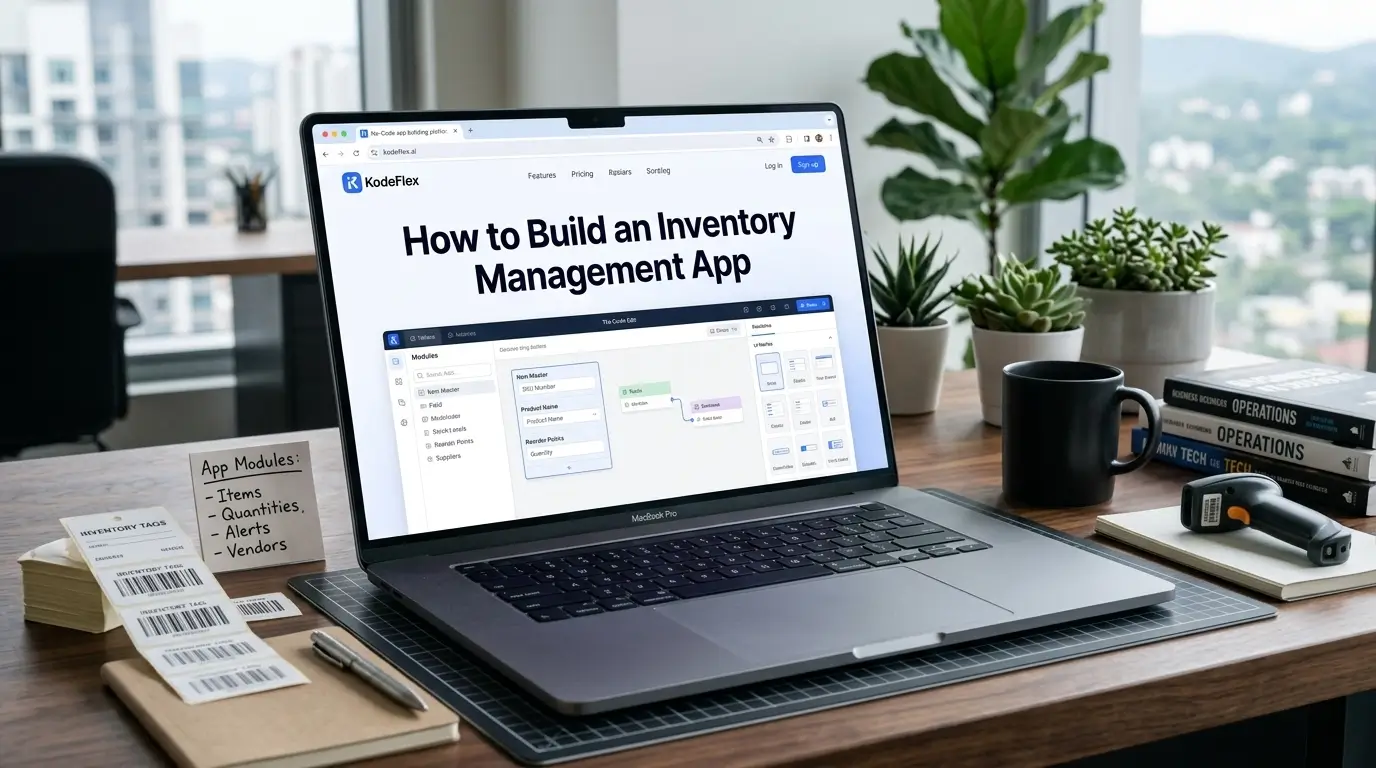
Inventory tracking on a spreadsheet works right up until two people update it at the same time, or nobody notices stock has run low until someone actually needs the item. A basic inventory app fixes both problems, real-time visibility and automatic low-stock alerts, without requiring a full warehouse management system most small and mid-sized operations don't actually need.
Here's how to build one, and the details that make it genuinely useful rather than just a digital spreadsheet.
Step 1: Define What You're Actually Tracking
Start with the basics: what counts as an item (a SKU, a specific product, a raw material), what quantity unit makes sense (each, box, case, kilogram), and whether you're tracking stock at a single location or across multiple ones. If multiple locations are involved, decide upfront whether you need to see stock per-location or just a combined total, this shapes the whole data structure.
Step 2: Generate the App From a Description
Describe the app to KodeFlex in plain language, something like "an inventory app tracking items by SKU with current stock quantity, and an alert when stock falls below a set reorder threshold." The platform generates a working structure: an item catalog, quantity tracking, and threshold-based alert logic, built on the workflow engine so alerts actually fire rather than requiring someone to check stock levels manually.
Step 3: Set Reorder Thresholds Per Item, Not Globally
A single global "low stock" number rarely makes sense, a fast-moving item might need a reorder alert at 50 units while a slow-moving one is fine down to 5. Configure thresholds per item rather than applying one rule across everything, and revisit them periodically as usage patterns actually play out, a threshold set at launch based on guesswork usually needs adjusting once real data comes in.
Step 4: Build In Stock Adjustments, Not Just a Starting Count
Inventory changes constantly, receiving new stock, fulfilling orders, adjusting for damaged or lost items. Build clear, simple actions for each type of adjustment, rather than expecting people to edit a raw quantity field directly, since a dedicated "receive stock" action with a quantity and date is far less error-prone than manually recalculating and typing in a new total number.
Step 5: Add a Simple Audit Trail
When stock counts don't match what's physically on the shelf, and eventually they won't, having a record of who adjusted what and when makes tracking down the discrepancy dramatically faster. This doesn't need to be complicated, a basic log of adjustments with a timestamp and the person who made the change covers most of what's actually needed.
Step 6: Test With Realistic Stock Movements Before Rolling Out
Run through a few realistic scenarios, receiving stock, fulfilling an order that drops an item below its threshold, and confirm the alert actually fires and reaches the right person. Use instance management to test changes to thresholds or workflow logic on a staging version before they affect inventory data your team is actively relying on.
Where This Fits vs Dedicated Inventory Software
A self-built inventory app works well for straightforward stock tracking with a manageable number of SKUs and locations. It's a weaker fit for complex, high-volume warehouse operations needing barcode scanning integration, multi-warehouse logistics optimization, or deep accounting system integration, that's where dedicated inventory or warehouse management platforms have already built out that specific depth.
Frequently Asked Questions
Can the app track stock across multiple locations?
Yes, location-specific tracking can be built in from the start, showing stock per-location or combined totals depending on what your team needs to see.
Can low-stock alerts go to a specific person automatically?
Yes, alert routing based on item or category is standard workflow logic, so the right person gets notified without manually checking stock levels.
How long does it take to build a basic inventory app this way?
Most teams have a working draft within the same session, with reorder thresholds and adjustment types refined shortly after based on real usage.
Does this support barcode scanning?
That depends on your specific setup and integration needs. For heavy barcode-driven warehouse operations, a dedicated inventory platform may offer more built-in support.
Can I see a history of stock changes over time?
Yes, a basic audit trail logging adjustments, who made them and when, can be built in to help track down discrepancies.
Want to map your actual inventory process into a working app?
Visit KodeFlex or request a demo and walk through it together.
Related Blogs
How to Build a CRM Without Code