How to Build a CRM Without Code
August 29, 2026PUBLISHED INAI Development
 ali
ali 2026-08-29 18:07:00
 0
0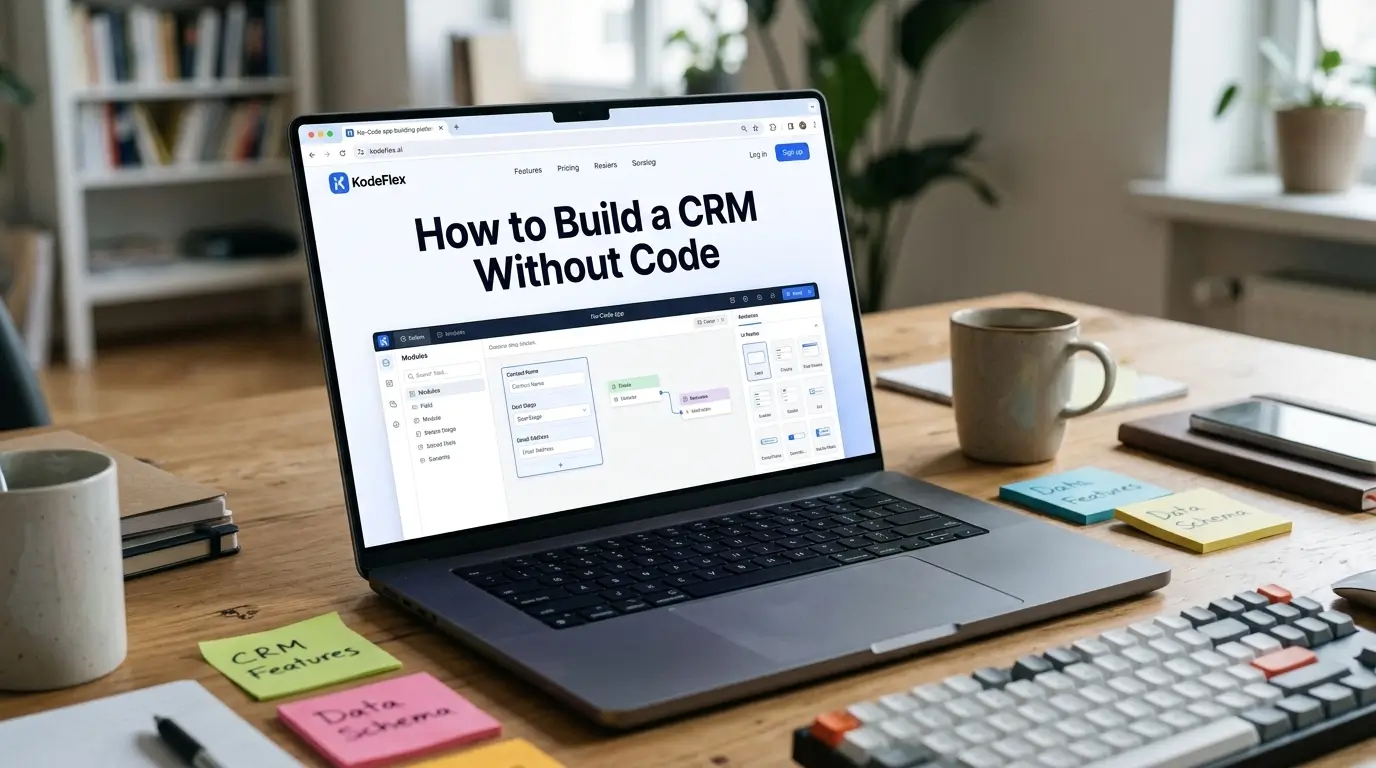
Most CRM platforms are built to cover every sales team's needs at once, which means a lot of teams end up paying for and navigating features they never use. If your sales process is fairly specific, a defined pipeline, a handful of deal stages, particular fields that matter to your business, building a lightweight CRM yourself can actually fit better than adapting your process to a generic one.
Here's how to build one, and where a commercial CRM still wins.
Step 1: Map Your Actual Sales Process First
Before building anything, write down your real pipeline stages, not a generic template, but the actual stages a deal moves through at your company: Lead, Qualified, Proposal Sent, Negotiation, Closed Won, Closed Lost, or whatever your process actually looks like. Note what information genuinely matters at each stage, deal value, expected close date, who owns the relationship, since this becomes your data structure in the next step.
Step 2: Generate the Core Structure From a Description
Describe the CRM to KodeFlex in plain language, something like "a CRM tracking contacts and deals, with deals moving through Lead, Qualified, Proposal, Negotiation, and Closed stages, each deal assigned to a sales rep." The platform generates a working structure: contact and deal records, pipeline stage tracking, and a basic dashboard view, built on the workflow engine so stage transitions are actually tracked, not just labeled.
Step 3: Add the Fields That Actually Matter to Your Deals
Review the generated structure and add fields specific to how your business actually qualifies and tracks deals, deal source, contract length, product line, whatever genuinely informs your sales decisions. Resist the instinct to add every field a commercial CRM offers, a lean CRM with fields your team actually fills in beats a comprehensive one where half the fields sit empty because nobody bothers.
Step 4: Set Up Follow-Up and Reminder Logic
A CRM that doesn't prompt follow-up tends to let deals go quiet. Build in reminders tied to deal stage, a deal sitting in "Proposal Sent" for more than a week without activity might trigger a reminder to the owning rep, using the workflow engine's conditional logic rather than relying on reps to remember to check manually.
Step 5: Build a Pipeline View That Shows What Matters
A kanban-style pipeline view, deals as cards moving across stage columns, gives sales reps and managers an immediate sense of where things stand. Keep this view focused on the handful of fields people actually check daily, deal value, stage, next action, rather than trying to surface everything at once.
Step 6: Test With Real Deal Scenarios Before Rolling Out
Run a few realistic deals through the full pipeline, from lead to closed, before handing it to the sales team. Confirm stage transitions work as expected and reminders fire correctly. Use instance management to test changes to pipeline stages or fields on a staging version before they affect deals already being tracked live.
When a Custom CRM Fits vs When to Buy One
A self-built CRM works well for straightforward B2B sales processes with a clear pipeline and a small-to-mid-sized team. It's a weaker fit if you need deep email integration, marketing automation, or advanced sales analytics and forecasting, that's where established CRM platforms like Salesforce or HubSpot have built out real depth. Know which category your sales process actually needs before deciding.
Frequently Asked Questions
Can a no-code CRM handle a multi-stage sales pipeline?
Yes, pipeline stages and transitions are a standard part of the workflow logic, tracking exactly how your deals actually move.
Can different sales reps see only their own deals?
Yes, role-based visibility can restrict each rep to their own pipeline while managers see the full team view.
How long does it take to build a basic CRM this way?
Most teams have a working draft in the same session, with fields and reminder logic refined shortly after based on the actual sales process.
Can this replace Salesforce or HubSpot entirely?
For straightforward pipelines, often yes. For deep marketing automation, advanced forecasting, or heavy email integration, dedicated CRM platforms still offer more built-in depth.
Can the CRM send automatic follow-up reminders?
Yes, reminders based on stage and time elapsed are configured through the workflow engine's conditional logic.
Want to map your actual sales pipeline into a working CRM?
Visit KodeFlex or request a demo and walk through it together.
Related Blogs
What Is a Visual Workflow Builder?