Text-to-App: How Natural Language Development Actually Works
July 16, 2026PUBLISHED INAi Development
 ali
ali 2026-07-16 23:17:00
 0
0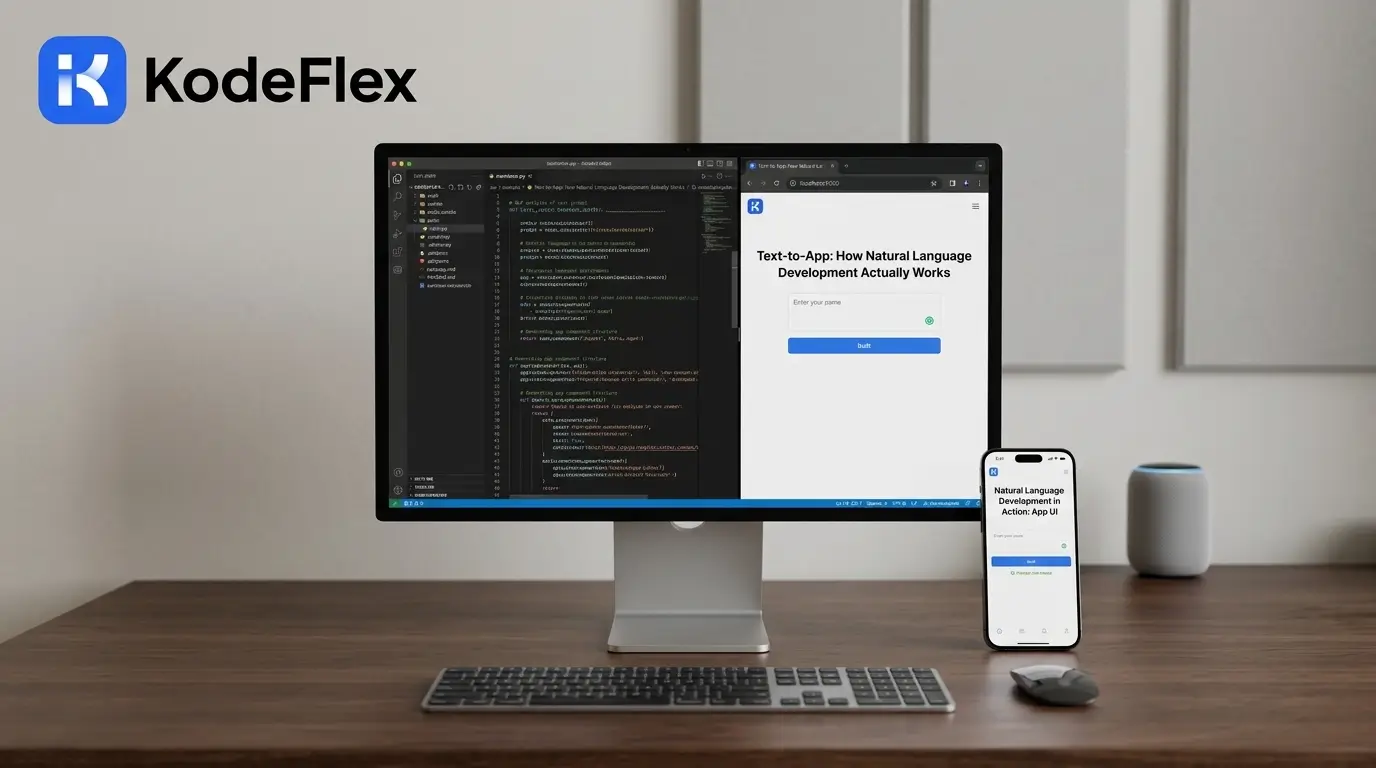
For all but a small fraction of software history, it was necessary to learn a programming language, find a software developer who had the desired product, or wait weeks for a development team to respond to your request. The chasm that exists between “I need this app” and “this app exists” has been the determining force for the pace at which companies can come to life. It's bridging that gap, and it's doing it more quickly than many people anticipated, with text-to-app development.
Text-to-app—also referred to as natural language development—allows someone to command something in plain text and then get an application back that does what they say. No syntax to learn, no drag-and-drop component library to learn, just a sentence that outlines a business need. The marketing version is "type a sentence, get an app. The real story is actually more interesting: It's a multi-stage technical pipeline, starting with a parser for the language, a semantic abstraction, and a generator of code or workflows, and knowing that pipeline is what separates picking a tool that will yield a prototype that works from picking a tool that will yield something your business can actually run on.
This guide explains how the technology of text-to-app works, when it's of real value, when it's still an area for improvement, and the difference between a consumer-based app generator and an enterprise-grade platform.
What Is Text-to-App / Natural Language Development?
Text-to-app (also known as natural language development or prompt-to-app development) is a type of AI-based development tool that is used to turn a written description of an application into a functional piece of software, such as its structure, logic, interface, and, in some cases, its backend.
A user enters commands such as 'Create an app that allows her to track her clients' onboarding process and documents, with manager-level approval stages.’ This system reads the sentence, recognizes the underlying components it suggests (a data model, workflow, some approval step, and some document field), and creates an application around it.
The difference between no-code and low-code tools is that no-code tools still have a visual builder, drag-and-drop fields and configuration menus that the user must fill out. Natural language development removes that assembly step entirely—the AI performs it based on the description alone. That's why the semantic core of this category includes related terms like AI app generation, prompt-based development, conversational app building, and semantic parsing for software — all describing the same underlying shift: language itself has become the development interface.
How Text-to-App Actually Works
This is the part most marketing pages skip. Here's what actually happens between the moment you type a description and the moment an app appears.
1. Natural language parsing and intent extraction
The first problem is to comprehend what you actually requested. This is not just keyword matching, it's finding meaning in your sentence, what entities are involved (a client, a document, an approval step), what actions are required (upload, track, approve), and what relationships between the entities. The vague "an app for my tearelationships exist a vague "app" versus the specific "an app for the team for doing a specific thing with specific fields and steps.
2. Semantic logic abstraction
Once intent is extracted, the system has to translate that meaning into structured application logic — screens, data fields, workflow states, permissions, and conditions. This is the step that separates a real text-to-app platform from a simple template picker. Some systems handle this by generating an intermediate representation of the app's logic before touching any code, which keeps the output compact, controllable, and easier to correct if the AI misreads part of the request.
3. Code or workflow generation
Once the logic is structured, the system produces the real application as either source code (typical of tools based on a framework such as React Native) or a set of instructions run on a platform engine (typical of enterprise-oriented tools). Both methods create an operational application, but both will have very different outcomes from this point on.
-
Bullet-friendly summary of what typically gets generated:
-
Application structure and screen layout
-
Data models and field types
-
Business logic and conditional rules
-
Front-end interface elements
-
Backend or workflow configuration
4. Visual refinement and human review
The raw AI output is rarely flawless as is and is particularly not for anything other than a simple form or list. More useful platforms are the visual layer, which allows the output (forms, approval processes, routing logic) to be viewed and modified without having to rewrite the code from scratch. This is where the natural-language-only tool can actually be put to use for real business processes, not just a proof of concept.
5. Deployment and iteration
The last step is to get the app in people's hands, and the final step is to ensure it continues to function as needs change. This is also where the largest difference between tools emerges: some tools are designed for one-off production of a standalone application, while others are designed to facilitate continuous deployment, multiple environments and long-term support.
Text-to-App vs Traditional Coding vs No-Code/Low-Code
-
Traditional coding: Full control, unlimited customization, but the longest, most technical and expensive per iteration.
-
No-code/low-code: Develops quicker than coding and doesn't require coding skills, but still requires learning the interface and component logic and platform configuration rules.
-
Text-to-app/natural language development: Fastest entry point – describe the need, create a working result, leave the interface assembly and underlying logic to the AI – no-code tools have yet to take over.
Each time the cost-benefit equation shifts in favor of more automaticity, more reliant on the degree to which the AI understands your intent, and less control post hoc.
Why Enterprises Need More Than "Just Generate an App"
Most public discussions of text-to-app technology focus on speed — specifically, how quickly an app can transition from prompt to preview. That's a fair selling point for an individual building a personal project or a startup validating an idea. However, within a business, speed alone isn't the sole requirement.
Enterprise and internal-operations use cases bring constraints that a simple "prompt and download" workflow doesn't address:
-
Governance and approvals: Business processes usually involve multiple stakeholders, review steps, and role-based access—not just a single form.
-
Auditability: When an app touches real operational data, someone needs to be able to see exactly what logic is running and why, not just trust a black box.
-
Long-term maintainability: An app generated once and never touched again isn't useful if the business process behind it changes six months later—and most do.
-
Data security and private deployment: Sensitive internal data (HR records, financials, client information) often can't sit on a public cloud SaaS tool without a compliance conversation first.
This is the layer that separates consumer-facing text-to-app tools—which are excellent for personal apps, MVPs, and rapid prototyping—from platforms built specifically for enterprise collaboration. A platform designed for internal business use needs to treat the AI-generated output as a starting point for a governed, editable, long-lived workflow, not a finished artifact to hand over and forget.
Common Limitations of Text-to-App Tools
No honest breakdown of this category would skip its current limits.
-
Accuracy depends heavily on prompt specificity. A vague description produces a generic app; results improve significantly with detailed, structured input.
-
Complex business logic still benefits from human review. Multi-step approval chains, conditional routing, and edge cases are where AI-generated output most often needs manual correction.
-
Not every generated app is production-ready by default. Some outputs are closer to functional prototypes than deployable systems, particularly for anything beyond a standard CRUD app.
-
Governance doesn't happen automatically. Access control, audit trails, and compliance requirements typically need to be configured deliberately, not assumed.
None of this makes the category less valuable—it just means the tools that pair AI generation with structured, reviewable output tend to hold up better once an app leaves the prototype stage.
How KodeFlex Approaches Natural Language Development
KodeFlex is built for the enterprise version of this problem: turning natural language requirements into structured, controllable collaboration apps—not just fast prototypes.
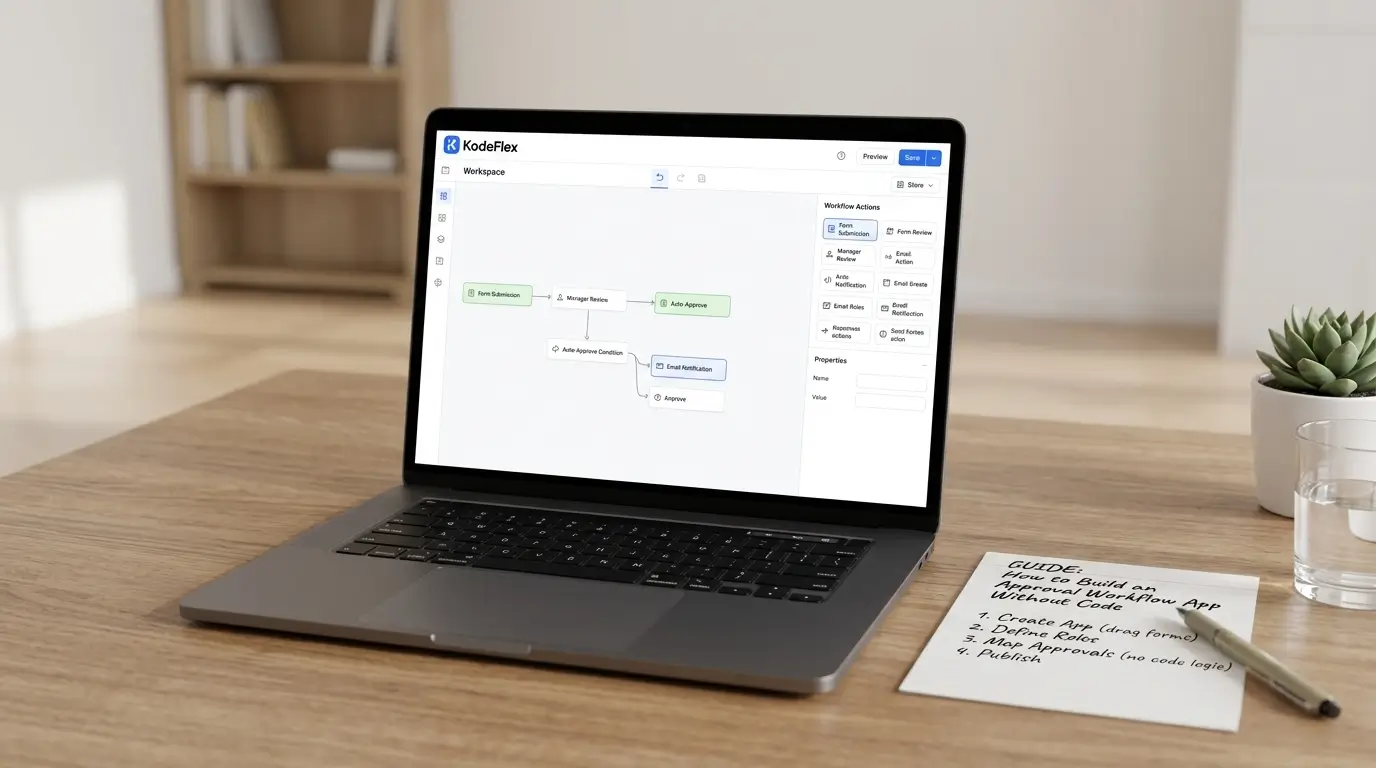
Much like any text-to-app solution, it begins by stating a business requirement, and the AI provides a working app with its layout, screens and backend logic. On top of that, however, is a visual workflow layer that enables teams to further customize approvals, routing and business rules without touching a single line of code, bridging the divide between AI speed and enterprise control.
A built-in delivery flow ensures outputs are organized and editable, a single operations layer handles the app lifecycle end to end, and private deployment enables teams to not store sensitive data publicly. Speed, accuracy, and maintainability—built in together.
Who Should Use Text-to-App Development?
-
Operations and business teams that need internal tools fast, without waiting on an IT backlog
-
Non-technical founders and managers validating a process or workflow before committing engineering resources
-
IT and platform teams looking to reduce repetitive internal app requests without sacrificing governance
-
Enterprises with recurring collaboration needs — approvals, tracking, reporting—that don't justify custom-built software from scratch every time
FAQs
Is text-to-app development the same as no-code development?
Not exactly. No-code still requires manually assembling an app through visual builders, while text-to-app has the AI handle that assembly based on a written description alone.
How accurate is AI at understanding what I actually want?
Accuracy depends heavily on how specific the description is—a detailed prompt with named fields and steps produces far more accurate results than a vague one.
Can text-to-app tools handle complex business workflows, not just simple apps?
Basic generation handles structure well, but complex approval chains and business rules typically need a visual refinement step to be reliable.
Is data secure when using an AI app generation platform?
It depends on the platform—public cloud SaaS tools carry more exposure, while platforms supporting private deployment keep sensitive data within an organization's own infrastructure.
Do I need coding knowledge to use a text-to-app platform?
No. The core appeal of natural language development is that a plain-English description replaces the need to write code, though technical users can often refine the output further.
Conclusion
Text-to-app development has moved past the experimental stage. The underlying mechanisms (description - parsing of the language, abstraction of the meaning, and structured generation) are becoming more reliable, and the distance between “describe an app” and “use an app” is becoming smaller. However, for businesses, the most important tools are not necessarily the fastest—the ones that look at AI generation as the first step towards something manageable, modifiable and secure over time.
When considering the development of natural language for internal collaboration apps, it can be worthwhile to see how these three capabilities work synergically in practice.
Book a KodeFlex demo to see how natural language development can turn your team's next requirement into a running application.
Related Blogs
Enterprise App Builder for Automotive Teams: Workflow, Compliance, Traceability