What Is Business Process Management? BPM Explained
3 hours agoPUBLISHED INAI Development
 ali
ali 2026-10-28 14:38:00
 0
0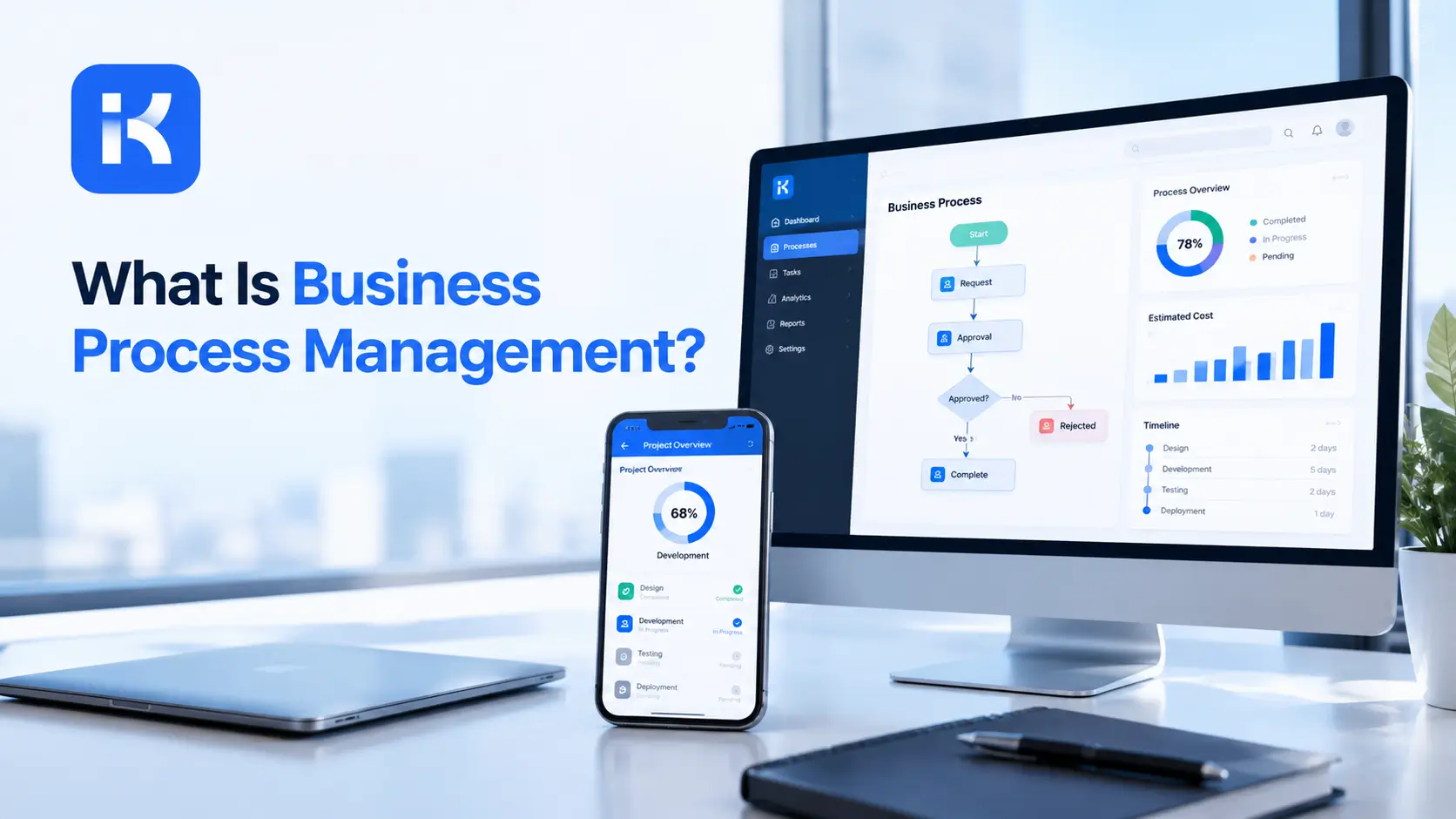
A new supplier needs approving. Procurement sends a form. Legal asks for documents. Finance checks bank details. Each team has its own steps, and nobody has ever drawn the whole path. Approval takes three weeks. Nobody can say why.
Business process management is how you fix that. It gives you a way to see a process end to end, measure it and improve it. This guide explains what BPM is, how its lifecycle works, how it differs from workflow automation and RPA and where to begin. Some processes run in apps, and the app lifecycle and instance management features of an AI builder show one way to do that.
What is business process management?
IBM describes BPM as a management discipline that uses methods to discover, model, analyze, measure, improve and optimize business strategy and processes. Unlike task management, which looks at single activities, or project management, which handles one-off efforts, BPM looks at whole workflows that repeat over time.
Plain version: BPM is about how work flows through your organization, and how to make it flow better.
The BPM lifecycle
IBM describes a five-stage cycle. It repeats, because processes keep changing.
|
Stage |
What happens |
Example question |
|---|---|---|
|
Design |
Define the process and its goals |
What should happen, and who owns it? |
|
Model |
Map the steps, roles and rules |
What does the flow look like on one page? |
|
Execute |
Run the process, often in software |
Who does what, and in which tool? |
|
Monitor |
Track how it performs |
Where does it slow down? |
|
Optimize |
Improve based on what you learn |
What should we change? |
Three types of BPM
|
Type |
Focus |
Example |
|---|---|---|
|
Integration-centric |
Automated flows across systems via APIs |
Syncing CRM and HR records |
|
Human-centric |
Processes with approvals and task assignment |
Leave requests, purchase approvals |
|
Document-centric |
Workflows built around documents |
Contracts with several approval rounds |
Most real processes mix more than one type.
BPM vs workflow automation vs RPA
|
Term |
What it is |
Scope |
|---|---|---|
|
BPM |
A discipline for improving processes end to end |
Broad: strategy, design, measurement |
|
Workflow automation |
Software that runs a process, routing tasks and approvals |
Narrower: execution |
|
RPA |
Bots that repeat tasks on screens |
Narrowest: single task types |
Think of BPM as the plan, workflow automation as one way to run it and RPA as a tool for specific steps.
Benefits of BPM
-
Efficiency and lower costs. Fewer wasted steps.
-
Accountability and transparency. Everyone can see who owns what.
-
Scalability. Clear processes grow more easily.
-
Better experience for employees and customers.
-
Less reliance on IT when low-code tools are used for changes.
Common BPM tools
|
Tool type |
What it does |
|---|---|
|
Process modeling tools |
Draw and document how a process works |
|
Process mining tools |
Show how a process really runs from system data |
|
Workflow and approval apps |
Run the process with forms, rules and records |
|
Automation tools |
Connect systems and repeat tasks |
|
Reporting tools |
Measure performance |
How to start with BPM
-
Pick one process that hurts. Long waits, rework or complaints.
-
Name an owner. One person accountable for results.
-
Map how it really runs. Ask the people who do the work, not just the manual.
-
Find the slow spots. Waiting, handoffs, re-typing.
-
Redesign the path. Remove steps before you automate any.
-
Run it in a tool. An approval app or workflow tool.
-
Measure and repeat. Compare time and rework, then improve again.
Process mapping basics
A process map doesn't need special software. A page and a pen will do for a first pass.
-
Start and end. What triggers the process, and what counts as done?
-
Steps. Write each action in a short phrase.
-
Owners. Put a name or role on every step.
-
Decisions. Mark where the path splits, such as approve or reject.
-
Waits. Mark where work sits and for how long.
-
Systems. Note which tool each step uses.
Warning signs a process needs BPM
|
Sign |
What it usually means |
|---|---|
|
People ask "where is my request?" |
No visibility |
|
The same data is typed twice |
Manual handoffs |
|
Approvals take longer than the work |
Too many steps or unclear owners |
|
Only one person knows how it works |
Process lives in someone's head |
|
Errors keep coming back |
Rework not tracked or fixed at the source |
Questions to ask when choosing a BPM tool
-
Can business users change a process? If not, IT becomes the bottleneck.
-
How are approvals handled? Look for paths, rules and branches.
-
Can we see how it performs? Reports and history matter.
-
Where does it run? Check deployment and data control.
-
What does it cost at our scale? Compare per-user and license models.
How KodeFlex fits
KodeFlex is an AI development platform and app builder for enterprise collaboration. You describe a business need in plain language, and it generates a runnable app with the frontend, backend and approval flows. Then you refine it with visual tools for forms, approval paths, rules and branches.
In BPM terms, KodeFlex covers the execute stage for people-and-approvals processes: forms, approval paths, rules and records. The platform covers generation, design, preview, debugging, release and deployment, with version control, one-click release and a unified operations dashboard. It also has a private deployment option if you want data kept in-house. The KodeFlex home page has the full overview.
Pricing is by license. The KodeFlex pricing page lists lifetime licenses from $1,499 for the Team edition (50 users, 20 apps) and annual licenses from $3,699. Plans change, so check the page.
Where KodeFlex does not fit
Worth saying plainly. KodeFlex isn't a full BPM suite. It doesn't offer process modeling in standard notations, process mining or simulation, as far as the public pages show. It builds internal business apps. Use it to run processes, and use other tools to model and mine them if you need those.
A practical example: supplier onboarding
This is an illustration, not a case study.
-
Design. Goal: onboard a supplier in one week. Owner: procurement.
-
Model. One page showing steps for procurement, legal and finance.
-
Execute. An approval app with a form, parallel checks and a final sign-off.
-
Monitor. Time per step and number of send-backs.
-
Optimize. Remove a duplicate document request. Combine two checks.
Common mistakes to avoid
-
Automating before understanding. Map and simplify first.
-
No owner. Processes without owners drift.
-
Too big a start. One process at a time.
-
Mapping the manual, not the reality. Ask the people doing the work.
-
No measures. Without them, you can't tell if it worked.
How to measure a process
|
Measure |
Question it answers |
|---|---|
|
Cycle time |
How long from start to finish? |
|
Waiting time |
How long does work sit between steps? |
|
Rework rate |
How often does it bounce back? |
|
Volume |
How many items per week or month? |
|
Cost per item |
What does each one cost to process? |
Checklist before you begin
-
One process chosen and owned.
-
Current path mapped with the people who do the work.
-
Pain points marked.
-
A measure picked for before and after.
-
A tool chosen to run the new process.
Want to see how a process runs in an approval app? You can request a KodeFlex demo or download KodeFlex and try it on one of yours.
Frequently asked questions
What is business process management?
BPM is a discipline for discovering, modeling, analyzing, measuring and improving end-to-end business processes, so work flows better across the organization.
What are the stages of the BPM lifecycle?
Design, model, execute, monitor and optimize. The cycle repeats as processes change.
What is the difference between BPM and workflow automation?
BPM is the broader discipline of improving processes. Workflow automation is software that runs a process by routing tasks and approvals.
Is BPM the same as RPA?
No. RPA automates repeated screen tasks. BPM looks at whole processes and how to improve them. RPA can be a tool inside a BPM effort.
Do I need BPM software?
Not always. You can start with a one-page map and a simple approval app. Modeling and mining tools help as you scale.
Where does KodeFlex fit in BPM?
KodeFlex helps with the execute stage for people-and-approvals processes. It isn't a full BPM suite.
How much does KodeFlex cost?
According to the KodeFlex pricing page, lifetime licenses start at $1,499 for the Team edition (50 users and 20 apps), and annual licenses start at $3,699. Check the page for current plans.
|
Ready to run your first improved process? Tell us which process needs fixing and we will show you what it looks like as a working app. Request a KodeFlex demo to see it live, or explore the app lifecycle and instance management features first. |
Related Blogs
How to Build an Incident Reporting App