App Builder for Retail Businesses: Complete Guide
3 hours agoPUBLISHED INAi Development
 ali
ali 2026-10-06 12:36:00
 0
0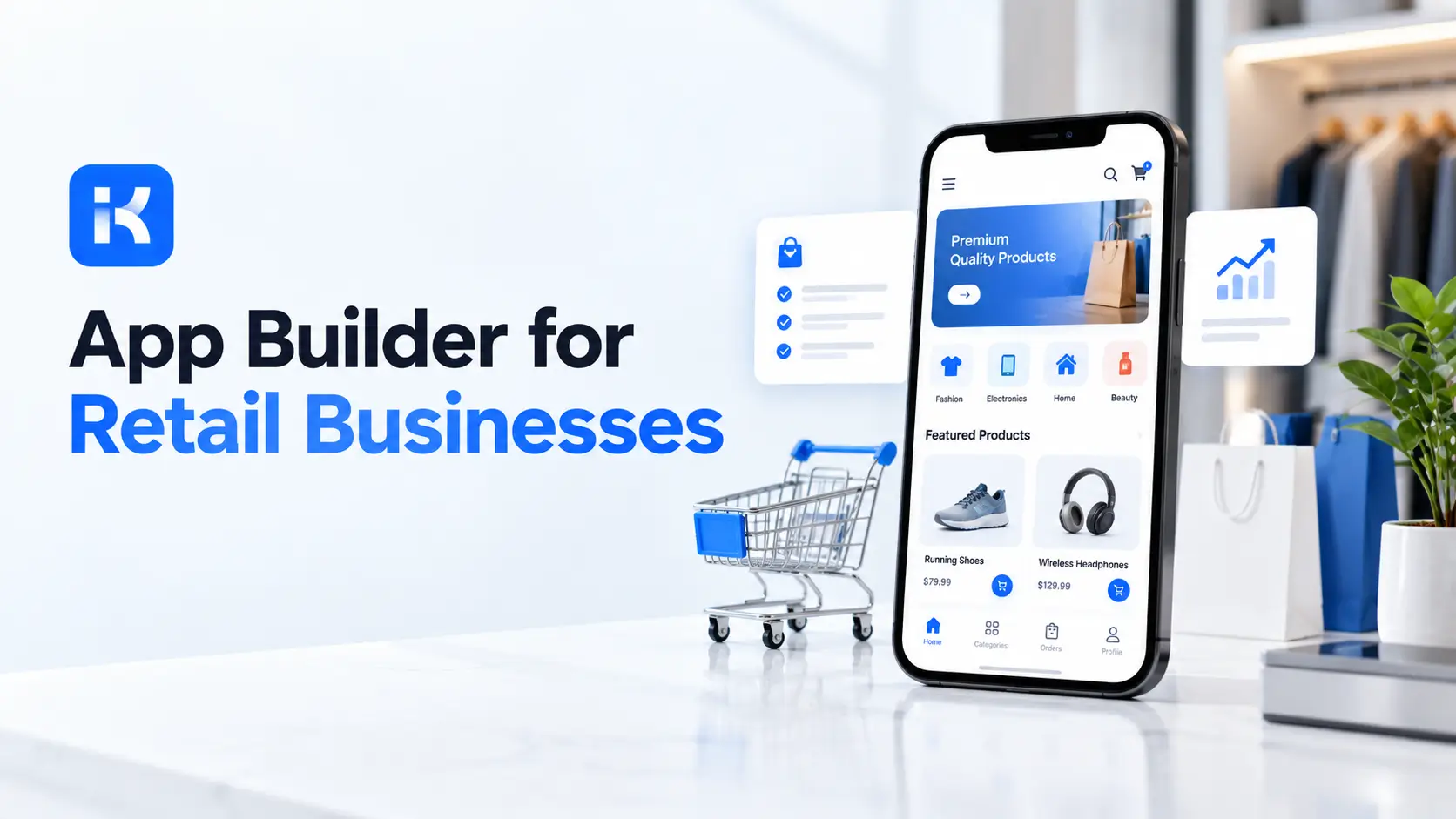
It is Saturday, 4pm. A store manager needs six more cases of a product that is selling out. She texts the area manager. He replies "ask head office." Head office wants a form. The form lives in an email from March. Sound familiar?
Most retail teams run their back office on texts, spreadsheets and email threads. It works until it does not. An app builder for retail fixes that part. In this guide we look at where it helps, what to check before you pick one, and where it simply does not fit. If you want to see it on your own process, you can request a KodeFlex demo at any point.
What is an app builder for retail?
It is software that turns a plain description of a process into a working internal app. You type something like "stores request stock, area managers approve, head office fulfils." The tool builds the forms, the approval steps and the screens. Then you adjust.
Developers are not out of the picture, to be fair. But the small, boring, very specific apps that stores need no longer wait six months in their queue. Most of those requests are about how people work together. Who asks. Who approves. Who gets told.
Worth saying plainly: this is the layer around your tills and your website. Not the tills and the website themselves.
Where retail teams use internal apps
Start with the work that bounces between a store and head office. That is where messages get lost.
|
Use case |
What the app does |
Who touches it |
|---|---|---|
|
Inventory requests |
Store submits a stock request with quantity and reason. Routes to the area manager, then to the warehouse. |
Store, area manager, warehouse |
|
Store audits |
Checklist with photos and scores. Failed items open a fix task automatically. |
Auditor, store manager |
|
Purchase approvals |
Spend request goes to the right approver by amount. Rules decide who sees it. |
Store, finance, buyer |
|
Returns and refunds |
Exception requests, such as a refund above the usual limit, get a reason and a second signature. |
Cashier, supervisor, finance |
|
Shift and task handoffs |
Opening and closing notes. Tasks pushed from head office with a due date and a done button. |
Head office, store team |
Inventory requests
This is usually the first one. Stores need stock. Someone has to say yes. An app gives every request a number, an owner and a status. No more "did you get my email?"
You can also see patterns. Which store asks every Friday? Which product gets requested twice a week? A spreadsheet hides that. A request log shows it.
Store audits
Paper checklists get lost. Or they get filled in at the office after the visit, from memory. A digital checklist is filled in on the shop floor. A failed item creates a task for the manager, with a deadline.
Purchase approvals
Small spends are the worst. A new shelf unit. A broken fridge. They sit in someone's inbox for days. Set rules by amount and category, and requests find the right person on their own.
Returns and exceptions
A cashier cannot approve a big refund alone. Fair enough. But chasing a supervisor mid-queue is slow. An exception form with a reason and a second approver keeps a clean record. Retail Dive, citing Appriss Retail, reports that at least 20% of shrink is attributed to false refunds. So a paper trail on exceptions is worth having.
Shift and task handoffs
Head office launches a promotion. Fifty stores need to set up a display by Monday. Who did it? Who did not? A task app answers that in one screen. Stores tick items off. Head office sees the gaps without making a single call.
What to look for in an app builder for retail
Plenty of tools promise this. A few things separate the useful ones from the demos.
-
Approval flows that handle real rules. Amount limits, branches, second approvers. Retail approvals are rarely one step.
-
Roles and permissions. A store sees its own requests. An area manager sees a region. Finance sees everything.
-
Editable output. If AI builds the first version, you must be able to change it without starting over.
-
Versioning. You will tweak the app every few weeks. You need to roll back when a tweak goes wrong.
-
Many stores, one app. Different regions or brands often need slightly different versions of the same app.
-
Deployment choice. Some retailers want the data on their own servers. Ask if that is possible.
-
Honest limits. A vendor that tells you what it does not do is easier to trust.
How KodeFlex fits
KodeFlex is an AI development platform from EasySoft INC. According to the KodeFlex product page, you describe a business need in natural language and it assembles a runnable zero-code application, with the frontend, backend and approval flows included. You can then refine forms, actions and workflows visually.
|
Retail need |
What the KodeFlex pages describe |
|---|---|
|
A first version fast |
One-prompt generation of the app, with editable structured configuration. |
|
Approval rules |
Workflow orchestration for approval paths, routing logic and branches. |
|
Changes over time |
Version control, live preview, one-click release and deployment. |
|
Many stores or brands |
Multiple instances from one app, with one-click upgrades, and the option to enable or suspend an instance. |
|
Data control |
Private deployment option, so data does not have to leave your own environment. |
The KodeFlex home page lists forms, approvals and workflows among its core use cases. Cost matters too. The pricing page shows lifetime licenses from $1,499 (Team, 50 users, 20 apps) and annual licenses from $3,699. Plans change, so check the page before you plan a budget.
Where an app builder does not fit
Let's be straight about this. KodeFlex is built for internal business apps and enterprise collaboration. It is not a point of sale system. It does not take card payments at the till. It is not an e-commerce storefront either, so it will not run your online shop, your cart or your checkout.
It is also not meant for consumer mobile apps or graphics-heavy products. So if you want a shopper loyalty app in the App Store, look elsewhere.
And some things we cannot say from the public pages. The KodeFlex site does not list specific POS or ERP integrations. If your stock numbers live in a particular system, ask about that on a demo before you assume anything. Do not skip that question.
An illustration: a stock request app for twelve stores
Picture a regional chain with twelve stores and one warehouse. Stock requests arrive by text and email. Nobody knows what is pending. (This is an illustration, not a case study.)
-
Describe it. The ops lead writes a short brief. Stores submit requests. Area managers approve. The warehouse fulfils or declines, with a reason.
-
Refine it. Requests above a set value need a second approval from head office. That is one rule in the workflow editor.
-
Test it. Two stores try it for a week. They find the form is missing a "needed by" date. Added in minutes.
-
Roll out. The other ten stores join. Each store sees only its own requests. The warehouse sees all.
What changes? The warehouse lead opens one list instead of a message thread. Area managers stop forwarding. Stores get a status, not silence.
Checklist: before you build your first retail app
-
Pick one process that causes daily friction. Stock requests are a safe start.
-
Write down who asks, who approves and who gets told.
-
List the approval rules, including amounts and exceptions.
-
Name two stores to test it. Book their time.
-
Decide who can see what, by store, region and head office.
-
Check where your stock data lives, and ask how the app should connect to it.
-
Launch to a small group first. Collect complaints for two weeks.
-
Then roll out to everyone and keep a list of requested changes.
Ready to test it on your own stock request process? Request a KodeFlex demo and bring your messiest workflow. You can also download KodeFlex to try it yourself.
Frequently asked questions
What is an app builder for retail?
It is a tool that turns a plain description of a process into a working internal app. Retail teams use it for stock requests, audits, approvals and task handoffs. It is for the work around selling, not the selling itself.
Can an app builder replace my POS?
No. A POS handles sales at the till and a builder does not. KodeFlex is for internal business apps, so it sits next to your POS and not in place of it.
Do I need developers to use one?
Not for most store level apps. Someone who knows the process can describe it and adjust the result. For connections to other systems you may still want technical help, so ask about that early.
Can one app work across many stores?
That is a common need. KodeFlex describes running multiple instances from a single app, with version provisioning and one-click upgrades. Ask in a demo how that would work for your regions.
Is it safe for company data?
Ask the vendor directly. KodeFlex says it offers private deployment, which keeps data in your own environment. Check security details with them before you load anything sensitive.
How long does it take to build a retail app?
The KodeFlex site says one prompt can produce a runnable app within minutes. A real rollout takes longer, because stores need to test it and you will change things. Plan for a pilot of a couple of weeks.
How much does KodeFlex cost?
The pricing page lists lifetime licenses from $1,499 for the Team edition (50 users and 20 apps), and annual licenses from $3,699. Plans can change, so check the page for current numbers.
|
Want to see an app builder for retail on your own process? Bring one workflow that keeps getting stuck between stores and head office. We will show you how it looks as a working app. Request a KodeFlex demo to see it live, or look at the product page first. |
Related Blogs
Rapid Application Development: Complete Guide (2026)