Best Retool Alternatives in 2026 (Compared)
3 hours agoPUBLISHED INAi Development
 ali
ali 2026-10-06 12:40:00
 0
0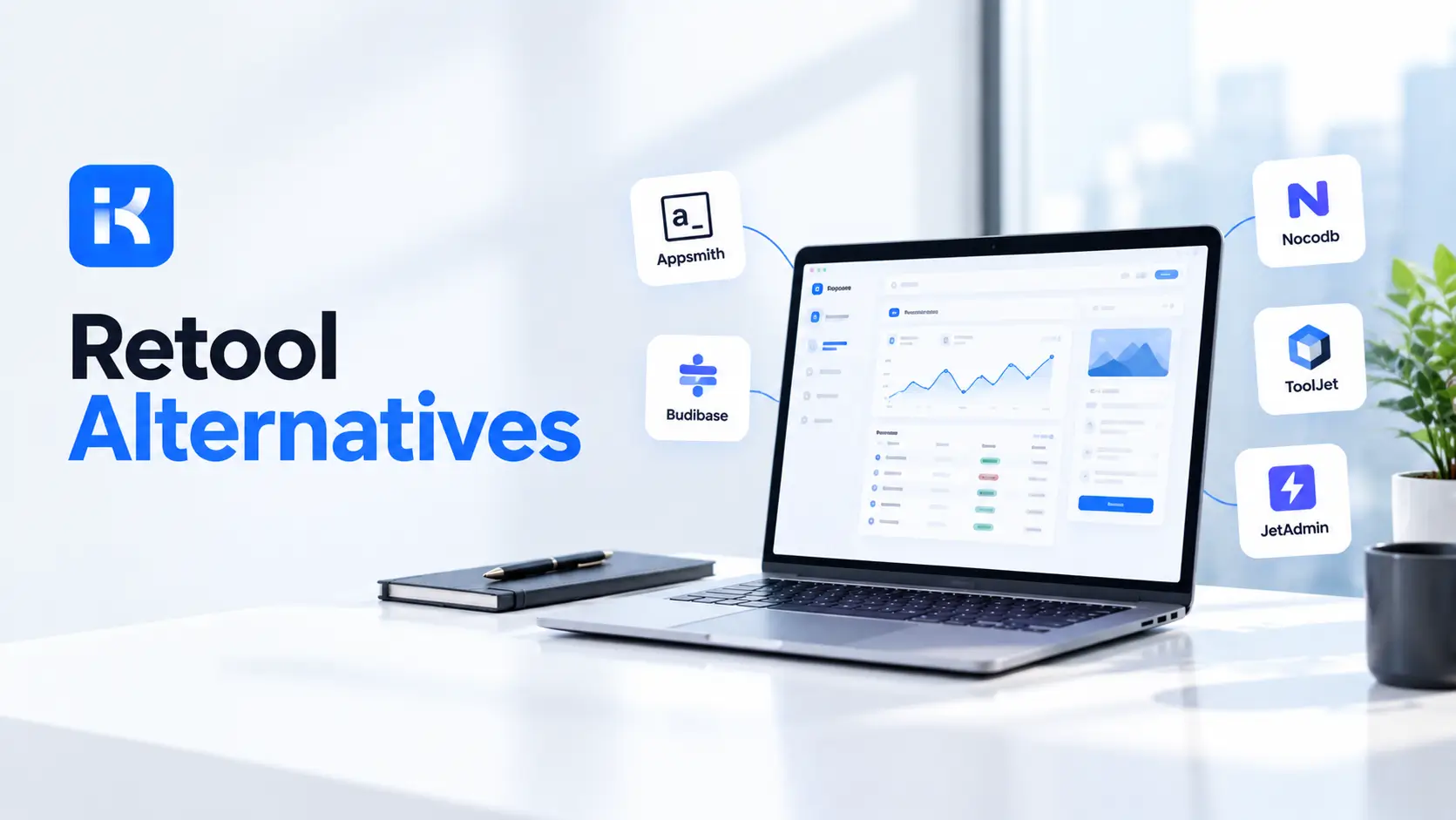
A team of eight builds an admin panel in Retool. It works. Then the company grows, the internal users go from eight to eighty, and the invoice stops being a rounding error. Someone in finance asks, "Is there anything cheaper?" So begins the hunt for Retool alternatives.
Fair question. Retool is a strong product, and we will say so. But it is not the only way to build internal tools, and the others work differently on price, hosting and AI. Below are five worth a look, with honest limits for each. Prices move, so check every vendor page before you decide. Ours is on the KodeFlex pricing page.
Why teams look at Retool alternatives
Retool describes itself as a platform for building internal software with AI. It offers an AI app builder, workflows, agents and mobile apps, and it lists SOC 2, SAML and self-hosting options. None of that is a weakness.
So why leave? Usually one of three reasons shows up. Here is what Retool's own pricing page says, when we checked.
-
Pricing by role. The Team plan lists $10 per month per builder and $5 per month per internal user. Business lists $50 per builder and $15 per internal user. Those add up as more people use the tools.
-
Hosting. The page says full self-hosting, air-gapped or cloud options come with the Enterprise plan, which has custom pricing.
-
AI credits. Each plan has a monthly pool of AI credits. Fine for some. A cap to watch for others.
Maybe none of these bother you. Then stay put. If one of them does, read on.
Retool alternatives compared at a glance
This table uses each vendor's public pricing page. Pricing models differ, so you cannot compare one number to another directly. A per-builder plan and a lifetime license are different animals.
|
Tool |
Best for |
Entry price on its page |
Self-hosting |
AI in the build |
|---|---|---|---|---|
|
KodeFlex |
Internal approvals and cross-team workflows |
Lifetime from $1,499 (50 users, 20 apps). Annual from $3,699. |
Private deployment option |
One-prompt app generation |
|
Appsmith |
Teams that want open source and code control |
Free tier. Business $15 per user per month. |
Community edition. Airgapped on Enterprise. |
Natural language prompts and code copilots |
|
Budibase |
Small teams starting free |
Open source free. Cloud Pro $19 per month. |
Open source and Enterprise self-hosted |
AI credits on cloud plans |
|
ToolJet |
Teams that want per-builder pricing |
Free tier. Basic $23 per builder per month. |
Free community edition. Air-gapped on Enterprise. |
AI credits, full app generation |
|
Superblocks |
Larger teams with governance needs |
Teams from $100 per month billed annually. |
Hybrid and cloud-prem |
Clark AI agent |
1. KodeFlex
KodeFlex is an AI-powered development platform from EasySoft INC., aimed at enterprise collaboration. According to the KodeFlex product page, you describe a business need in plain language and it generates the frontend, backend and approval flows. You then refine forms and workflows visually, with live preview, version control and one-click release.
Strengths. The pricing is the big difference. The KodeFlex pricing page lists lifetime licenses at $1,499 (Team, 50 users, 20 apps), $2,499 (Professional, 120 users, 50 apps) and $3,199 (Enterprise, unlimited). Annual plans start at $3,699. Support, updates, installation and migration are listed with the lifetime plans. A private deployment option is available. Several instances can run from one app.
Limits. Be honest with yourself here. KodeFlex is built for internal business apps. It is not for consumer mobile apps or graphics-heavy products. Its public pages do not list a catalog of database and API connectors the way some rivals do, so ask about your data sources in a demo. It also does not say it is open source.
2. Appsmith
Appsmith calls itself an open-source low-code application platform. Its site says you can connect databases, SaaS tools, APIs and LLMs, build with drag and drop or prompts, and add JavaScript when you need it. Git integration is part of the story.
Strengths. A community edition under the Apache 2.0 license, a free cloud tier for up to five users, and a pricing page that says developers do not cost extra. Business is listed at $15 per user per month, for up to 99 users.
Limits. Past 99 users you are on Enterprise, listed at $2,500 per month for 100 users. SSO through SAML or OIDC and the airgapped edition sit there too. And it is code friendly, which is great for developers and less so for a manager who wants to build alone.
3. Budibase
Budibase offers an app builder, an automation builder and an agent builder. The self-hosted open-source version is free, and its pricing page says it has unlimited apps, automations, agents and users.
Strengths. Cheap to start. Cloud Pro is listed at $19 per month. You can also run it yourself and pay nothing.
Limits. Read the fine print on cloud plans. They count monthly "actions", and the page calls them hard limits that need a plan upgrade when you go over. The open-source edition is limited to one workspace and community support.
4. ToolJet
ToolJet is another open-source option. It has a free community edition you can host yourself, plus cloud plans priced per builder.
Strengths. The free cloud tier lists two builders, up to 50 end users and 10 apps. The pricing page states that full app generation costs about 100 AI credits on average, so the cost of AI is easy to estimate.
Limits. The per-builder price climbs. Basic is $23, Pro is $79 and Team is $199 per builder per month (with a 20% discount on annual billing). Air-gapped deployment and multi-instance support are Enterprise features. AI credits do not roll over from month to month.
5. Superblocks
Superblocks calls itself an enterprise AI vibe coding platform. Teams build business apps on private data, with an AI agent named Clark.
Strengths. Deployment choice. The page lists cloud, hybrid (production data stays in your own VPC) and cloud-prem on AWS, GCP or Azure. It lists RBAC on Teams, and source control integration with GitHub, GitLab, Bitbucket and Azure DevOps on Enterprise.
Limits. Teams starts at $100 per month billed annually, and includes up to 15 builders and one hosted app, with extra apps at $10 a month each. That setup suits a platform team more than one manager with a small idea. Much else is custom priced, so you will be talking to sales.
How to choose between Retool alternatives
Skip the feature checklists. They all say yes to everything. Ask these instead.
-
Who pays per head? If most of your users only approve and view, per-user pricing hurts. A license with a user cap may suit you better. Or open source, if you can run it yourself.
-
Where must it run? Some data cannot leave your servers. Check self-hosting, private deployment and what plan unlocks it.
-
Who builds? Developers who want code and Git will like Appsmith or ToolJet. A business team that wants to describe a process and adjust it may prefer a prompt-first tool.
-
What will the apps do? Admin panels over a database are one thing. Approvals and requests across teams are another. Pick the tool built for your job.
-
What is the real cost? Add builders, users, AI credits, hosting and support. Then add the time to run the thing.
Honestly, run a small pilot with two tools. One real workflow. One week. You will learn more than any comparison page can tell you, including this one.
A fair word on switching
Moving off Retool is work. Plan to rebuild your apps in the new tool rather than import them, and ask the new vendor what migration help exists. You will also reconnect data sources. For a handful of simple apps, that is fine. For fifty apps, plan it like a project, or keep Retool for the heavy ones and use something else for new work.
Want to see how a prompt-first approach feels on a process of your own? Request a KodeFlex demo or download KodeFlex and test it yourself. The KodeFlex home page has the overview.
Frequently asked questions
What are the best Retool alternatives in 2026?
Five worth a look are KodeFlex, Appsmith, Budibase, ToolJet and Superblocks. Which one wins depends on how you want to pay, where the app must run, and who is building it. Check each vendor page for current plans.
Is there a free Retool alternative?
Yes, a few. Appsmith, Budibase and ToolJet all list open-source or free options you can self-host. Free software still costs time to run, so count that too.
Which Retool alternative is best for self-hosting?
Appsmith, Budibase and ToolJet offer open-source editions. KodeFlex lists a private deployment option and Superblocks lists cloud-prem. Retool itself offers self-hosting on its Enterprise plan.
Which alternative has the best AI features?
They all have AI now, but in different ways. KodeFlex generates a full app from one prompt. Appsmith leans on copilots for code. ToolJet and Budibase use AI credits. Superblocks has its Clark agent. Try each on one real task.
Is Retool still worth it?
For many teams, yes. It has a big feature set and strong security and compliance listings. If per-user pricing or hosting is not a problem for you, there is no need to move.
How hard is it to migrate from Retool?
Plan to rebuild rather than import, and ask the new vendor what migration help they offer. Start with one or two simple apps and see how it feels before you move the rest.
How much does KodeFlex cost compared with Retool?
The two price in different ways. Retool lists per builder and per user monthly pricing. KodeFlex lists lifetime licenses from $1,499 and annual licenses from $3,699, with user and app caps. Plans change, so check both pages.
|
Want to compare Retool alternatives on your own workflow? Bring one process that keeps getting stuck. We will show you how it looks as a working app. See the current KodeFlex pricing, request a KodeFlex demo, or read the product page first. |
Related Blogs

App Builder for Retail Businesses: Complete Guide