Best Employee Onboarding and Offboarding Software (2026)
October 19, 2026PUBLISHED INAI Development
 ali
 2026-09-25 04:52:00
 0
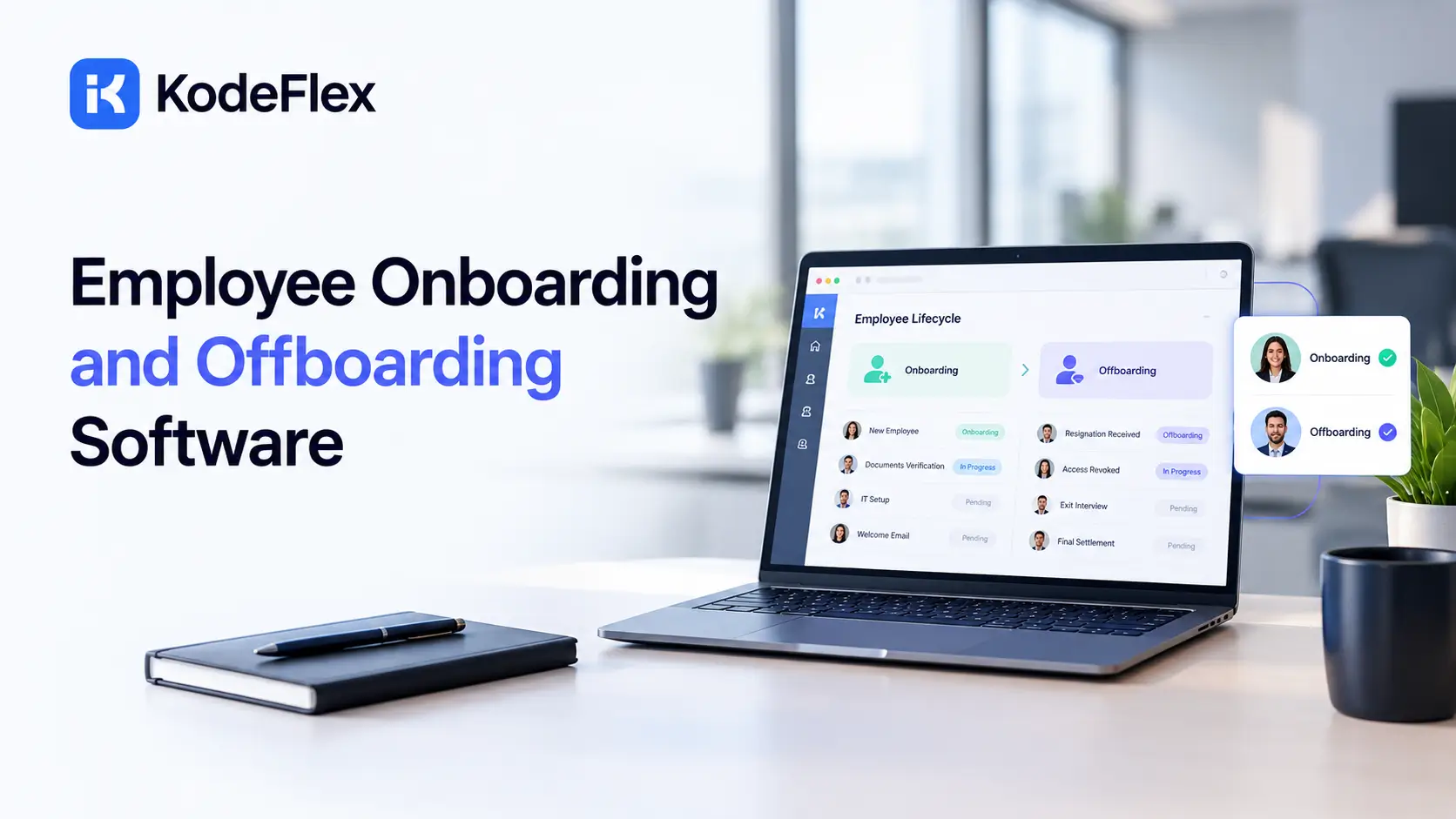
Good employee onboarding and offboarding software does two things well: it makes a new hire’s first weeks feel organized instead of chaotic, and it makes sure nobody keeps system access after they’ve left. Getting either one wrong creates real problems, a confused new hire or a genuine security risk. Here’s how the leading platforms actually compare in 2026.
Offboarding checklist
Good offboarding protects company data and keeps the paperwork clean. A solid checklist covers six things:
-
Notice and handover. Confirm the last day and move the work to someone else.
-
Remove system access. Disable accounts for email, files, HR and finance systems on the last day.
-
Return equipment. Laptops, phones, badges and keys.
-
Final pay and paperwork. Final pay, benefits information and signed exit documents.
-
Exit interview or survey. Collect feedback while the person is still there.
-
Keep records. Store the checklist and signed documents for as long as your rules require.
What Should This Kind of Software Actually Do?
The strongest platforms handle both sides of the employee lifecycle, not just the welcoming part, since offboarding security gaps are a real and often underestimated risk.
Core Capabilities Worth Expecting
-
Automated document collection and electronic signature for tax forms and policies
-
Task checklists routing to the right people, IT, manager, HR, automatically
-
Account provisioning, creating email, software, and system access on day one
-
Account deprovisioning, revoking that same access the moment someone leaves
-
Compliance tracking for required training and documentation deadlines
How Do the Leading Platforms Compare?
Pricing and strengths vary enough between these platforms that the right pick depends heavily on your team’s specific priorities.
-
BambooHR: roughly $6 to $22 per employee monthly depending on tier, strongest for SMB usability, handles HR paperwork well but leaves most IT provisioning to a separate process
-
Rippling: starts around $8 per user monthly as a base, modular pricing that grows with added products, the clear leader for automatic IT provisioning and deprovisioning across hundreds of connected apps
-
Deel: starts around $5 per user monthly, strongest for international hiring and Employer of Record coverage across many countries
-
Workday: roughly $100 or more per employee annually, the enterprise standard, requires significant implementation investment
-
Gusto: strong fit for US small businesses wanting payroll, benefits, and onboarding bundled together
The Real Differentiator: IT Provisioning
Most platforms on this list handle HR paperwork well. Far fewer handle the technical side, creating and revoking software access automatically. Rippling stands out specifically here, provisioning email, Slack, software licenses, and even configured devices on hire, then revoking everything at once on departure. That gap matters more for offboarding security than most buyers realize until it becomes a problem.
Why Does Offboarding Security Matter So Much?
A departing employee who retains access to company systems is a real, documented security risk, not a theoretical one.
-
Industry surveys report that a large majority of IT leaders are genuinely concerned about unauthorized access after an employee departure
-
Manual offboarding, someone remembering to revoke each individual system’s access, is where gaps most commonly happen
-
Automated deprovisioning that revokes access everywhere simultaneously closes that gap far more reliably than a manual checklist
How to choose offboarding software that supports compliance
If you need to show that offboarding was done correctly, look for these:
-
Audit trail. A record of who did what and when.
-
Access removal across systems. One place to start it and confirm it is done.
-
Document retention. Signed forms stored with the employee record.
-
Approvals. Manager and HR sign-off before the process closes.
-
Reminders. Tasks that do not get forgotten.
Rules differ by country and industry, so confirm retention periods with your legal or HR team.
Onboarding software vs offboarding software
Onboarding software helps new hires get set up: paperwork, accounts and training. Offboarding software handles departures: access removal, equipment, final paperwork and exit feedback. Many tools do both, so check that the offboarding side is as strong as the onboarding side.
Build your own onboarding or offboarding app
If off-the-shelf tools do not fit your process, you can build a custom workflow app. An approval flow with tasks, owners and sign-offs covers most of an offboarding process. See how to build an approval workflow app.
How Should You Actually Choose Between These Platforms?
Match the platform to your team’s actual priorities, since no single option wins at everything.
Choose BambooHR When
-
You’re a small to mid sized business wanting a clean, usable HR platform
-
IT provisioning isn’t your primary concern, or you’re handling that separately
-
Ease of setup matters more than deep technical automation
Choose Rippling When
-
Your team is remote first or technology heavy, with many connected software accounts to manage
-
Automatic account provisioning and deprovisioning is a genuine priority
-
You’re comfortable with modular, usage based pricing that grows as you add products
Choose Deel When
-
You’re hiring across multiple countries and need Employer of Record coverage
-
International compliance is a bigger concern than deep IT automation
What if You Need Something More Customized?
Off the shelf platforms cover common onboarding and offboarding needs well, but some organizations have a workflow specific enough that a template based tool feels limiting.
If your onboarding process has unusual approval steps, industry specific compliance requirements, or needs to integrate tightly with an internal system these platforms don’t support natively, building a custom workflow becomes worth considering. For a closer look at what that kind of purpose built tool actually looks like, this guide on an employee onboarding app walks through the approach in more depth.
What Mistakes Do Companies Usually Make Choosing This Software?
A handful of avoidable errors show up repeatedly during evaluations of this category.
Common Missteps Worth Avoiding
-
Signing a contract based purely on a polished demo instead of piloting with real new hires first
-
Underestimating the true cost of a modular platform once every needed add on gets included
-
Choosing a platform for its onboarding features while overlooking how thoroughly it handles offboarding security
-
Treating implementation as purely an IT project, when the actual process design decisions belong to HR
A mid sized company once selected a platform primarily for its polished onboarding checklist, only to discover months later that offboarding still required a manual, multi step process across several disconnected systems. Evaluating both halves of the employee lifecycle equally during the buying process would have caught that gap early.
What Does a Realistic Implementation Timeline Look Like?
Setting accurate expectations before signing anything avoids frustration once the rollout actually begins.
-
A straightforward platform for a small team can be configured and live within two to four weeks
-
A more complex, modular platform with IT provisioning included often takes six to eight weeks to fully configure
-
Enterprise platforms with heavy customization and integration needs can take several months from contract signing to full rollout
-
Budget extra time for a proper pilot with a handful of real new hires before rolling the system out company wide
Frequently Asked Questions
How do I find offboarding software that ensures compliance?
Look for an audit trail, access removal across your systems, document retention and approvals. Ask each vendor how these work, and request a demo using your own checklist.
What should an offboarding checklist include?
Notice and handover, removing system access, returning equipment, final pay and paperwork, an exit interview or survey, and keeping records.
What is the difference between onboarding and offboarding software?
Onboarding software sets up new hires. Offboarding software handles departures. Many tools cover both.
Can offboarding software remove access across IT systems?
Some tools can start or automate account removal through integrations. Check which of your systems are supported before you buy.
Related Blogs
Barcode Generator: The Complete 2026 Guide