Build vs Buy Software: How to Decide in 2026
2 hours agoPUBLISHED INAi Development
 ali
ali 2026-10-12 13:25:00
 0
0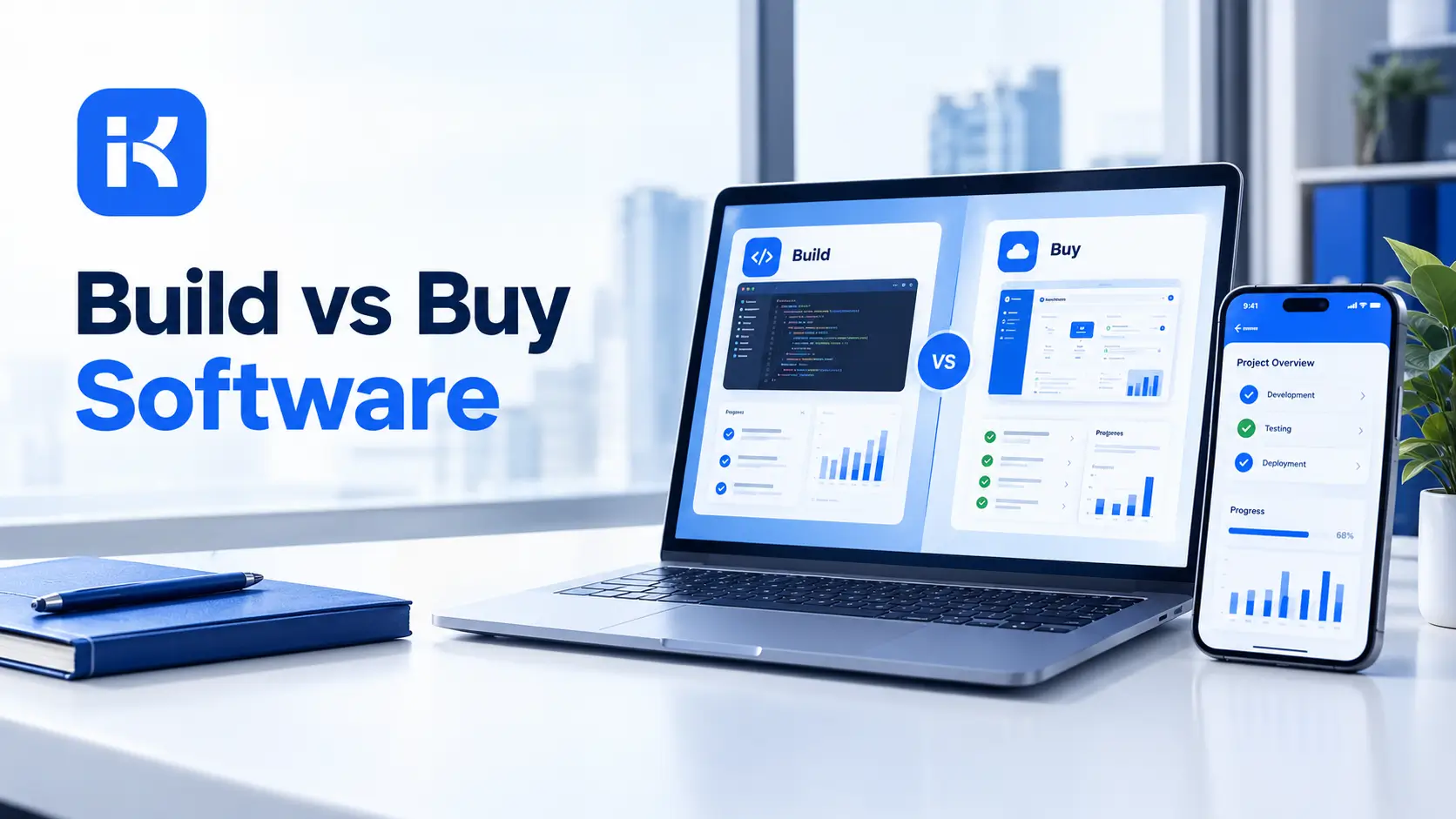
Finance wants a purchase approval tool. IT quotes six months and a big budget to build it. A vendor demo looks great but doesn't handle your two-step sign-off. Everyone agrees something has to be done. Nobody agrees what.
That's the build vs buy software decision, and it has a third answer now. This guide gives you a plain way to decide, compares the real costs, and shows where an AI builder fits. For a rough idea of license cost, see the KodeFlex pricing plans.
What build vs buy software really means
Build means your team, or a contractor, writes custom software. Buy means you subscribe to or license a finished product. Each has a cost most people underestimate.
-
Build costs show up in development time, testing, and years of maintenance.
-
Buy costs show up in per-user fees, add-ons and the work of bending your process to the product.
And there's a middle path. You configure or generate an app on a platform. It fits your process without a long development project.
The three options at a glance
|
Option |
Strength |
Weak spot |
|---|---|---|
|
Build custom code |
Total control and exact fit |
Slow, costly, needs ongoing maintenance |
|
Buy off the shelf |
Fast to start, proven features |
Your process bends to the product; fees grow with users |
|
Generate with an AI app builder |
Custom fit, quick first version, editable |
Needs a good brief and a governance habit; not for every product type |
A simple way to decide
Answer these six questions honestly. Most decisions become clear by the fourth.
1. Is this process a competitive edge?
If it is what makes you different, build. If every company in your industry does it the same way, buy.
2. Does a product already fit at least 80 percent?
Treat 80 percent as a rough rule of thumb, not a law. If something fits that well, buying usually wins. If you'd bend your process heavily, think again.
3. How unique are the approvals and rules?
Standard processes fit products. Odd approval paths, branches and roles are where products struggle and custom or generated apps shine.
4. Who will maintain it?
Custom code needs developers for years. A bought product needs vendor management. A generated app needs someone who can edit forms and workflows. Pick the one you can staff.
5. How fast do you need it?
If the answer is weeks, a six-month build is out. Buying or generating is the realistic route.
6. What does it cost over three years?
Compare totals, not first-year prices. Include licenses, setup, support, integrations and the time your staff spends working around gaps.
Signs you should build
-
The process is unique to your business and shapes how you win customers.
-
You have developers who can maintain it for years, not months.
-
The software is the product, or deeply tied to it.
-
Security or data rules rule out every vendor you've looked at.
Signs you should buy
-
Thousands of companies do this exactly the same way.
-
A mature product already covers most of what you need.
-
You have no one to maintain custom work.
-
Speed matters more than a perfect fit.
Signs the middle path fits
-
The process is internal: approvals, requests, trackers, checklists.
-
Your rules are a bit odd, so products fit badly.
-
You need something in weeks, not quarters.
-
People from the business should be able to adjust it later.
A scoring sheet you can copy
Score each option from 1 to 5 on each row. Total them. It isn't science, but it forces the conversation.
|
Criterion |
Build |
Buy |
Generate |
|---|---|---|---|
|
Fit to our process |
|
|
|
|
Time to first use |
|
|
|
|
Three-year cost |
|
|
|
|
Ease of changing it later |
|
|
|
|
Data control and security |
|
|
|
|
Maintenance effort |
|
|
Questions to ask every option
-
What does year three cost, all in?
-
Who changes it when our process changes?
-
Where does our data live, and how do we get it out?
-
What happens if the vendor or the developer disappears?
-
Can we pilot it with real users before committing?
The costs people forget
|
Cost |
Build |
Buy |
Generate |
|---|---|---|---|
|
Initial setup |
Large |
Small to medium |
Small |
|
Per-user fees |
None |
Often high |
Depends on license model |
|
Maintenance |
Your team, forever |
Vendor, but you pay |
Light, if kept simple |
|
Change requests |
Dev backlog |
Vendor roadmap |
Edit it yourself |
|
Workarounds |
Few |
Many if fit is poor |
Few |
Where an AI app builder fits
KodeFlex is an AI development platform and app builder for enterprise collaboration. You describe a business need in plain language, and it generates a runnable app with the frontend, backend and approval flows. Then you refine it with visual tools for forms, approval paths, rules and branches.
The platform covers generation, design, preview, debugging, release and deployment, with version control, one-click release and a unified operations dashboard. It also has a private deployment option if you want data kept in-house. Pricing is by license, not by user: lifetime licenses start at $1,499 for the Team edition (50 users and 20 apps), and annual licenses start at $3,699. Check the pricing page, since plans change.
That model suits teams who want a custom fit for approvals and requests without paying for a development project. The KodeFlex home page has the full overview.
Where KodeFlex does not fit
Be honest about fit. KodeFlex builds internal business apps. If you're building a product you'll sell to customers, a consumer mobile app or something graphics-heavy, you need custom development. If you need a standard system like payroll or accounting, buy a specialist product.
A practical example: purchase approvals
Say a company needs a purchase approval workflow. This is an illustration, not a case study.
-
Build. Custom development gives exact fit, but takes months and needs ongoing developer time.
-
Buy. A product launches fast, but the two-step sign-off by department and amount needs workarounds.
-
Generate. The team describes the process, gets a first version in days, and tunes the approval branches visually.
The right answer depends on the people maintaining it. But the third option deserves a place in the comparison.
Common mistakes in build vs buy decisions
-
Comparing year one only. The cheapest first year is often the priciest third year.
-
Underestimating maintenance. Software isn't finished when it launches.
-
Overbuying features. You pay for modules nobody uses.
-
Skipping a pilot. One team, two weeks, real work. It beats any slide deck.
-
Ignoring exit costs. Ask how you'd get your data out.
Checklist before you decide
-
Write the process on one page.
-
List must-have and nice-to-have features.
-
Get three comparisons: a product, a build estimate and a builder.
-
Model three-year costs for each.
-
Name the maintainer before you pick.
-
Pilot the leading option with real users.
Want to see the third option on your own process? You can request a KodeFlex demo or download KodeFlex and test it yourself.
Frequently asked questions
What is the build vs buy software decision?
It's the choice between writing custom software, licensing a finished product, or generating an app on a platform. The right pick depends on fit, three-year cost and who maintains it.
When should you build custom software?
When the process is your competitive edge and nothing off the shelf fits. Also when you're building a product to sell. Expect a longer timeline and ongoing maintenance.
When is buying better than building?
When the need is common, like payroll or email, and a mature product fits closely. You get proven features and faster start, though you accept the product's way of working.
Is there an option between building and buying?
Yes. An AI app builder or low-code platform lets you generate and tune an app for your process without a full development project.
How do I compare the costs?
Compare three-year totals. Include licenses, setup, integrations, support, maintenance and the time staff spend on workarounds.
Is custom software always more expensive?
Not always, but it often costs more up front and keeps costing through maintenance. A generated app can cost less when the process is simple and internal.
How much does KodeFlex cost?
According to the KodeFlex pricing page, lifetime licenses start at $1,499 for the Team edition (50 users and 20 apps), and annual licenses start at $3,699. Check the page for current plans.
|
Not sure whether to build or buy? Bring one real process and we will show you what it looks like as a working app, so you can compare the third option. Request a KodeFlex demo to see it live, or check the KodeFlex pricing plans. |
Related Blogs
App Builder for Law Firms: Complete Guide