How to Build an Order Management System Without Code
2 hours agoPUBLISHED INAi Development
 ali
ali 2026-10-09 13:58:00
 0
0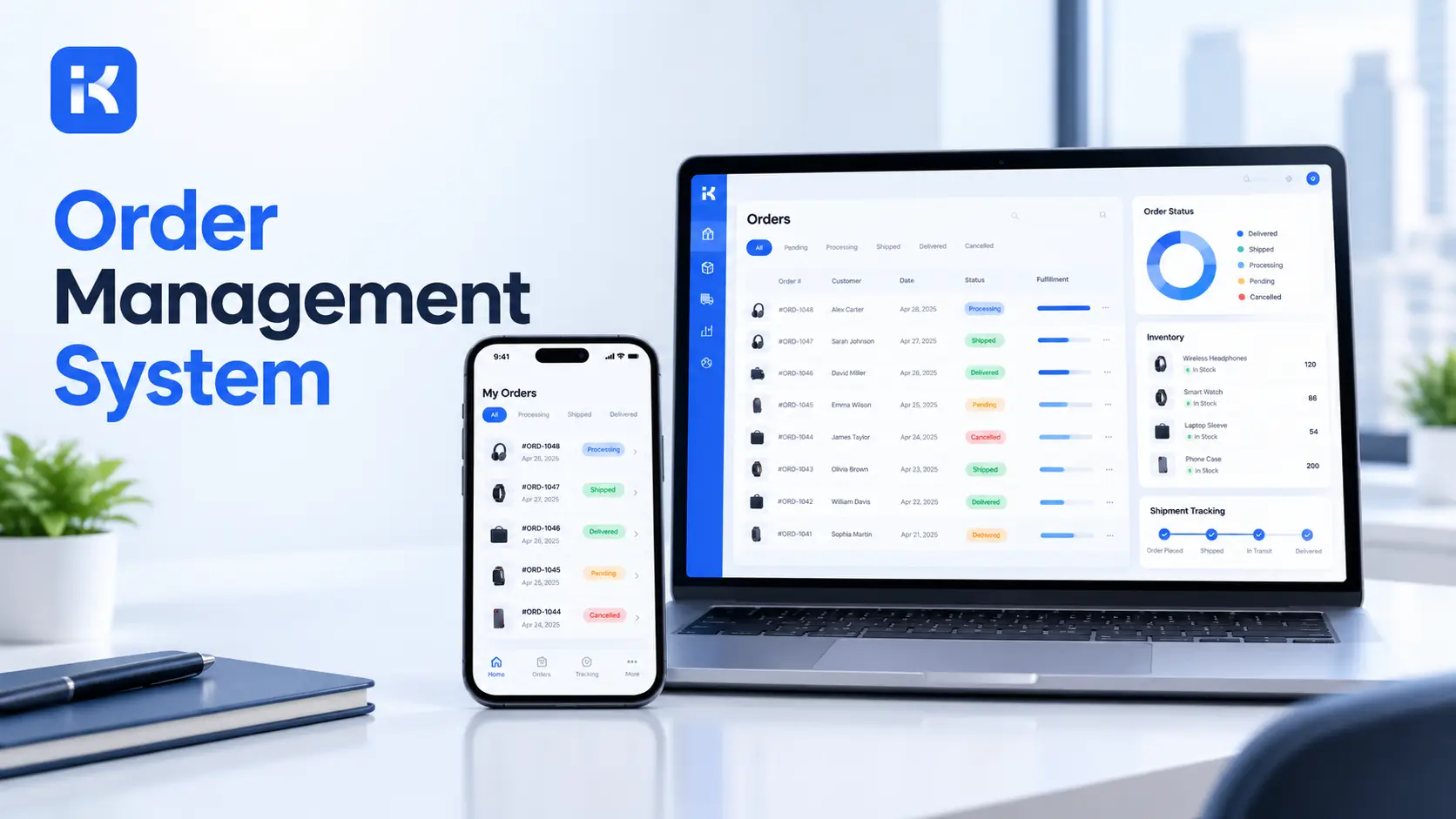
Monday, 9:15 am. An order came in by email on Friday. Another one arrived on WhatsApp. A third is sitting in a spreadsheet tab called "orders NEW final". Nobody knows which one was approved, which one shipped, and which customer is about to phone and ask. Sound familiar?
That is the problem an order management system solves. One place for every order. One status for each. One person who owns the next step. You do not need a developer to build a simple one, either. A builder that can generate apps from a single prompt gets you a working first version in an afternoon. Here is how to do it, step by step.
What an order management system needs to do
Keep the first version small. A basic order management system does four jobs, and that is plenty.
-
Take orders in. One form, whoever sends the order. Sales, a partner, a customer service agent.
-
Check them. Some orders just go through. Big ones, odd discounts and new customers need approval.
-
Track fulfillment. Picked, packed, shipped, delivered. One status at a time.
-
Report. Open orders, late orders, orders by customer.
Notice what is missing. No online shop. No card payments. We come back to that below.
Step by step: build your order management system
Step 1. Write the process on one page
Before you touch any tool, answer six questions. Where do orders come from today? Who enters them? Which orders need approval, and who approves? What are the stages after approval? Who tells the customer? What does your boss want to see every Monday?
Honestly, this takes half an hour and saves days. Settle who owns the approval now.
Step 2. Describe the app in one prompt
KodeFlex is an AI development platform and app builder from EasySoft INC. According to its product page, you describe a business need in natural language and it generates a runnable app with the frontend, backend and approval flows. So turn your one page into a prompt. Something like this:
-
"An order management system. Sales staff enter customer orders with several items each. Orders over a set value need manager approval. After approval, the warehouse team moves each order through picking, packing, shipped and delivered. Managers see open and late orders."
Don't aim for perfect. Rough is the point. You will fix the details in the next steps.
Step 3. Fix the data model
This is where the app either works or turns into a mess. Look at what the AI generated and compare it with this table. Add whatever is missing.
|
Record |
Fields |
Notes |
|---|---|---|
|
Customer |
Name, company, contact person, email, phone, delivery address, payment terms, active status |
One row per customer. Don't retype the address on every order. |
|
Order |
Order number, customer, order date, requested delivery date, total value, status, approver, notes |
The order as a whole. Items belong to it. |
|
Order item |
Order, product name or code, quantity, unit price, line total |
One row per product on the order. Most orders have several. |
|
Product list |
Code, name, unit price, active status |
Keep it simple. This is a price list, not a stock system. |
|
Status values |
Draft, Submitted, Approved, Rejected, Picking, Packed, Shipped, Delivered, Cancelled |
Pick names your team already says out loud. |
Step 4. Shape the order form
Use the visual form tools to tidy the screen. A person should enter a normal order in two minutes.
-
Pick the customer from a list. Fill in the address automatically.
-
Add item rows on the same screen. Show the running total.
-
Make customer, items, quantity and delivery date required.
Step 5. Design the approval path
Open the visual workflow editor. The main path is plain: Draft, Submitted, Approved, then on to fulfillment. A rejected order goes back to the sales person with the approver's comment. After the fix, it is resubmitted.
Then add rules and branches. This is where a real order management system beats a shared spreadsheet.
-
Branch on value. Orders under your limit skip approval. Larger ones go to a manager.
-
Branch on discount. Any discount above a set percentage needs sign off.
-
Branch on customer. A new customer might need a credit check before anything ships.
-
Rule on comments. A rejection must carry a comment. No silent bounces.
The numbers are yours to pick. A limit that suits a small distributor will be wrong for a big one. Start loose, then tighten it after a month of real orders.
Step 6. Build the fulfillment tracker
After approval, the order belongs to the warehouse or delivery team. Give them their own screen. It should show only approved orders, oldest first, with one button to move each order to the next status.
|
Status |
Who moves it |
What the screen should show |
|---|---|---|
|
Approved |
System |
Order enters the fulfillment queue |
|
Picking |
Warehouse |
Items and quantities, with the requested delivery date |
|
Packed |
Warehouse |
Number of parcels, any notes |
|
Shipped |
Dispatch |
Carrier name and tracking number, typed in by hand |
|
Delivered |
Dispatch or sales |
Delivery date, and a place to log a problem |
Notice the tracking number is typed in. That is on purpose. We will explain why in the limits section.
Step 7. Set permissions
Decide who sees what, and write it down before you test.
|
Role |
Can do |
Cannot do |
|---|---|---|
|
Sales |
Create orders, edit own orders while in Draft, view own order history |
See other teams' orders, edit after submitting |
|
Manager |
Approve or reject with a comment, view all orders |
Approve their own order |
|
Warehouse |
Move approved orders through fulfillment statuses |
Change prices or quantities |
Plainly put, the KodeFlex site does not go into detail on permission settings. Ask about role setup in a KodeFlex demo before you rely on it.
Step 8. Preview, test, then release
KodeFlex lists live preview and debugging tools. Use them. Then release with one click, and use version control so you can change the app later without breaking last week's orders. The home page covers the full lifecycle, and the pricing page lists the plans.
Reports your order management system should produce
An order system is only useful if someone can read it. Start with these four. Add more when people ask.
-
Open orders by status. What is stuck where.
-
Late orders. Past the requested date and not delivered.
-
Orders waiting for approval. Who is sitting on what.
-
Orders by customer and month. Your best customers, in plain numbers.
Ask for these in your prompt, then check each against a hand count of last week's orders. If the numbers differ, fix the data model first. Confirm report features in a demo, because the site does not list them in detail.
An illustration: a small distributor
This is an illustration, not a case study. Picture a ten person distributor that sells office supplies to about 60 business customers. Orders come by email and phone. Two sales staff type them into a spreadsheet. The owner approves anything over a set value by replying to an email. The warehouse reads the spreadsheet each morning.
Here is what the same business might build. Sales enter orders in one form, with the customer picked from a list. The value rule sends bigger orders to the owner, who approves from a list instead of a mailbox. The warehouse sees a queue of approved orders and taps through picking, packed and shipped. On Monday, the owner opens one report showing open orders and late ones.
Where KodeFlex does not fit
Worth saying plainly. KodeFlex is a general builder for internal business apps. It is not a ready made order management product.
-
Not a storefront. It will not host a public online shop where customers browse and buy. Its pages describe internal business apps, not consumer products.
-
Not a payment processor. Taking card payments needs a payment provider. KodeFlex does not list that.
-
Not full inventory and shipping. The site does not list live stock counts across warehouses, barcode scanning, or carrier integrations that print labels. Our tracker uses typed in tracking numbers because of that.
-
Connectors are unclear. The public pages do not list a catalog of integrations. If orders must sync with an accounting tool or an online shop, ask in a demo.
So choose carefully. If your pain is approvals, status tracking and reports across teams, building makes sense. If your pain is stock accuracy across several warehouses, a dedicated inventory tool is the better pick. Or use both, and build the approval and tracking layer yourself.
What it costs
Per the pricing page, lifetime licenses start at $1,499 for Team (50 users, 20 apps), $2,499 for Professional (120 users, 50 apps) and $3,199 for Enterprise (unlimited). Annual plans start at $3,699. Plans change, so check the page before you set a budget.
Checklist before you go live
-
One page that states who enters, who approves and who ships.
-
Customer, order, order item, product list, status and status log records.
-
An order form with required fields and a running total.
-
Approval rules for value, discount and new customers.
-
A fulfillment screen for the warehouse, oldest orders first.
-
Reports checked against a hand count, using one real week of orders.
Frequently asked questions
What is an order management system?
It is a tool that tracks every order from intake to delivery. It holds the customer, the items, the approval and the current status in one place. A good one means nobody has to ask, "Where is that order?"
Can I build an order management system without code?
Yes. With a no-code builder you describe what you want, review the first version, and adjust forms and approvals visually. You still have to decide the process yourself. The tool can't tell you who should approve what.
What data does an order management system need?
At minimum: customers, orders, order items and statuses. A product list and a status log are very useful too. Keep the fields lean, because each extra one slows down whoever types the order.
How should order approvals work?
Let small, normal orders pass. Send large ones, big discounts and new customers to a manager. Require a comment on every rejection, and set a time limit so orders do not sit for days.
Can KodeFlex replace my online store or payment tool?
No. KodeFlex builds internal business apps, like the order management system in this guide. It does not list a storefront or payment processing. Check the KodeFlex product page and ask for a demo with your own process.
Does it handle inventory and shipping?
Not in full. The site does not list live stock counts across warehouses or carrier integrations. You can track stages and type in tracking numbers. If you need more, pair it with a dedicated tool.
How long does it take to build?
A first version can appear within a day. Plan on a couple of weeks for tuning and testing, mostly because real users find odd cases. Run one real week of orders before you call it done.
|
Ready to build your order management system? Write down your approval path, then see it as a working app. Request a KodeFlex demo to try it with your own orders, or download KodeFlex and test it yourself. You can also read how KodeFlex can generate apps from a single prompt. |
Related Blogs

Best Airtable Alternatives for Business Apps (2026)