No Code Apps: What They Are and What to Build
September 21, 2026PUBLISHED INAI Development
 ali
ali 2026-09-21 15:30:00
 0
0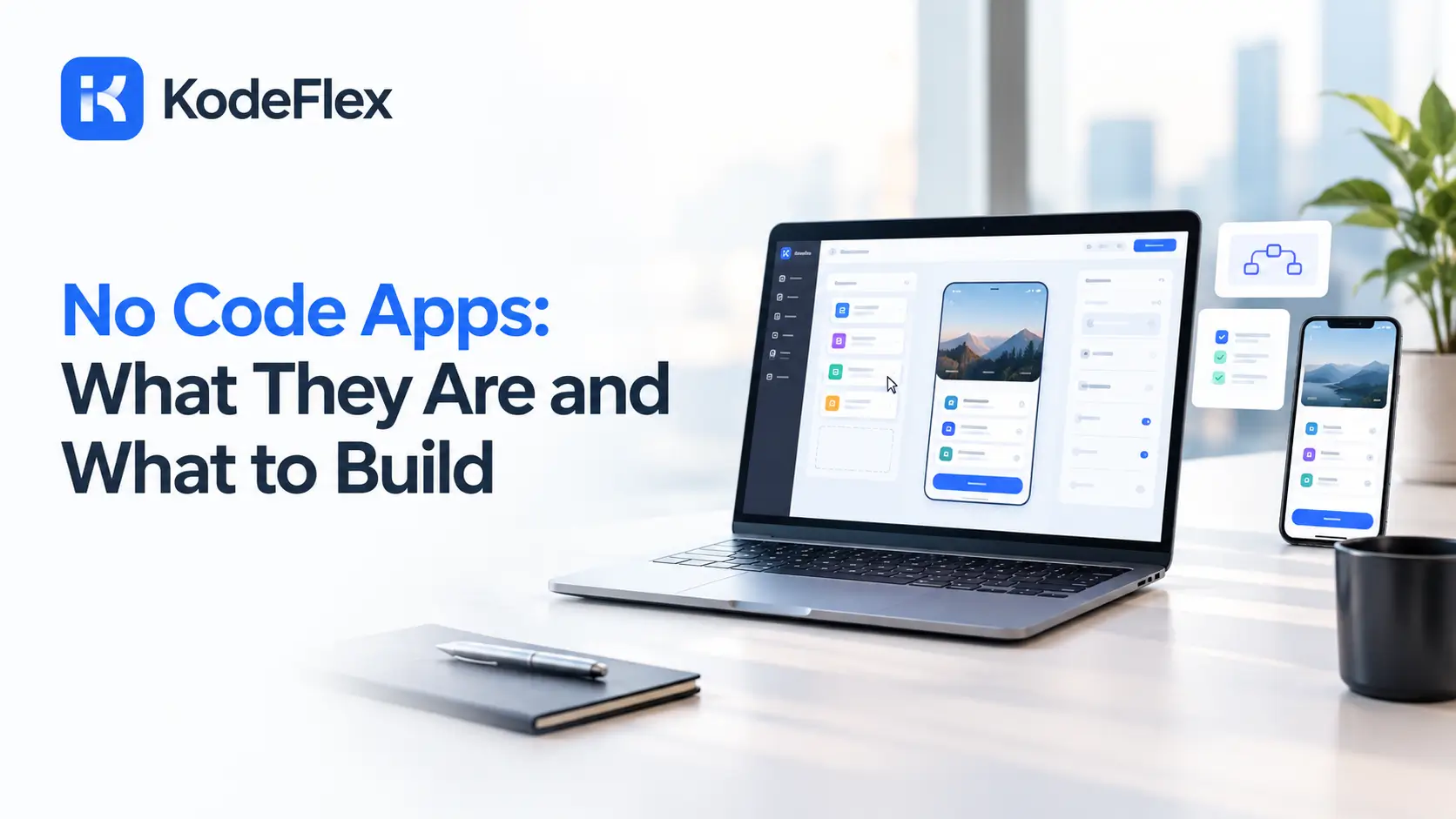
A no code app is software built by arranging visual components, forms, buttons, data fields, instead of writing programming code by hand. The person building it describes what should happen, connects the pieces on screen, and the platform generates the working software underneath. If that sounds abstract, the examples below make it concrete fast.
How Does This Kind of Software Actually Work?
This kind of software is a real, functioning piece of software, with a database, user interface, and logic, built entirely through visual tools rather than traditional programming.
What Separates It From a Traditional App
-
It gets built by dragging, clicking, and configuring, not by writing code line by line
-
The underlying platform handles technical details like server setup and database management automatically
-
The person building it can be anyone who understands the process well, not necessarily someone with a technical background
Who Actually Builds These?
The people building these apps are often called citizen developers, someone who builds real software without being a professional developer by trade.
-
Operations managers building internal tracking tools for their own team
-
HR staff building onboarding checklists and employee request forms
-
Small business owners building booking systems and client portals
-
Teachers and school administrators building classroom management tools
For a deeper look at who this role actually is and how it fits into a modern organization, this guide on citizen developer explained covers the concept in more depth.
What Can You Actually Build This Way?
The range is wider than most people assume, spanning simple utility tools to fairly sophisticated internal business software.
Real Examples Worth Picturing
-
An equipment checkout tracker for a school or shop floor, so nothing goes missing unnoticed
-
A reimbursement approval workflow routing a form through a manager, then finance, automatically
-
A vendor onboarding portal collecting documents and syncing them into a shared database
-
A client intake form routing new inquiries to the right team member automatically
-
A simple booking app for a service business, handling scheduling and confirmations
What Doesn’t Work Well This Way?
Being honest about the limits saves real frustration compared to assuming these tools can do absolutely anything.
-
Apps needing extremely custom, unusual interface interactions no template based tool anticipates
-
High traffic consumer products needing deep, unusual performance tuning from day one
-
Products where a unique technical approach is the actual core competitive advantage
How Is This Different From an AI Generated App?
Traditional no code building has you assemble every screen manually from a blank canvas. AI native tools flip that order, generating a working first draft from a written description that you then refine visually.
-
Traditional no code: full control from the first click, but every screen built by hand
-
AI native: a working starting point generated from your description, refined visually from there
-
Both end up using a similar visual editing experience once you’re actually adjusting the app
How Do You Actually Get Started Building One?
A short, practical sequence works for most first projects, regardless of which specific platform you choose.
-
Pick a process you understand well and that currently happens manually, the same way every time
-
Write down exactly what data needs tracking and who needs to see what
-
Build the core workflow first, then add polish once the basic logic actually works
-
Test it with a real example before rolling it out to the people who’ll actually use it
What Mistakes Do First Time Builders Usually Make?
A few patterns show up repeatedly among people building their first project this way.
Common Missteps Worth Avoiding
-
Starting with the prettiest screen instead of the most functionally important one, leaving the hard logic problems for later
-
Ignoring the data structure early on, then discovering it doesn’t support a feature added afterward
-
Copying a template exactly instead of adjusting it to match the specific workflow being built
-
Underestimating how long real testing takes compared to the initial visual build, which usually feels faster than it actually is
A small logistics team building their first tracking tool this way once spent more time on colors and layout than on getting the actual routing logic right, then had to circle back and rebuild that logic once the visual polish was already done. Working through data and logic first, then polishing the interface, tends to go faster overall.
How Much Does This Approach Typically Cost?
Pricing varies depending on the platform and how much the project actually needs to scale.
-
Most platforms in this category run somewhere between free and a few hundred dollars monthly for a small team
-
Usage based pricing can grow less predictable as an app gains real traffic
-
Fixed pricing platforms stay flat regardless of how much gets built within plan limits
-
License based tools charge once upfront rather than billing monthly per seat, which can work out cheaper for larger internal teams over time
What Does a Real Project Look Like Start to Finish?
Walking through one concrete example makes the whole idea easier to picture than an abstract list of features.
A small clinic needed a way to track equipment maintenance schedules across three locations. The office manager described the process, including which equipment needed servicing, on what schedule, and who got notified when something was overdue. The generated first draft included a tracking screen and a notification rule. Refinement added a second reminder for anything overdue by more than a week. Testing with the actual front desk staff caught a confusing label before it went live. The whole project, from description to a working tool the team actually used daily, took less than a week, with no developer involved at any point.
Frequently Asked Questions
Do I need any technical background to build one of these?
No, though understanding your process clearly matters more than any technical skill when setting up the logic.
Is this kind of app good enough for a real business, or just a prototype?
Both, depending on the use case. Internal tools and workflow apps hold up well long term. Extremely high traffic consumer apps sometimes outgrow these tools eventually.
How long does it take to build a simple one?
Often a day or two for a straightforward internal tool, compared to weeks or months for an equivalent custom built application.
Can it scale as my business grows?
Generally yes, for internal tools and workflow apps. Very high growth consumer products sometimes need to migrate to custom development eventually.
What’s the difference between this and a low code app?
This kind of app never involves writing code, full stop. A low code app lets someone drop into real code when the visual tools hit a genuine limit.
Ready to build one?
See how KodeFlex generates a working starting point from a plain language description, or request a demo to see it built around your actual process.
Related Blogs

Building AI Applications: A Practical Framework