Role-Based Access Control for Internal Apps Explained
24 minutes agoPUBLISHED INAI Development
 ali
 2026-11-25 14:15:00
 0
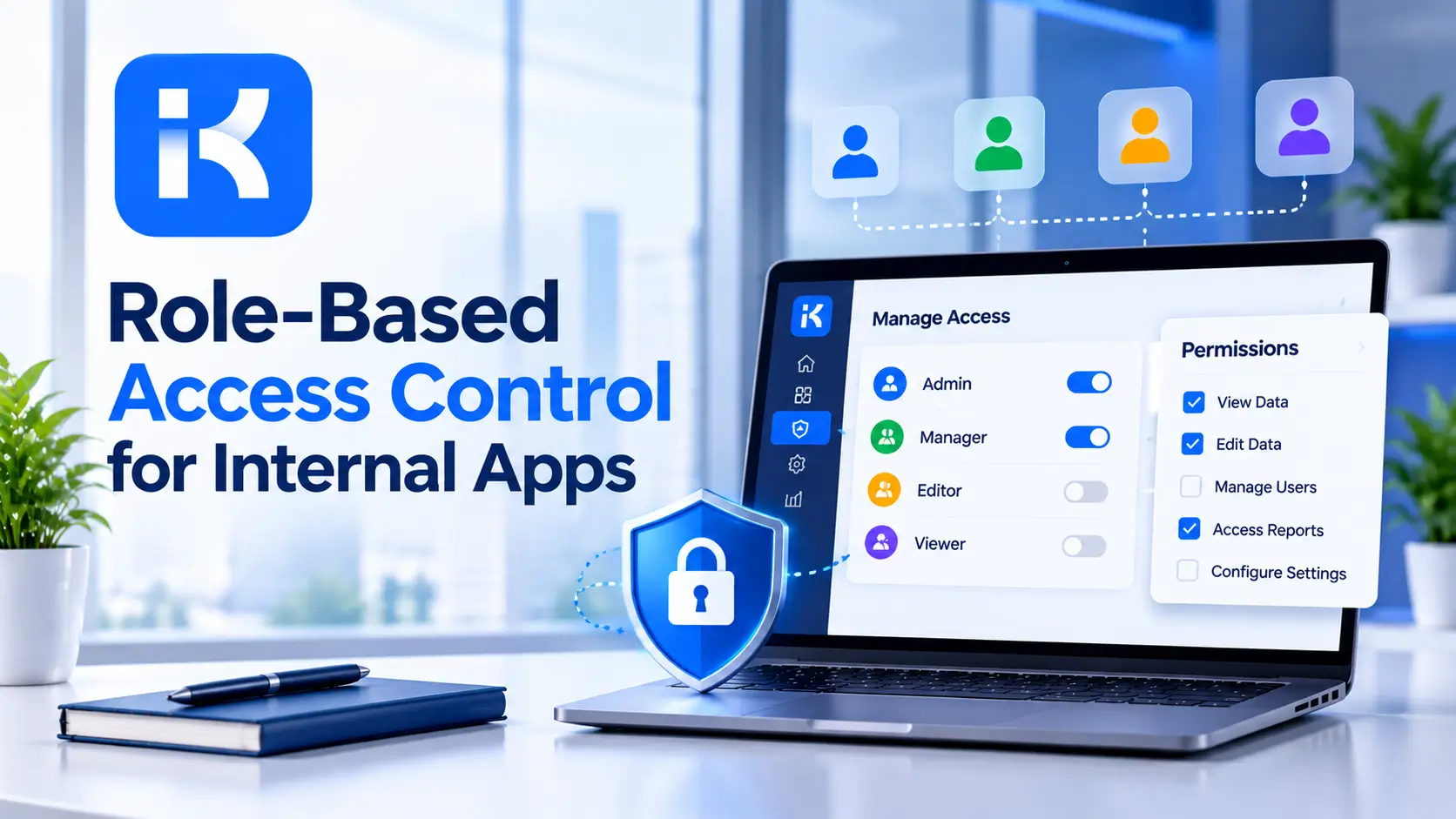
Internal apps start friendly. Everyone can see everything because there are six users and they all know each other. Then the team doubles. Someone from finance can edit a sales record. An intern can approve an expense.
Role-based access control is how you stop that. This guide explains it in plain terms, shows how to design roles for an internal app and lists the mistakes that cause most access problems.
What is role-based access control for internal apps?
Role-based access control, or RBAC, gives people a role and attaches permissions to the role, not to each person. When someone joins, you give them a role. When they leave or move, you change the role.
|
Term |
Meaning |
|---|---|
|
Role |
A job in the app, such as requester, approver or admin |
|
Permission |
One thing a role can do, such as view, edit or approve |
|
Group |
A set of people who share a role |
|
Least privilege |
Give each person the smallest set of permissions that lets them work |
|
Segregation of duties |
The person who requests something can't also approve it |
Why roles beat person by person permissions
-
It scales. Ten people with one role are easier to manage than ten sets of rules.
-
It survives change. When someone moves teams you change one role.
-
It's easy to audit. You can read the role list in a few minutes.
-
It prevents drift. Special exceptions pile up when you set rights per person.
How to design roles for an internal app
List the actions
Write down everything the app lets people do. View a record. Add one. Edit. Delete. Approve. Export. See reports.
List the jobs
Write down the jobs of the people who use it. Requester, reviewer, approver, manager, admin. Aim for four to six roles. More than that and nobody remembers them.
Fill in the matrix
Put roles down one side and actions across the top. Mark each cell yes, no or own records only.
|
Action |
Requester |
Reviewer |
Approver |
Admin |
|---|---|---|---|---|
|
View own requests |
Yes |
Yes |
Yes |
Yes |
|
View all requests |
No |
Yes |
Yes |
Yes |
|
Create request |
Yes |
No |
No |
Yes |
|
Edit request |
Own, until submitted |
Yes |
No |
Yes |
|
Approve request |
No |
No |
Yes |
No |
|
Export data |
No |
No |
No |
Yes |
|
Manage roles |
No |
No |
No |
Yes |
Notice that the admin can't approve. That's segregation of duties, so one person can't create and approve the same item.
Assign people to groups, not to rights
Put each person in a group that matches their role. Never grant a single permission to one person as a favor.
Test every role
Log in as each role and try to do things you shouldn't be able to do. Test before launch and after every change.
Approval rights are different from viewing rights
Many apps get this wrong. Being able to see a request doesn't mean being able to approve it. Treat approval as its own permission, tied to a limit where it matters, such as an amount.
Our internal tool builder guide covers what to look for in a builder, including how it handles roles.
Common access mistakes
-
Everyone is an admin. It's the fastest way to get things working and the slowest way to fix later.
-
Shared accounts. You lose the record of who did what.
-
Roles that never change. Review them regularly.
-
Tools built outside IT. Apps built by non technical staff may skip access design entirely. See our guide to shadow IT risks of AI app builders.
-
No leaver process. People who left still have a role.
Who sets up roles in a no code tool?
In a no code builder the people who build the app often set its roles too. That's fine if they follow a short rule list. Our guide to citizen developer tools covers how to give non developers room to build without losing control.
How KodeFlex fits
KodeFlex is an app builder for internal tools like approvals, trackers and admin screens, which is where role design matters most. See the KodeFlex product page. It's licensed by edition, not per user, so adding a role or a person doesn't change the price. On roles in KodeFlex, [Describe how roles and permission groups work in KodeFlex from the product page]
|
Edition |
Lifetime license |
Annual license |
Users and apps |
|---|---|---|---|
|
Team |
$1,499 once |
$3,699, then $739 a year for support and updates |
50 users, 20 apps on lifetime and 30 apps on annual |
|
Professional |
$2,499 once |
$5,199, then $879 a year for support and updates |
120 users, 50 apps on lifetime and 60 apps on annual |
|
Enterprise |
$3,199 once |
$5,899, then $999 a year for support and updates |
Unlimited users and apps |
Prices come from the KodeFlex pricing page and can change.
Where KodeFlex does not fit
KodeFlex isn't for customer facing products, consumer apps or software that is itself your product. It's for tools your own staff use. The public pages don't list connectors, so ask about the ones you need in a demo.
A worked example
This is an illustration, not a case study. A company builds an expense approval app for 40 staff.
-
Roles. Requester, line manager, finance approver and admin.
-
Rules. Requesters see only their own claims. Managers see their team's. Finance approves anything over a set amount. Admins manage roles but can't approve.
-
Test. Someone logs in as each role and tries to approve their own claim. It fails, as it should.
On the Team edition at $1,499 once, 40 staff fit inside the 50 user limit.
Checklist before launch
-
Actions listed
-
Four to six roles defined
-
Matrix filled in
-
Approval rights set separately from view rights
-
Every role tested
-
Review date set
Frequently asked questions
How does role-based access control for internal apps work?
People get roles, and each role has permissions such as view, edit and approve. You manage the roles, not each person's rights.
What is the principle of least privilege?
Give each person only the permissions they need for their job, and nothing more.
What is segregation of duties?
It means the person who creates or requests something can't also approve it.
How many roles should an internal app have?
Four to six is usually enough. More than that gets hard to manage.
How much does KodeFlex cost?
Lifetime licenses cost $1,499 for Team, $2,499 for Professional and $3,199 for Enterprise. Annual licenses cost $3,699, $5,199 and $5,899. See KodeFlex pricing for limits.
Keep reading
|
Want to try it on a real process? Request a demo or see the KodeFlex pricing page. |
Related Blogs

Performance Review App: Build One Without Code