Best Zapier Alternatives for Business Automation
3 hours agoPUBLISHED INAi Development
 ali
ali 2026-10-13 12:47:00
 0
0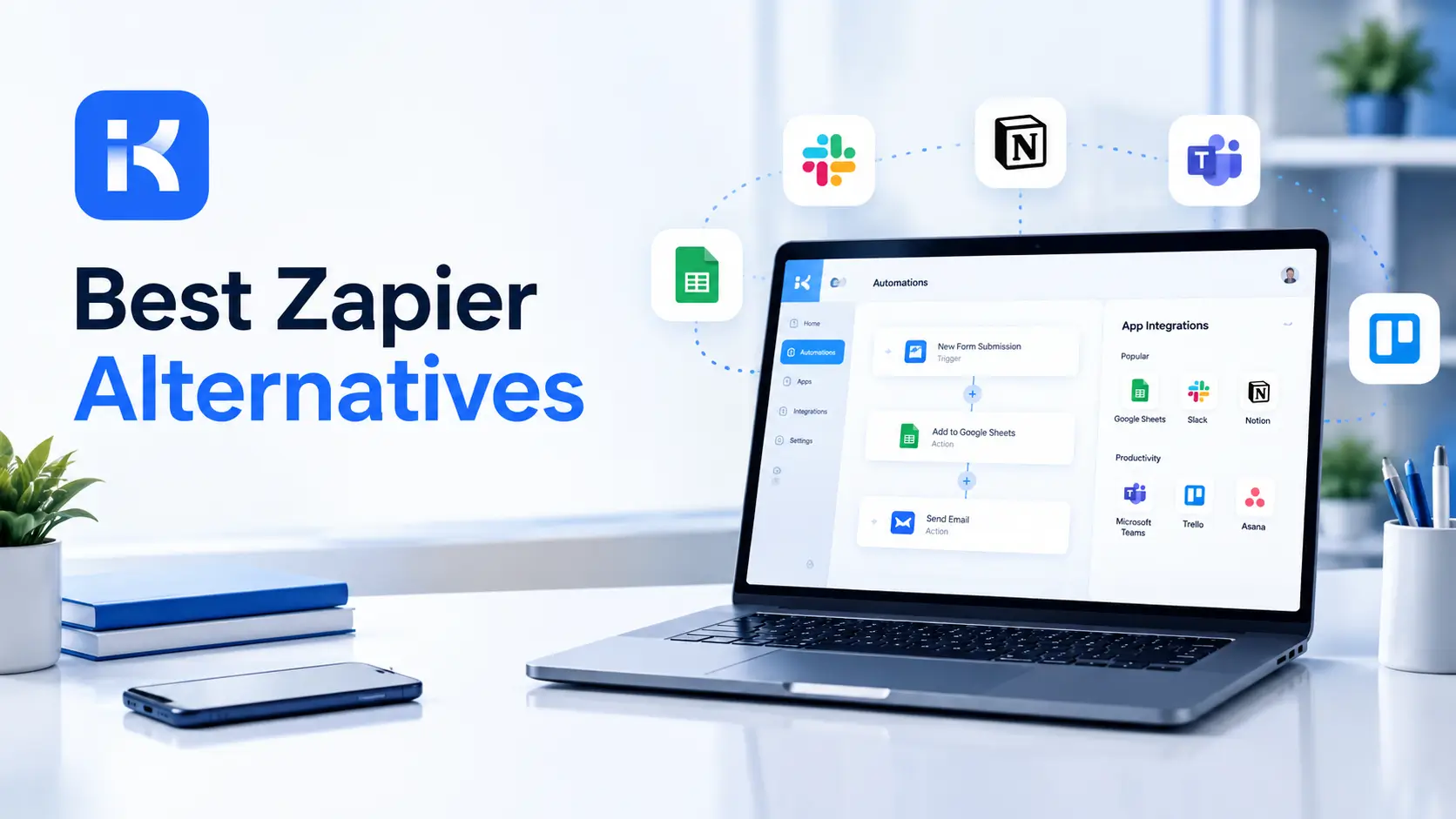
The invoice says 2,000 tasks. You used them by the 12th. Zapier pauses the workflows, or you pay per task for the rest of the month. Meanwhile the approvals nobody built a proper app for are still running on email.
That's usually the moment people start searching for Zapier alternatives. This guide compares the main options on pricing model, depth and fit, and explains when building the process yourself makes more sense. We also show where lifetime license options change the math.
Why people look for Zapier alternatives
-
Task limits. Zapier counts a task when a Zap successfully completes an action, and pauses workflows once you hit your maximum.
-
Costs that grow with volume. More steps and more runs mean more tasks.
-
Complex logic. Branching and long workflows can feel cramped.
-
Control. Some teams want to host automation themselves.
-
People steps. Approvals between humans need forms, roles and records, not just connectors.
What Zapier offers, so you can compare fairly
Per Zapier's pricing page, the Free plan costs $0 with 100 tasks a month and two-step Zaps only. Professional starts at $19.99 a month with multi-step Zaps and premium apps. Team starts at $69 a month for up to 25 users with shared folders and SAML SSO. Enterprise is custom. Task limits vary by tier on paid plans.
It's a strong choice if you want a huge catalog of app connections and quick setup. The trade-off is that billing follows tasks, so busy workflows get pricey.
The best Zapier alternatives compared
We didn't test these side by side, so this isn't a ranking. The details below come from each vendor's own pricing page where noted.
Make
Make bills in credits. Per its pricing page, each module action counts as one credit, and plans run from a Free tier with up to 1,000 credits to Core at $12 a month, Pro at $21 and Teams at $38 on monthly billing, each with 10,000 credits. The Free plan allows two active scenarios and a 15-minute minimum schedule interval.
Strengths: visual scenario builder and low entry price. Limits: every action costs a credit, so big scenarios use them fast.
n8n
n8n prices by workflow executions. Its pricing page says you pay when a workflow runs from start to finish, however many steps it has. Cloud plans start with Starter at 20 euros a month billed annually, with 2.5K executions, and Pro at 50 euros with 10K. A free self-hosted Community Edition exists, and a Business plan is listed as self-hosted only.
Strengths: execution-based billing and self-hosting. Limits: it asks more technical comfort than the simplest tools.
KodeFlex
KodeFlex is an AI development platform and app builder for enterprise collaboration. You describe a business need in plain language, and it generates a runnable app with the frontend, backend and approval flows. Then you refine it with visual tools for forms, approval paths, rules and branches.
KodeFlex isn't an app connector like Zapier. It builds internal business apps, so it suits processes where people fill in forms, approve requests and need a record. The platform covers generation, design, preview, debugging, release and deployment, with version control, one-click release and a unified operations dashboard. It also has a private deployment option if you want data kept in-house.
Pricing is by license, not by task. Lifetime licenses start at $1,499 for the Team edition (50 users and 20 apps), and annual licenses start at $3,699. The KodeFlex pricing page has the details.
Side by side
|
Tool |
How it bills (per vendor page) |
Best for |
|---|---|---|
|
Zapier |
Tasks per month; Free plan 100 tasks |
Quick app-to-app automations with many connectors |
|
Make |
Credits, one per module action |
Visual multi-step scenarios on a small budget |
|
n8n |
Workflow executions; self-hosted option |
Technical teams wanting control |
|
KodeFlex |
License based, lifetime or annual |
Internal approval and request apps |
Automation tool or app builder? Know the difference
Connector tools move data between apps. App builders create the app people use. Many teams need both.
|
Need |
Connector tool |
App builder |
|---|---|---|
|
Copy a form entry into a spreadsheet |
Great fit |
Possible, but overkill |
|
Send a Slack message when a deal closes |
Great fit |
Not the point |
|
Staff request with manager approval and a record |
Awkward |
Great fit |
|
Role based views and audit history |
Limited |
Great fit |
How to choose
-
Estimate your volume. Count runs and steps for a typical month. Then price it on each tool.
-
Check how billing counts. Per task, per credit and per execution give different bills for the same work.
-
Decide who maintains it. A tool only one person understands is a risk.
-
Separate the jobs. Use connectors for data movement and an app for people steps.
-
Pilot one workflow. Run it for a month and compare the real bill.
How billing models change the bill
Same workflow, three different meters. Here is a made-up example to show the idea. It uses round numbers, not real prices.
|
Meter |
What gets counted |
What it means for a 5-step workflow run 1,000 times |
|---|---|---|
|
Per task (Zapier style) |
Each successful action |
Roughly 4,000 tasks if the trigger is not counted (check the vendor's own rule) |
|
Per credit (Make style) |
Each module action |
Around 5,000 credits |
|
Per execution (n8n style) |
One full workflow run |
1,000 executions |
|
Per license (KodeFlex style) |
Your plan, not your runs |
No per-run meter on the plan price |
Always check how a vendor defines its unit. The definition decides the bill more than the headline price does.
When Zapier is still the right pick
Be fair to it. If you need quick connections between popular apps, light volume and no one to maintain servers, Zapier is hard to beat on speed. The Free plan's 100 tasks are fine for testing. Switch when limits start to bite, not before.
Where KodeFlex does not fit
Worth saying plainly. KodeFlex doesn't come with a catalog of thousands of app connectors, and the public pages don't list integrations. If your main goal is syncing data between SaaS tools, one of the connector tools above is the better fit. Ask about integrations in a demo if you need them.
A practical example: expense approvals
A small company runs expense approvals by email. This is an illustration, not a case study.
-
Connector tool. Moves approved expenses into the accounting system and posts a note to chat.
-
App. Holds the request form, manager approval, finance check and the record of who approved what.
-
Result. Each tool does its own job. The bill is predictable because the approval app isn't counted per task.
Common mistakes
-
Choosing by headline price. A cheap plan with tight limits gets expensive at real volume.
-
Forcing approvals into a connector chain. It works until someone asks who approved what.
-
No owner. Broken automations get found by customers, not by you.
-
Never reviewing the bill. Check usage monthly in the first quarter.
Checklist before you switch
-
List your top ten automations and how often each runs.
-
Price them on two or three tools.
-
Mark the people steps that need forms and approvals.
-
Name an owner for each workflow.
-
Pilot one workflow before moving the rest.
Want to see how an approval app compares for your process? You can request a KodeFlex demo or download KodeFlex. The KodeFlex home page has the full overview.
Frequently asked questions
What are the best Zapier alternatives?
Make, n8n and KodeFlex are three different answers. Make bills by credits, n8n by executions with a self-hosted option, and KodeFlex builds internal approval apps with license pricing. The right one depends on your workflow.
Why is Zapier getting expensive?
Zapier bills by tasks, and a task is counted each time a Zap successfully completes an action. More steps and more runs mean more tasks, so costs climb with volume.
Is n8n cheaper than Zapier?
It can be for long workflows, since n8n counts a whole workflow run as one execution. Compare both on your own volumes, because prices and limits change.
Can I self-host an automation tool?
Yes. n8n offers a free self-hosted Community Edition. KodeFlex offers a private deployment option for its apps. Self-hosting means you take on maintenance.
When should I build an app instead of using a connector tool?
When people are part of the process: forms, approvals, roles and a record of decisions. Connectors are best at moving data between apps.
Can KodeFlex replace Zapier?
Not for connecting apps. The public KodeFlex pages don't list connectors. It replaces the email and spreadsheet side of a process by building the approval app.
How much does KodeFlex cost?
According to the KodeFlex pricing page, lifetime licenses start at $1,499 for the Team edition (50 users and 20 apps), and annual licenses start at $3,699. Check the page for current plans.
|
Want predictable pricing for your approval workflows? Tell us which processes need approvals and we will show you what they look like as working apps. Request a KodeFlex demo to see it live, or check the KodeFlex pricing first. |
Related Blogs
How to Build a Contract Management App