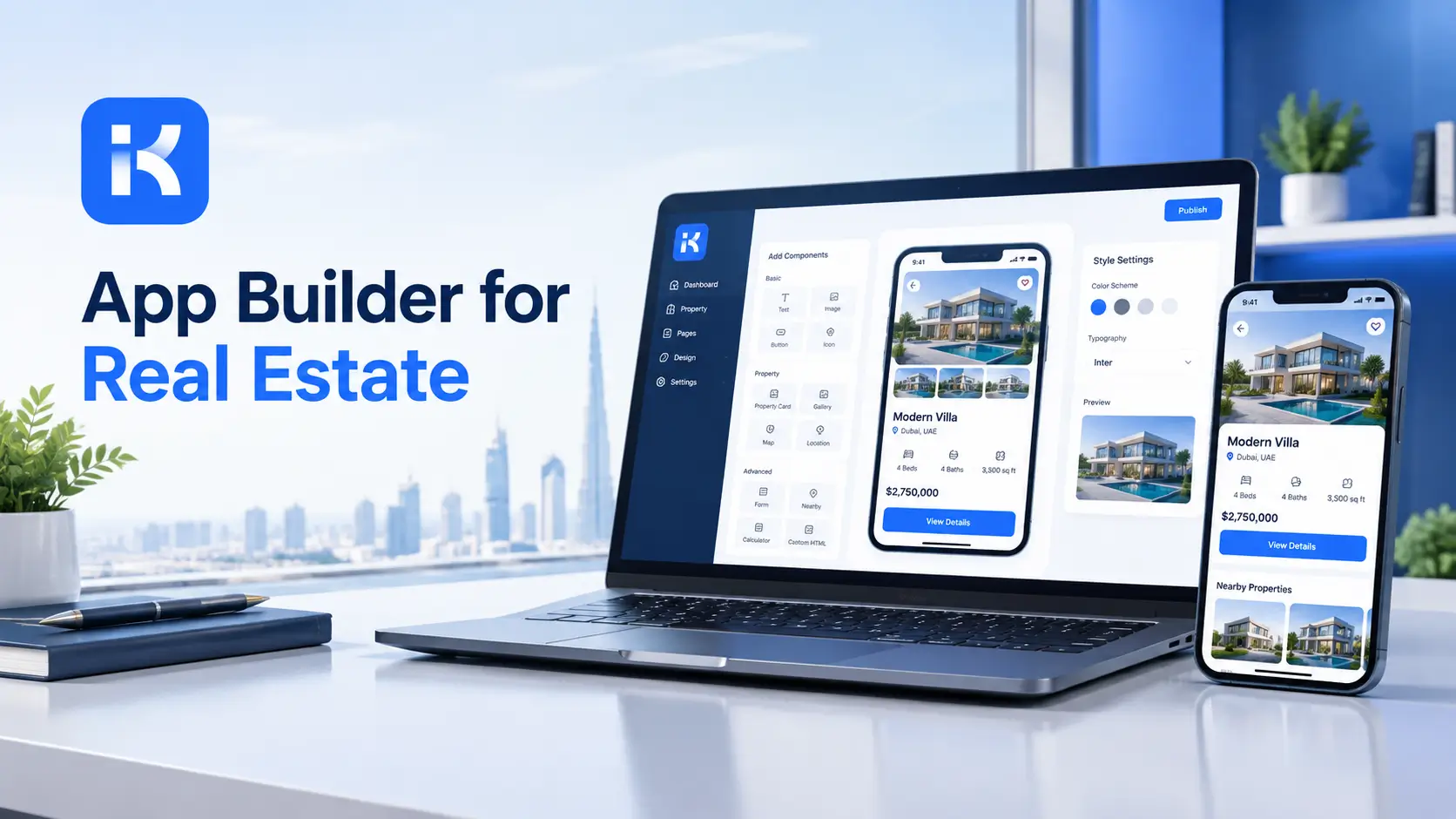
App Builder for Real Estate Companies: Complete Guide
59 minutes agoPUBLISHED INAI Development
 ali
 2026-11-09 15:35:45
 0
|
Quick answer An app builder for real estate lets a property team build its own tools for tracking listings, handling tenant requests and approving leases, without a custom software budget. Start with the one process that creates the most chasing, usually tenant requests or listing status. Build it small, run it for a month and then add the next. Choose a builder priced for your team size, not one that charges for every user. |
Most real estate teams run on a patchwork. A spreadsheet of listings. An inbox full of tenant requests. A chat thread where lease approvals go to die.
Nothing in that setup is broken enough to replace in a hurry. It just leaks time. Someone always asks which unit is still vacant, who approved the deposit, or whether the leak in 4B got fixed.
An app builder for real estate fixes that without a software project. This guide covers which apps to build first, how to design them, what to look for in a builder and what it costs.
What can you build with an app builder for real estate?
The best first apps are the ones where information already moves between people. Here are the common ones.
|
App |
What it does |
Who uses it |
|---|---|---|
|
Listing tracker |
Keeps status, price, owner and next step for every property in one place |
Agents and managers |
|
Tenant request app |
Takes maintenance and service requests and tracks them to done |
Tenants, property staff |
|
Lease approval flow |
Routes a lease or renewal to the right approvers in order |
Managers and owners |
|
Viewing schedule |
Records who is viewing what and when |
Agents |
|
Inspection log |
Records move in and move out condition for each unit |
Property staff |
|
Vendor tracker |
Keeps contractors, jobs and costs together |
Operations |
You don't need all six. Pick the one that causes the most chasing this month.
How to choose your first app
Look for the repeated question
Every team has a question that gets asked ten times a week. Which units are vacant. Where is this request. Who needs to sign. The app that answers it pays for itself first.
Keep the first version small
A first app with five fields beats a perfect one that never launches. Add fields once people use it.
Name one owner
An app with no owner decays. Pick someone who reads the data and fixes the form when it's wrong.
Designing the tenant request app
Tenant requests are a good starting point because the steps are clear.
-
Capture. The request comes in with the unit, the issue and the person.
-
Assign. Someone takes ownership and the request shows who.
-
Update. Status changes from new to in progress to done.
-
Close. The tenant is told and the job is recorded.
Keep status values few. New, in progress and done cover most cases. Too many statuses and nobody keeps them honest.
Designing the lease approval flow
Lease approvals suffer from invisible waiting. Someone has the file and nobody knows who.
-
Fields. Unit, tenant, term, rent and any special conditions.
-
Approvers. Decide the order and who can approve what.
-
Status. Show who holds it right now.
-
Record. Keep who approved and when, for later questions.
For contracts that go beyond leases, our guide to a contract management app covers the wider pattern.
What to look for in a real estate app builder
|
Look for |
Why it matters |
|---|---|
|
Forms and tables you can set up without code |
Your staff can change them when things change |
|
Approval steps |
Leases and expenses need a chain of sign off |
|
Roles and permissions |
Agents, managers and owners shouldn't see the same things |
|
Pricing that doesn't follow headcount |
Seasonal staff and new agents shouldn't change the bill |
|
A way to export your data |
You should be able to leave |
Teams that manage buildings, sites or visitors may find related patterns in our guides to an app builder for construction and a visitor management system.
How KodeFlex fits
KodeFlex is an app builder for internal tools like approvals, trackers and admin screens, which is the shape of most real estate apps. See the KodeFlex product page. It's licensed by edition, not per user, so adding an agent doesn't change what you pay.
|
Edition |
Lifetime licence |
Annual licence |
Users and apps |
|---|---|---|---|
|
Team |
$1,499 once |
$3,699, then $739 a year for support and updates |
50 users, 20 apps on lifetime and 30 apps on annual |
|
Professional |
$2,499 once |
$5,199, then $879 a year for support and updates |
120 users, 50 apps on lifetime and 60 apps on annual |
|
Enterprise |
$3,199 once |
$5,899, then $999 a year for support and updates |
Unlimited users and apps |
Prices come from the KodeFlex pricing page and can change. A team with 50 people and a handful of apps fits the Team edition. A larger agency fits Professional with 120 users and 50 apps.
Where KodeFlex does not fit
KodeFlex isn't for customer facing products, consumer apps or software that is itself your product. So a public property portal for buyers, or a consumer rental app, needs a different tool. KodeFlex is for tools your own team uses. The public pages don't list connectors, so ask about the ones you need in a demo.
A worked example
This is an illustration, not a case study. A property management company has 35 staff and manages 400 units.
-
Week one. They build a tenant request app with four statuses and one owner.
-
Week three. Requests are tracked in one place and the shared inbox has gone quiet.
-
Month two. They add a lease approval flow with three approvers.
-
Month three. They add a listing tracker, using what they learned about field names and statuses.
On the Team edition at $1,499 once, 35 staff and three apps sit inside the 50 user and 20 app limits.
Common mistakes
-
Starting with the biggest process. Start with the most annoying one.
-
Too many fields. Every field is one more thing to fill in.
-
No owner. Apps without an owner go stale.
-
Skipping roles. Decide who sees what from day one.
-
Ignoring the exit. Check you can export your data.
Checklist before you build
-
The repeated question written down
-
One owner named
-
Fields listed on one page
-
Roles decided
-
Approvers and order agreed
-
A review date set for a month later
Frequently asked questions
What is an app builder for real estate?
It's a tool that lets a property team build its own apps, such as listing trackers, tenant request apps and approval flows, without writing code.
Do I need a developer to build a real estate app?
Not for internal tools like these. A person who knows the process can usually set up forms, tables and approvals. A developer helps when you need unusual connections.
What should a real estate team build first?
The app behind the question that gets asked most. For many teams that's tenant requests or listing status.
Can I build a public property portal this way?
Not with KodeFlex. It's meant for internal tools, not customer facing products.
How much does KodeFlex cost?
Lifetime licences cost $1,499 for Team, $2,499 for Professional and $3,199 for Enterprise. Annual licences cost $3,699, $5,199 and $5,899. See KodeFlex pricing for limits.
Keep reading
|
Ready to replace the spreadsheet? See what each edition includes on the KodeFlex pricing page, or request a demo. |
Related Blogs

Glide Pricing 2026: Plans, Limits and Real Cost