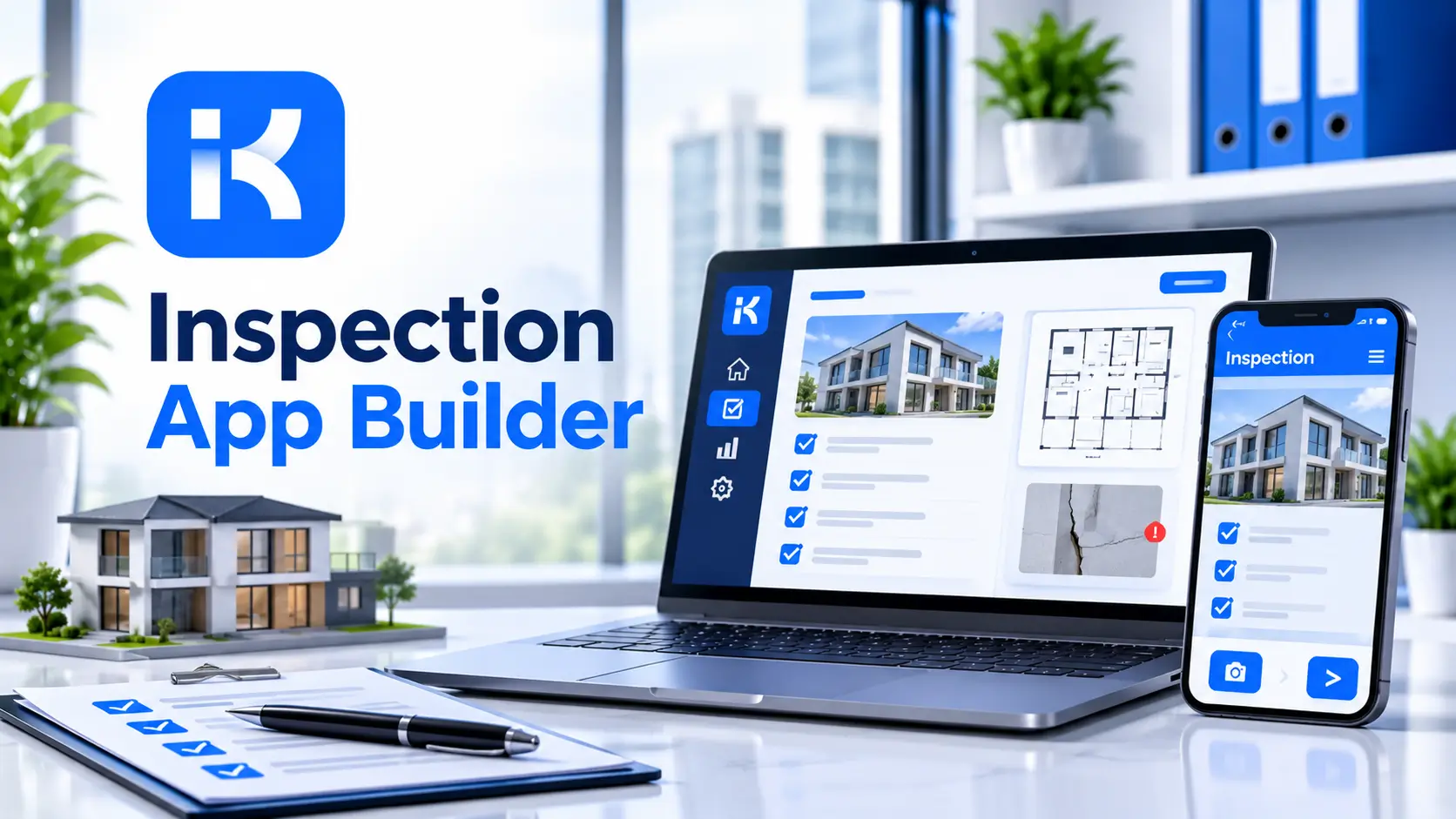
Inspection App Builder: Digital Checklists Without Code
57 minutes agoPUBLISHED INAI Development
 ali
 2026-11-25 15:07:00
 0
|
Quick answer An inspection app builder replaces paper checklists with digital forms where each item is passed or failed, notes and photos are attached, a person signs off and failed items become follow-up tasks. Start with one checklist your team already uses, copy its items exactly and add a fixed result for each one. Pick a builder that doesn't charge per inspector, because crews and contractors change often. |
Paper checklists work until you need to find one. The clipboard is in a van. The photo is on someone's phone. The failed item was noted on a form that got filed, and nobody chased it.
A digital inspection app keeps the checklist, the evidence and the follow up together. This guide explains what to include, how to build one without code and what it costs.
What is an inspection app builder?
An inspection app builder is a tool for making your own digital checklists and inspection forms. Inspectors fill them in, results are stored in one place and anything that fails turns into a task.
|
Part |
What it does |
|---|---|
|
Checklist template |
The list of items to check, the same every time |
|
Result per item |
Pass, fail or not applicable, from a fixed list |
|
Notes and photos |
Evidence for anything that fails |
|
Sign off |
The inspector, and sometimes a supervisor, confirms the result |
|
Follow up task |
A failed item gets an owner and a due date |
|
History |
Past inspections for each site or asset |
How to build a digital inspection checklist
Copy the paper form
Don't redesign the checklist on day one. Copy the items your team already checks, in the same order. Changing the process and the format at once makes adoption harder.
Give every item a fixed result
Pass, fail, not applicable. A fixed list makes reports easy and stops people typing OK in six different ways.
Require a note when something fails
A fail with no explanation causes a second visit. Make a note, and a photo if your tool supports it, part of every failure.
Turn failures into tasks
Each failed item should create a follow up with an owner and a due date. This step is where inspection apps beat paper most clearly.
Add sign off
Decide who confirms the inspection. Our guides to a maintenance management app and an app builder for construction show where sign off fits.
Who needs an inspection app?
|
Team |
Typical inspections |
Follow up |
|---|---|---|
|
Facilities |
Fire safety, building walkthroughs, equipment rooms |
Repair requests |
|
Construction sites |
Site safety, quality checks, handover |
Snag lists |
|
Manufacturing |
Line checks, equipment readiness, quality gates |
Maintenance tasks |
|
Property management |
Move in and move out, common areas |
Contractor jobs |
Factory floors have their own needs. See our manufacturing app builder guide for those.
What to look for in an inspection app builder
-
Reusable templates. One checklist, many inspections.
-
Fixed results. Pass, fail and not applicable.
-
Notes and evidence. Attach context to failures.
-
Tasks from failures. Owners and due dates.
-
Roles. Inspectors, supervisors and managers see different things.
-
Pricing that ignores crew size. Contractors and seasonal staff shouldn't change your bill.
How KodeFlex fits
KodeFlex is an app builder for internal tools like approvals, trackers and admin screens. An inspection log with sign off and follow up tasks is that kind of tool. See the KodeFlex product page. It's licensed by edition, not per user, so adding an inspector doesn't change the price. On mobile forms and photos, [Confirm from the KodeFlex product page whether mobile forms and photo attachments are supported]
|
Edition |
Lifetime license |
Annual license |
Users and apps |
|---|---|---|---|
|
Team |
$1,499 once |
$3,699, then $739 a year for support and updates |
50 users, 20 apps on lifetime and 30 apps on annual |
|
Professional |
$2,499 once |
$5,199, then $879 a year for support and updates |
120 users, 50 apps on lifetime and 60 apps on annual |
|
Enterprise |
$3,199 once |
$5,899, then $999 a year for support and updates |
Unlimited users and apps |
Prices come from the KodeFlex pricing page and can change.
Where KodeFlex does not fit
KodeFlex isn't for customer facing products, consumer apps or software that is itself your product. It's for tools your own team uses. The public pages don't list connectors, so ask about the ones you need in a demo.
A worked example
This is an illustration, not a case study. A facilities team of 20 inspects 15 buildings each month.
-
Template. One checklist of 25 items, copied from the paper form.
-
Results. Each item is pass, fail or not applicable, and a failure needs a note.
-
Follow up. Each failure creates a repair task for the building manager.
-
History. Each building shows its past inspections in one list.
On the Team edition at $1,499 once, 20 inspectors and a few checklist apps sit inside the 50 user and 20 app limits.
Common mistakes
-
Redesigning the checklist. Copy the paper form first.
-
Free text results. Use pass, fail and not applicable.
-
Failures without owners. Every failure needs a person and a date.
-
Too many items. Long checklists get ticked without looking.
-
Ignoring field conditions. Test the form with the real crew on the real site.
Checklist before you launch
-
One checklist copied from paper
-
Results fixed to pass, fail and not applicable
-
Notes required on failure
-
Follow up tasks created from failures
-
Sign off decided
-
Tested on site with the real crew
Frequently asked questions
What is an inspection app builder?
It's a tool for making digital inspection checklists, with results, notes, sign off and follow up tasks, without writing code.
Can I build an inspection app without code?
Yes. A checklist template, fixed results and a task for each failure are things a person who knows the process can set up.
How do I turn a paper checklist into an app?
Copy the items in order, give each a fixed result, require a note on failure and create a follow up task for every failed item.
What should happen when an inspection item fails?
It should create a task with an owner and a due date, so the failure doesn't sit in a file.
How much does KodeFlex cost?
Lifetime licenses cost $1,499 for Team, $2,499 for Professional and $3,199 for Enterprise. Annual licenses cost $3,699, $5,199 and $5,899. See KodeFlex pricing for limits.
Keep reading
|
Ready to retire the clipboard? See what each edition includes on the KodeFlex pricing page, or request a demo. |
Related Blogs
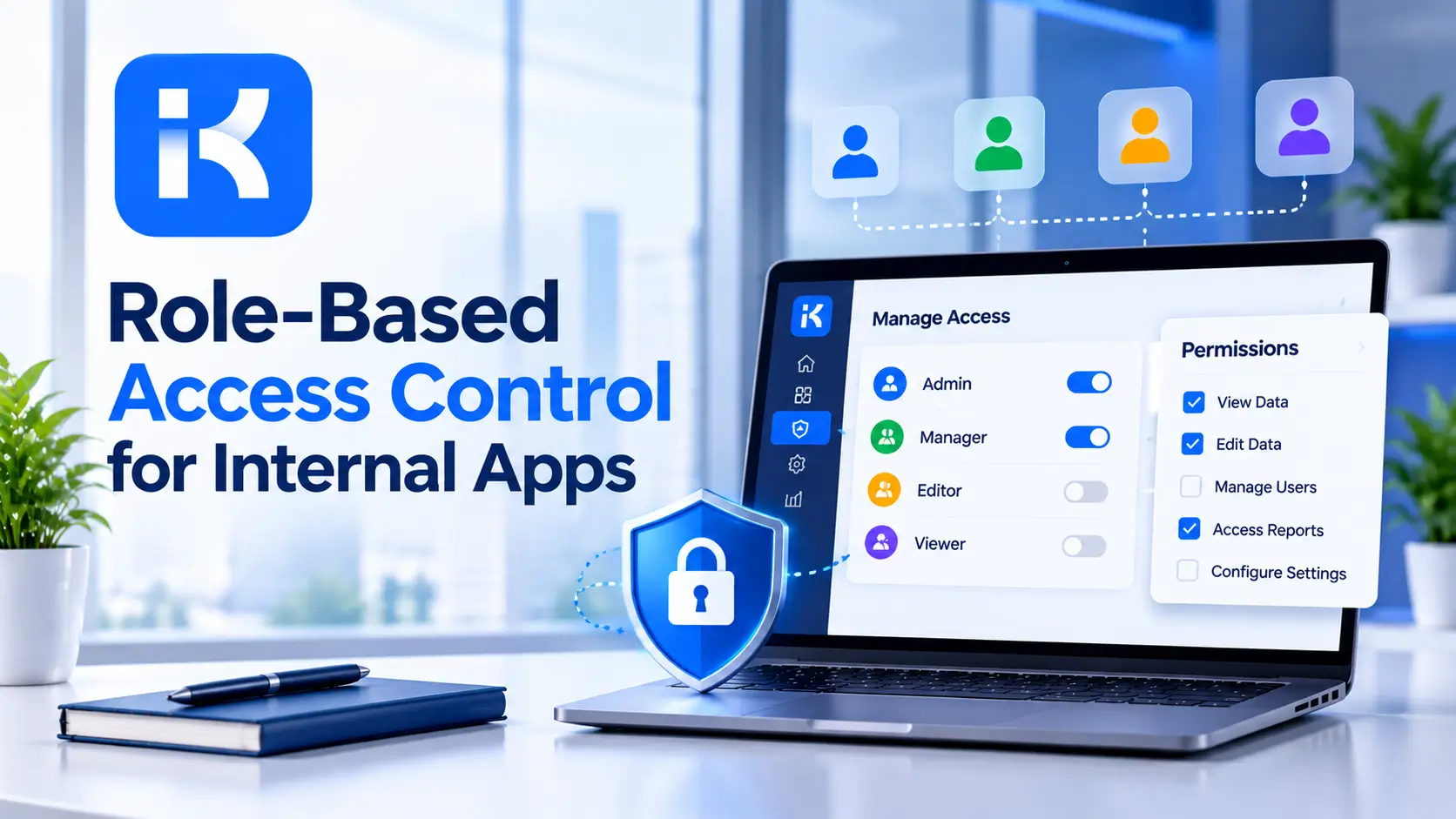
Role-Based Access Control for Internal Apps Explained