What Is a No-Code Platform? Definition and Examples
8 days agoPUBLISHED INAI Development
 ali
ali 2026-09-10 16:04:00
 0
0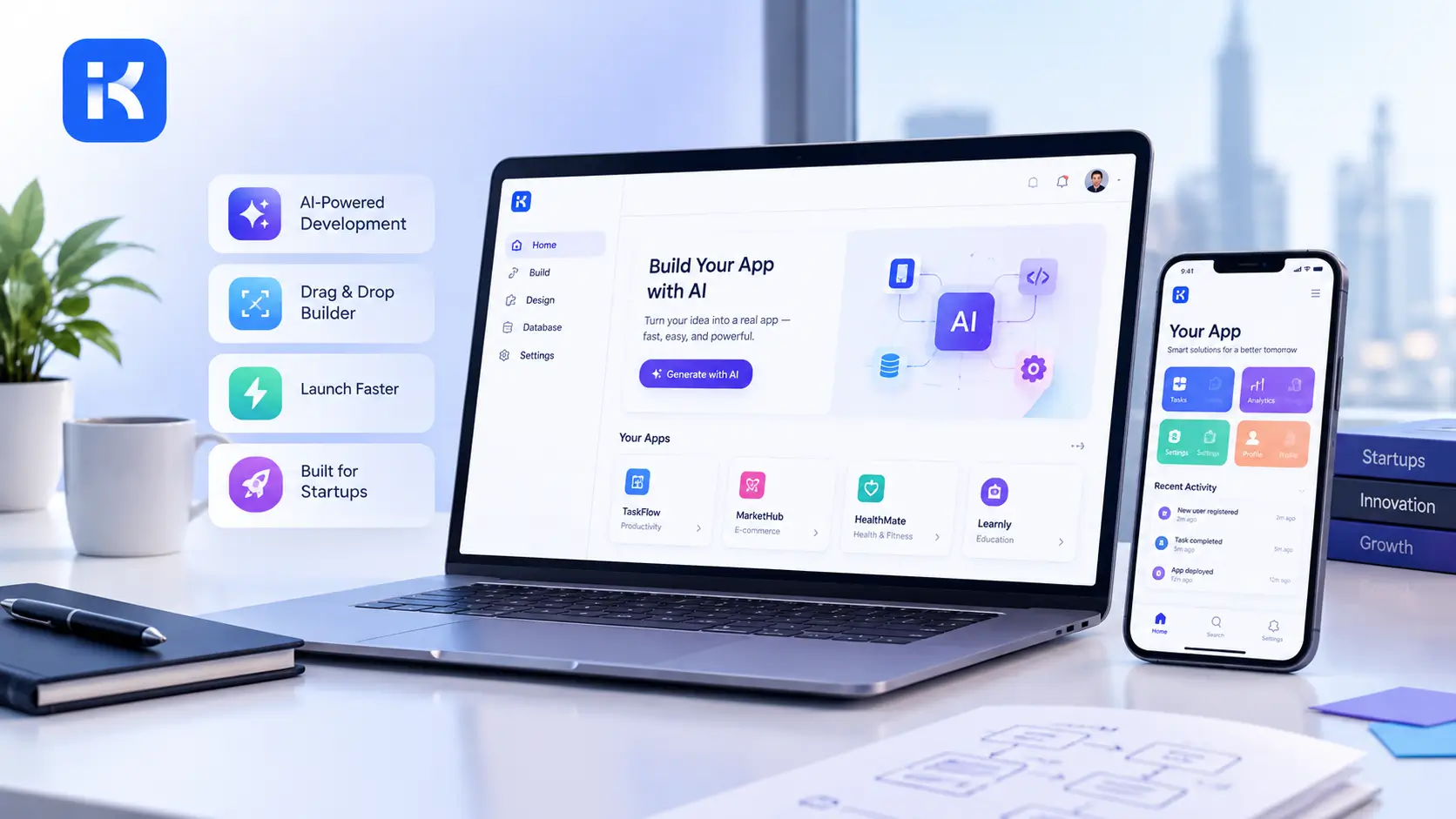
A no-code platform is software that lets people build apps using visual editors, forms and drag-and-drop instead of writing code. Teams use them to create things like approval workflows, internal tools, CRMs and dashboards without waiting for a developer.
No-code, low-code and AI app builders: what is the difference?
|
No-code |
Low-code |
AI app builder |
|
|---|---|---|---|
|
Who uses it |
Business users |
Developers and technical users |
Business teams, starting from a plain-language request |
|
Coding needed |
None |
Some, for custom logic |
None to start; the result can be adjusted |
|
How you start |
Drag and drop |
Drag and drop, plus code |
Describe what you need, then refine |
|
Typical use |
Forms, simple apps, automations |
Larger or custom business apps |
Internal tools and workflow apps built quickly |
Many platforms mix these approaches, so the labels are a guide rather than strict categories.
What can you build with a no-code platform?
-
An approval workflow: approval workflow app
-
A helpdesk: helpdesk app
-
Inventory tracking: inventory management app
-
A dashboard: dashboard app
How to choose a no-code platform
Before you commit, check these six things:
-
Deployment. Does it run in the cloud only, or can you deploy it privately?
-
Permissions. Can you control who sees and edits what?
-
Integrations. Does it connect to the tools and data you already use?
-
Pricing model. Is it per user, per app or usage based, and what happens when you grow?
-
Limits. What happens when you need custom logic that the visual tools cannot do?
-
Exit. Can you take your data and apps with you if you leave?
A Real World Example
Picture a warehouse manager who needs a tool to track incoming shipments, flag anything running late, and ping a supervisor automatically. Hiring a developer for that job could run several thousand dollars and take weeks of back and forth. Build it inside one of these tools instead, and it’s often an afternoon’s work, because the manager already knows exactly what the form should ask and what should trigger the alert. The platform just needs the logic, not a computer science degree behind it.
How Developers Use These Tools Differently
Developers reach for no code or low code tools for a different reason entirely.
-
Spinning up an internal admin panel fast, without wasting time on boilerplate
-
Building a client facing prototype quickly to test an idea before committing real engineering hours
-
Saving custom code for the parts of a project that genuinely need it
What Can You Actually Build Without Writing Code?
You can build internal tools, approval workflows, client portals, inventory trackers, booking systems, and fairly simple customer facing apps. What these platforms generally aren’t built for is massive, high traffic consumer apps or anything needing deep, unusual performance tuning.
A few concrete examples worth picturing:
-
A reimbursement approval flow that routes a form through a manager, then finance, automatically
-
An equipment checkout system for a school or a shop floor, so nothing goes missing unnoticed
-
A vendor onboarding portal that collects documents and syncs them straight into a shared database
-
A staging and production setup, where a team tests changes safely before pushing them live
That last one deserves more attention than it usually gets. A platform that only lets you edit one live version of your app is genuinely risky for anything beyond a weekend project, because a single mistake goes live the moment you make it.
What Is the Difference Between No Code, Low Code, and AI Native Tools?
No code means you never touch code, period. Low code means you can drop into code whenever the visual tools hit a wall. AI native means the platform generates a working first draft from a plain language prompt, which you then shape further on a visual canvas.
These labels blur together more in practice than most vendors like to admit.
-
No code: everything built visually, no exceptions
-
Low code: visual building with an escape hatch into real code
-
AI native: a generated starting point you refine, rather than a blank canvas you fill
A platform like KodeFlex, for instance, is both AI native and no code. You describe an app in plain language, get a running first draft complete with forms and workflow logic already in place, then adjust it visually rather than starting from an empty screen. That’s a meaningfully different starting point compared to a traditional no code tool where every screen gets built from scratch. If you want a deeper look at how these generative tools actually work under the hood, this breakdown of what is an AI app builder covers it well.
What Are the Real Limitations of This Approach?
These tools trade some flexibility for speed, and that trade isn’t right for every project. They usually aren’t the correct choice for apps needing highly custom performance work, unusual interface behavior, or huge scale consumer traffic right out of the gate.
Worth saying plainly instead of glossing over it:
-
Building the next high frequency trading dashboard? Wrong tool, no question.
-
Building a game engine? Also the wrong tool.
-
Building internal business software or a workflow heavy app? This is exactly where no code consistently wins, and it happens to be the majority of what companies actually need built.
How Do You Choose the Right No Code Platform in 2026?
Match the platform to what you’re actually building, since a spreadsheet driven internal tool needs something completely different from a customer facing app with approvals and multiple user roles.
A Simple Way to Narrow It Down
-
Starting from an existing spreadsheet and just need a usable interface layered on top? A spreadsheet to app tool is your best fit.
-
Need multi step approval flows, separate staging and production environments, and the option to deploy privately? Look at AI native builders made for internal business apps.
-
Cost predictability matters more than raw flexibility to you? Check whether pricing is usage based or fixed before signing anything, since usage based plans can quietly balloon as your app grows.
Where KodeFlex fits
KodeFlex is an AI app builder for enterprise workflows. You describe what you need in plain language, KodeFlex builds a working app, and you adjust the workflow in a visual editor. Apps can be deployed privately. See the product.
Read next: no-code vs low-code vs AI-native and best no-code app builders.
Frequently Asked Questions
What is a no-code platform?
A no-code platform is software that lets you build apps using visual tools instead of writing code. You design screens, forms and workflows by dragging and dropping.
Is no-code the same as low-code?
No. No-code needs no programming at all. Low-code is also visual, but it lets developers add code for custom logic.
Can a no-code platform build business apps?
Yes. Common examples are approval workflows, CRMs, helpdesks, inventory trackers and dashboards. Very custom or very large systems may still need code.
What are the limits of no-code?
Visual tools cover most standard business needs. Complex custom logic, unusual integrations and very large scale can be harder, so check what the platform allows before you commit.
How much does a no-code platform cost?
It depends on the platform. Common models are per user, per app or usage based. See our guide to low-code pricing.
Related Blogs

How Much Does an AI App Builder Cost?