Catalog
In addition to the one-click installation package, you can also deploy the KodeFlex runtime environment using the source package.
1. Set Up the PHP and MySQL Environment
There are many tutorials online for installing PHP and MySQL, so we will not go into detail here. However, please pay attention to the following points:
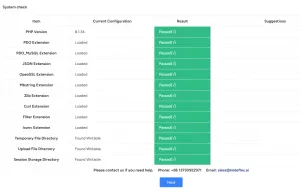
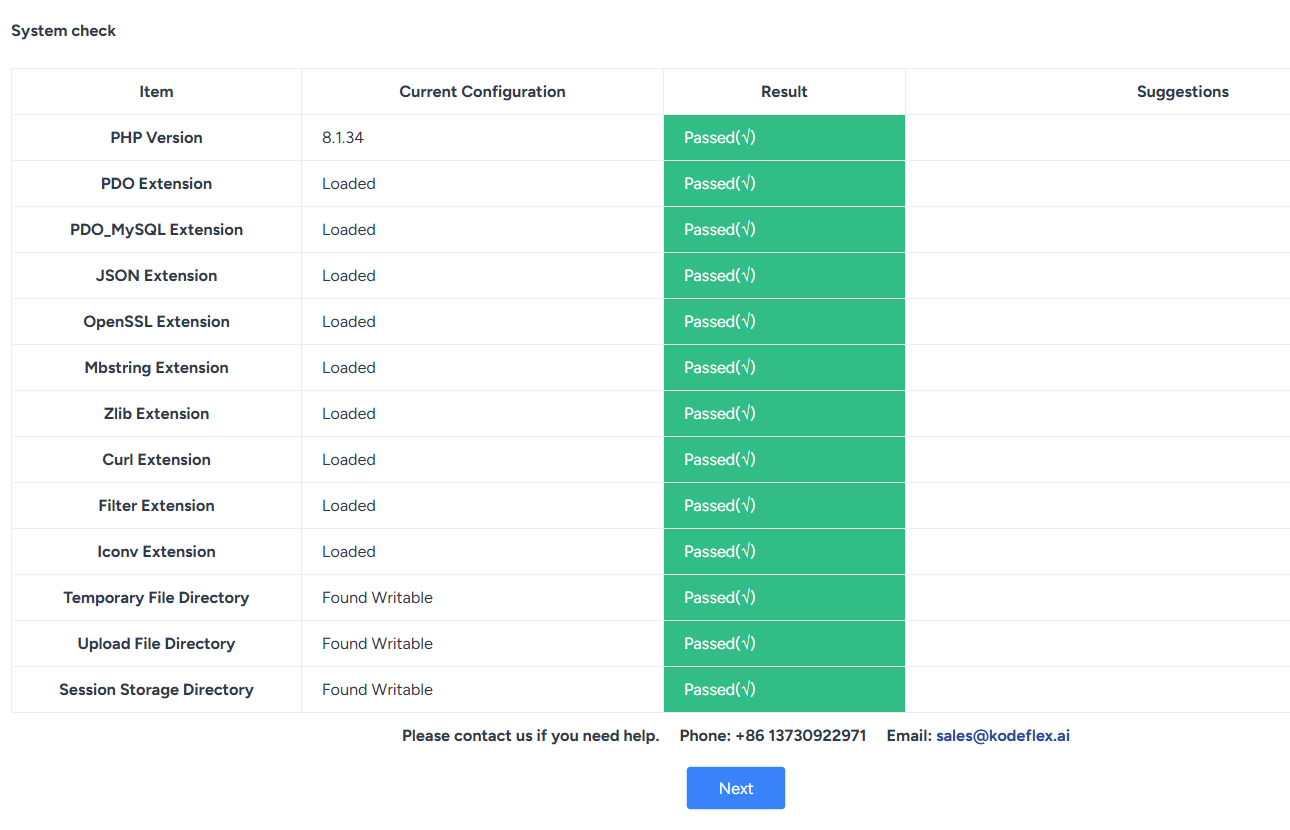
1. KodeFlex requires the following modules: pdo, pdo_mysql, json, filter, openssl, mbstring, zlib, curl, gd, and iconv. Please make sure these modules are enabled in your PHP environment.
2. We recommend using the Linux + Apache + PHP(8.1 or later) + MySQL (5.5/5.6 or later) / MariaDB stack. Nginx is also acceptable. IIS + PHP is not recommended.
3. We do not recommend using locally developed WAMP-style bundled environments.
4. On Linux, we do not recommend compiling and installing PHP manually. It is best to use the operating system's built-in package manager to install the PHP runtime environment.
2. Download the KodeFlex Source Code
1) Contact the sales team through theKodeFlex official website to obtain the latest version of the source code package, which ends with `.zip`.
2) Extract the package to get the KodeFlex directory. Copy it to the appropriate directory for your web server (you can confirm the exact location by checking the web server configuration file), such as the `www` or `htdocs` directory in Apache.
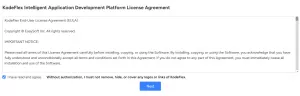
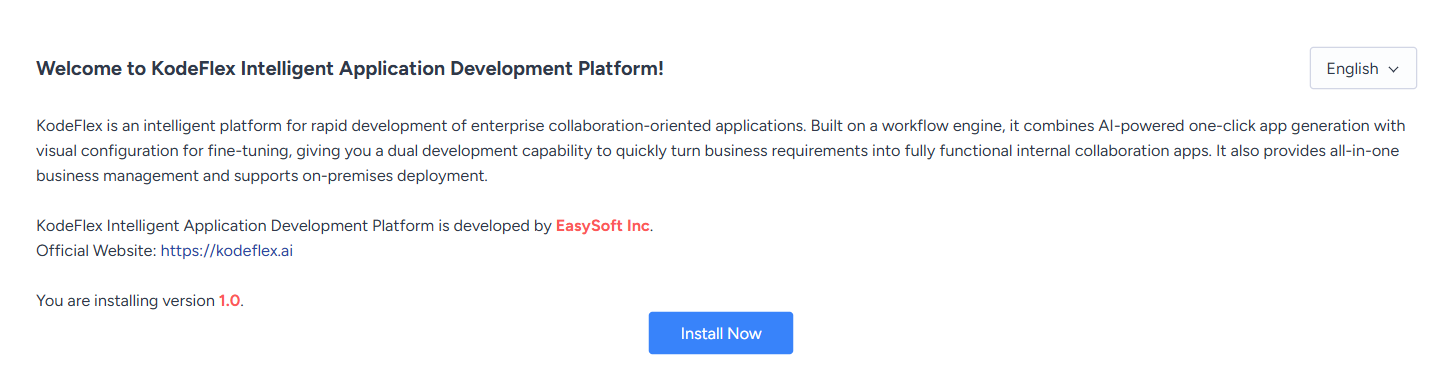
3) Open http://ip:port/install.php or http://KodeFlexdomain:port/install.php in your browser, and the system will automatically redirect you to the installation program.
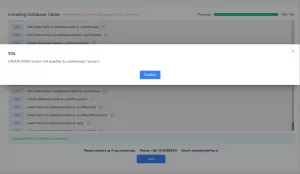
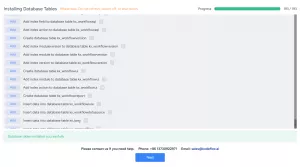
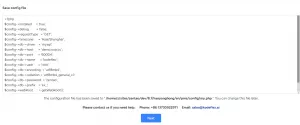
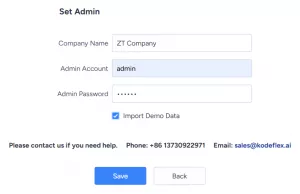
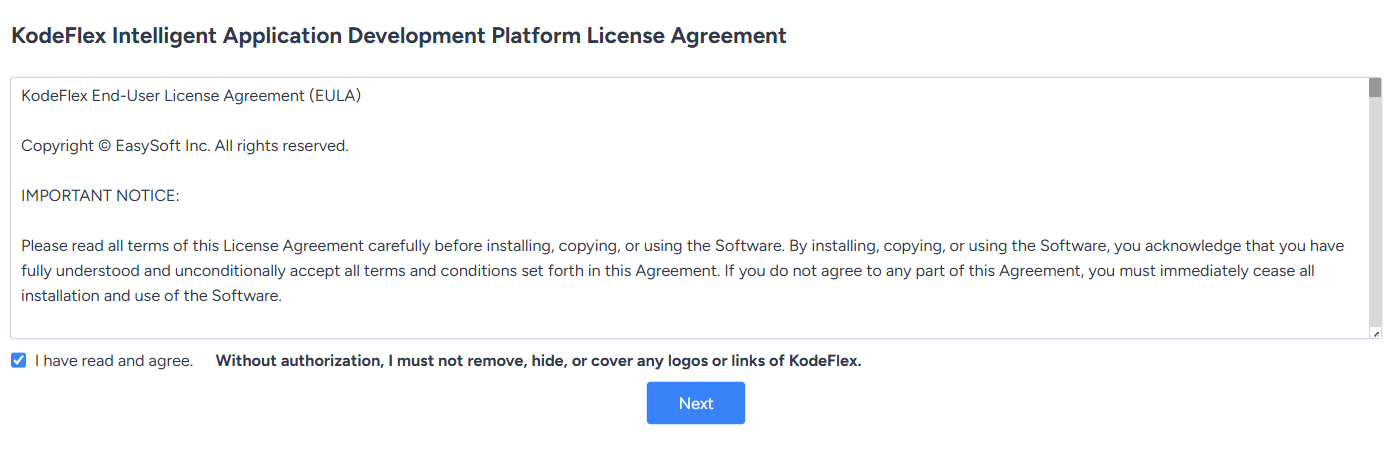
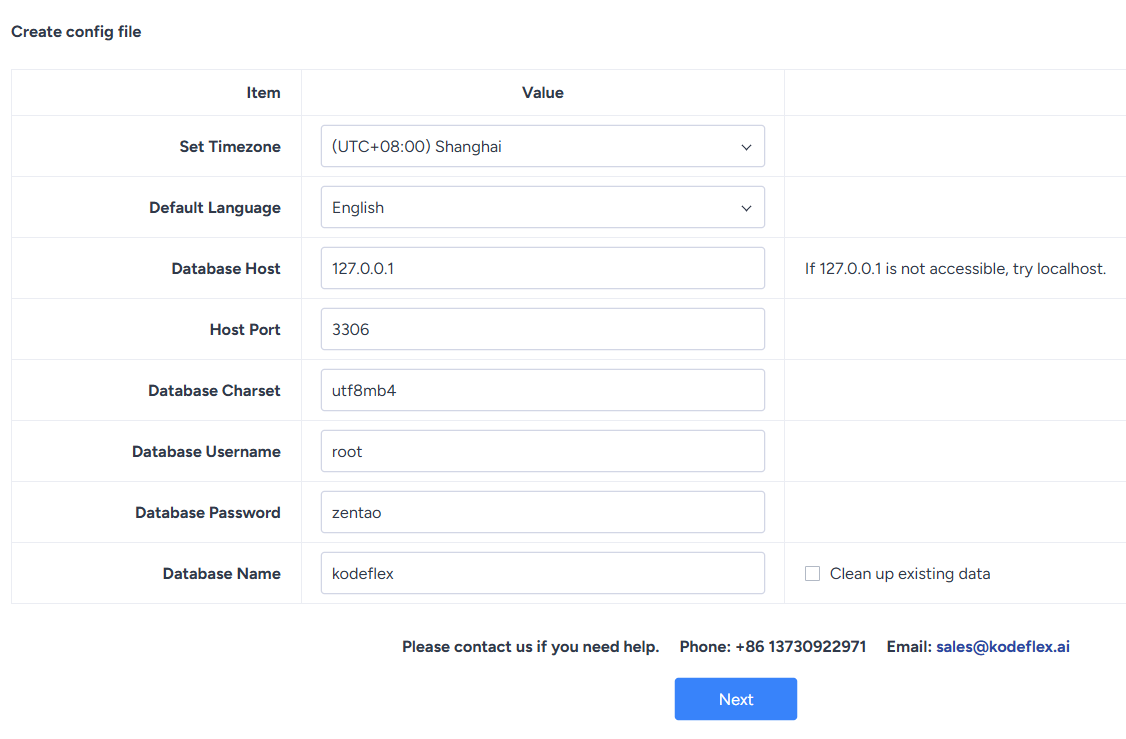
3. Installation Steps
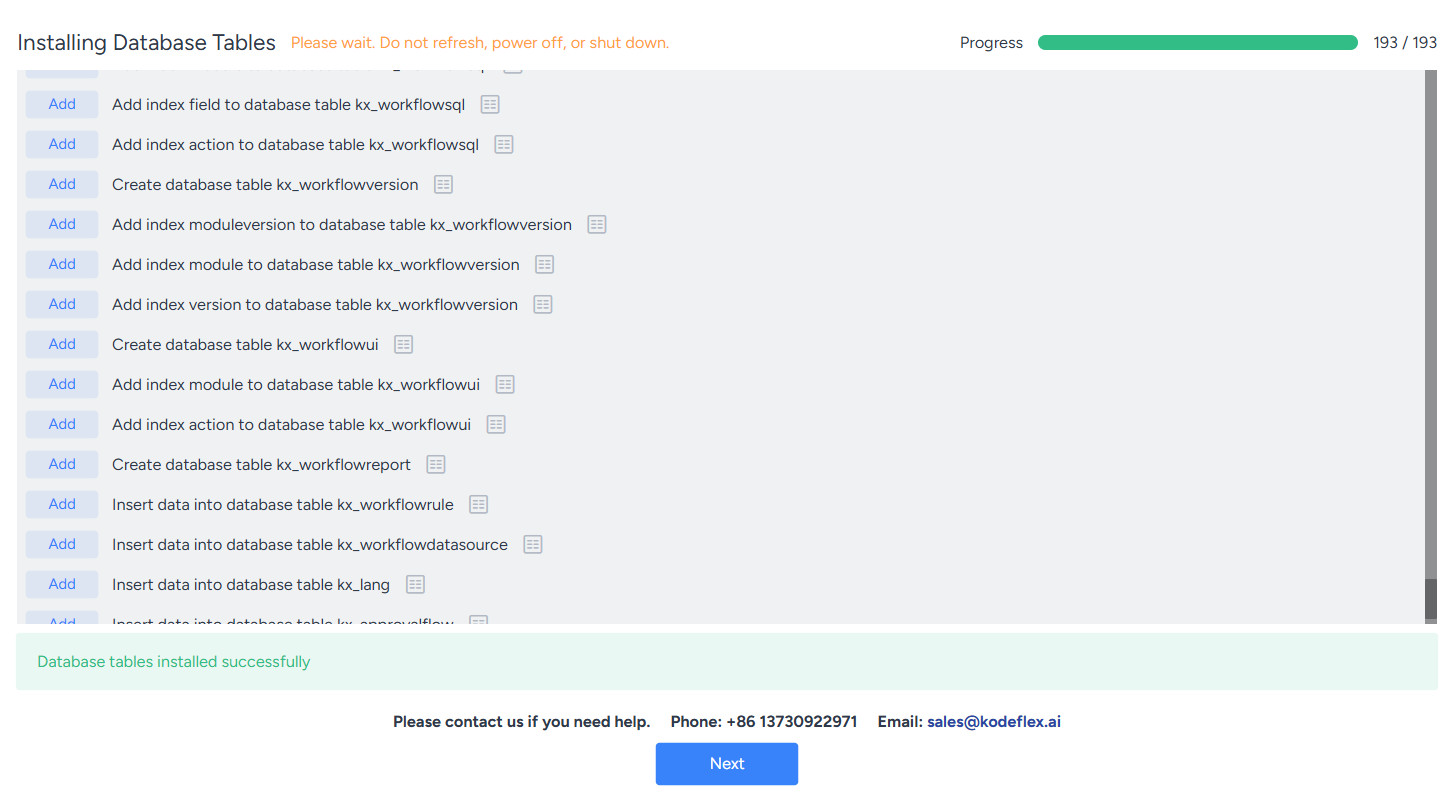
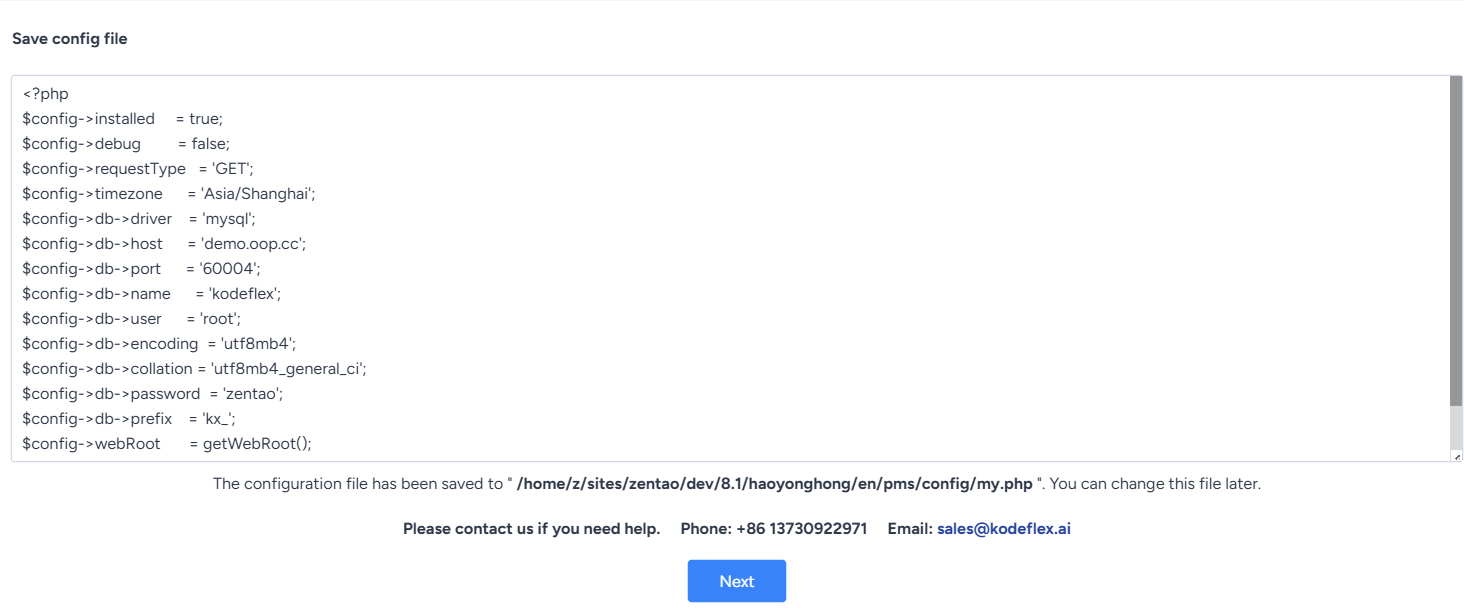
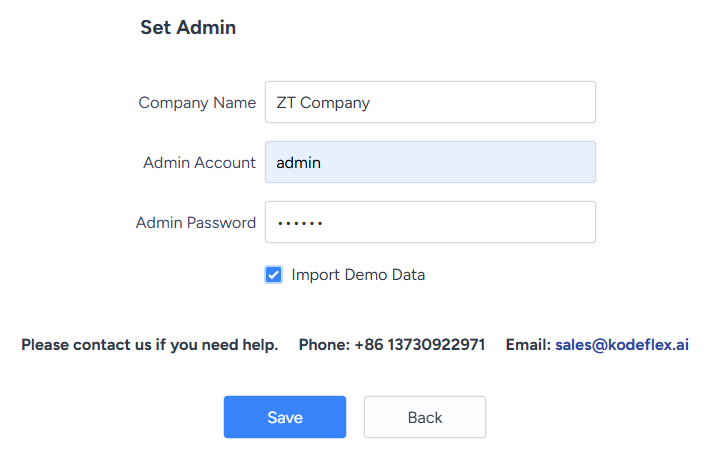
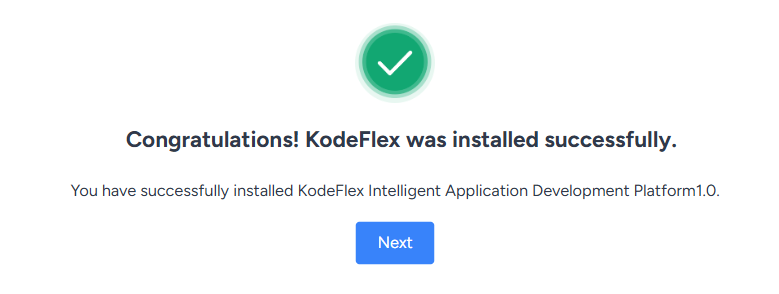
4. Notes
If you access http://ip:port/kodeflex/www/install.php in an Apache environment and see the following error message:


You can try deleting the `.htaccess` file in the code and then access it again.
On Linux
[root@localhost kodeflex]# ls -la www/.htaccess
-rw-rw-r-- 1 root root 788 Jan   4 13:46 www/.htaccess
[root@localhost kodeflex]# rm -rf www/.ztaccess
On Windows
Delete the `.htaccess` file from the kodeflex/www directory.