Catalog
1. Import Users
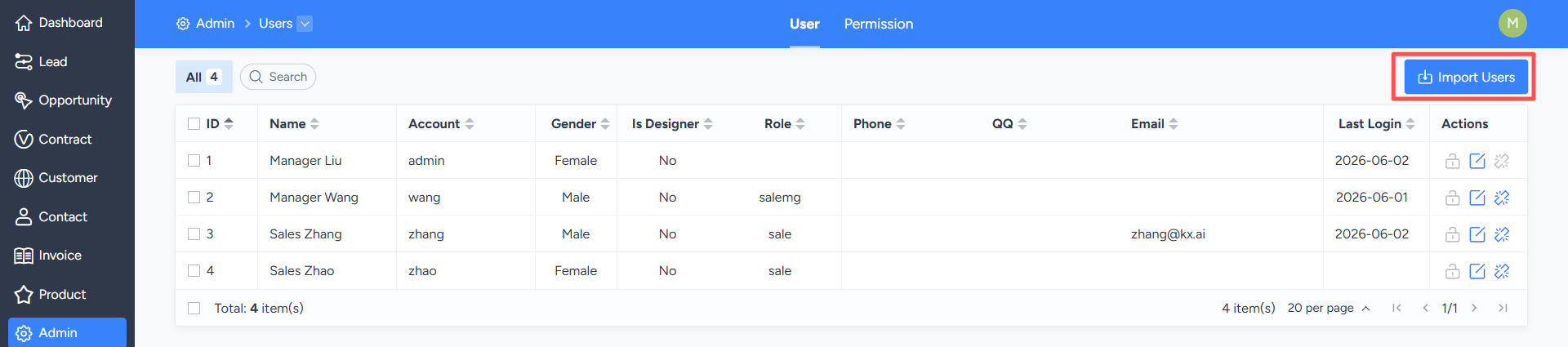
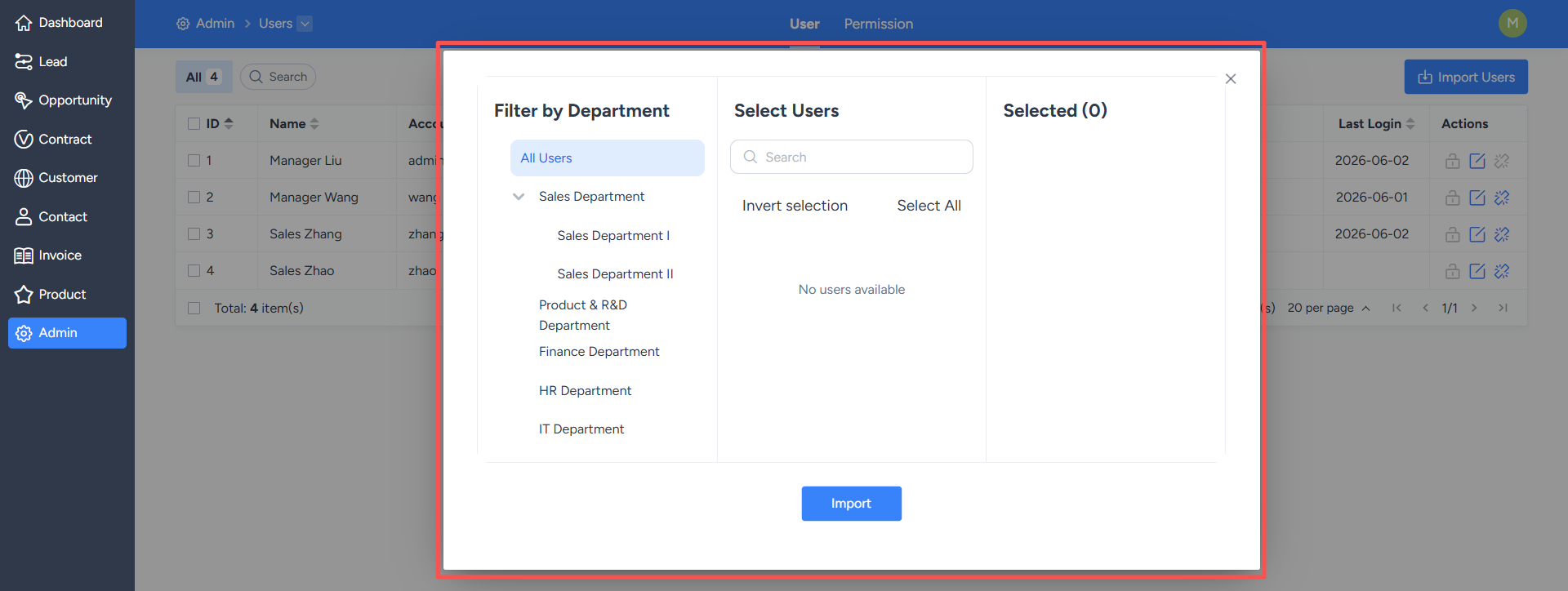
On the "User Management" list page, you can perform operations such as batch importing and batch editing of users.Click the "Import Users" button to enter the user import page.
Click "Import". After successful import, the system will automatically return to the user list and display the newly added users.
2. Batch Edit Users
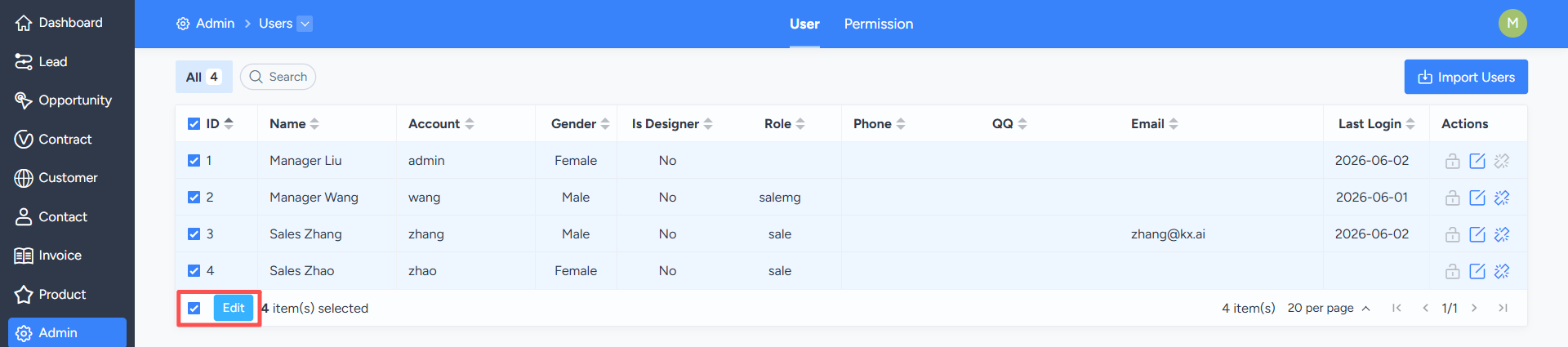
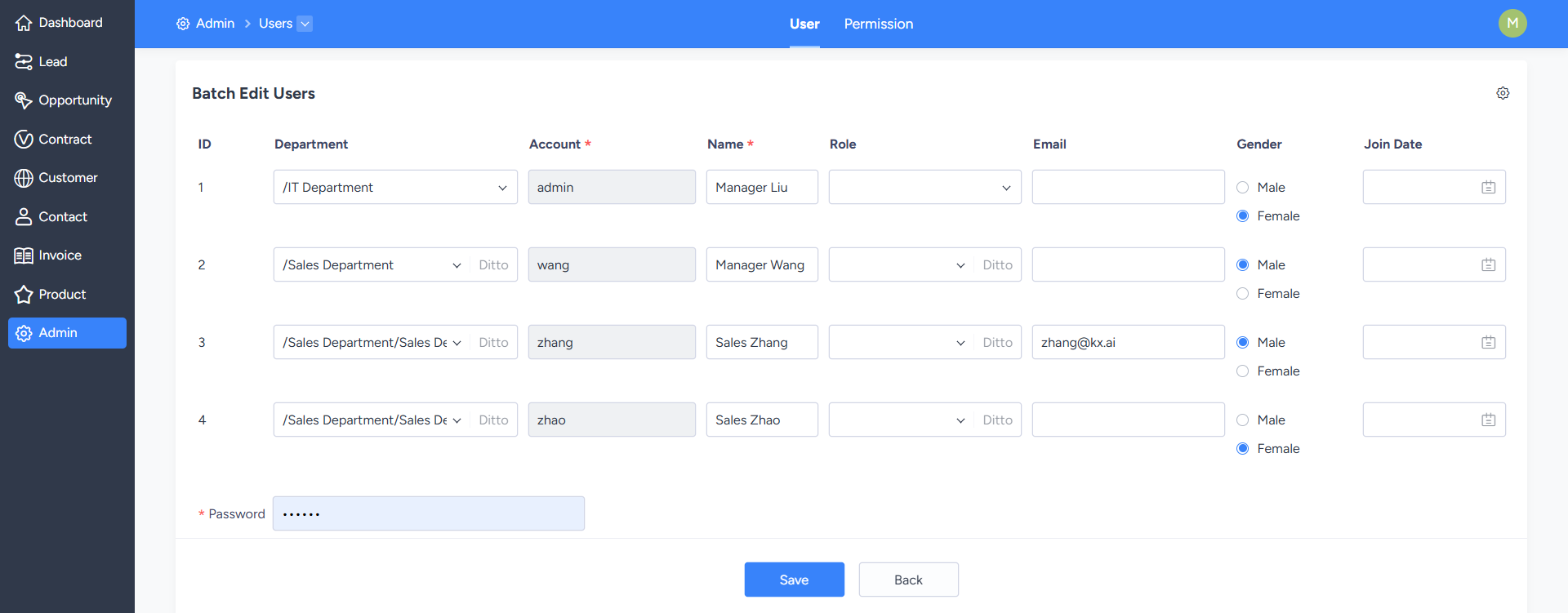
On the user list page, you can click "Select All" or manually select multiple users, and then click the "Edit" button to enter the batch editing page.On the batch editing page, you can uniformly modify the department, position, and other information of the selected users. After saving, the changes will be synchronously applied to the selected users.