Catalog
A public data source is used to uniformly maintain reusable data options for use by different departments, teams, or multiple modules. A unified data source reduces redundant maintenance and avoids data inconsistencies.
Note: Built-in data sources cannot be edited or deleted.
Data source categories include:
After creating a data source, it can be referenced in the module field configuration.
In the data source list, click the "Edit" button to modify an existing data source. After modification, all modules referencing this data source will synchronously use the latest configuration.
Clicking the "Delete" button will remove the data source that is no longer in use. Before deleting, it is recommended to confirm whether the data source is already referenced by any module to avoid affecting the normal use of related fields.
1. Viewing Data Sources
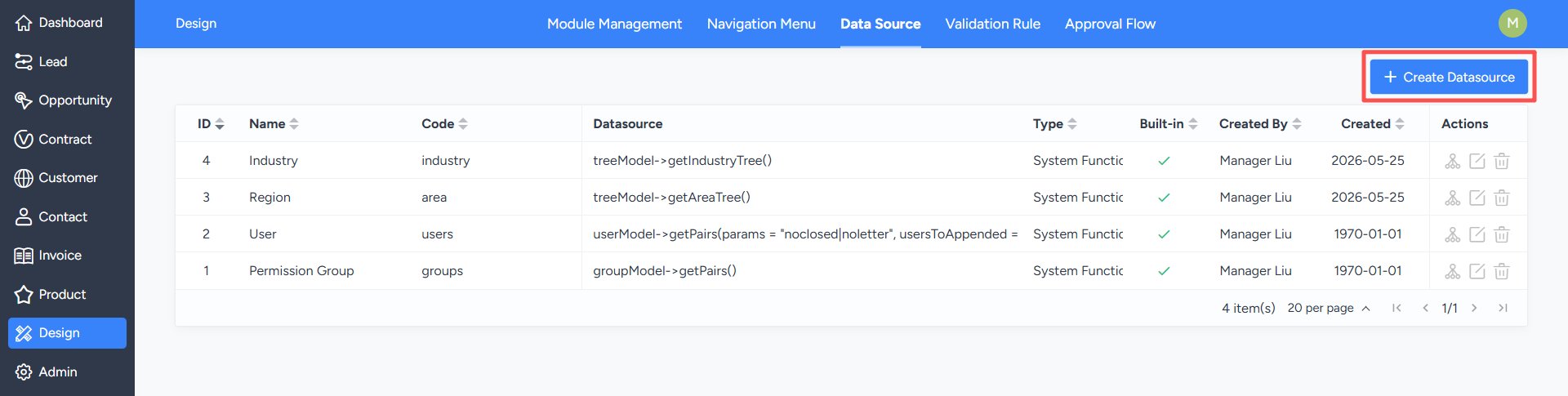
The system has built-in data sources for designers to directly access, such as system language items, system functions, and custom SQL.Note: Built-in data sources cannot be edited or deleted.
2. Maintaining Data Sources
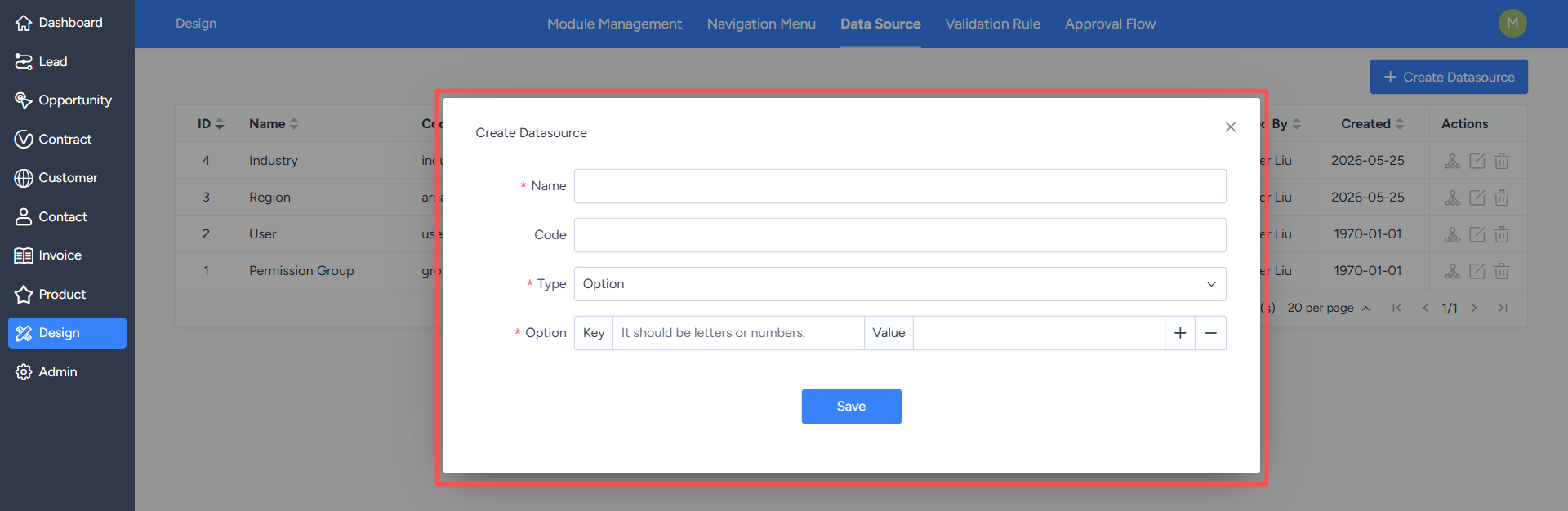
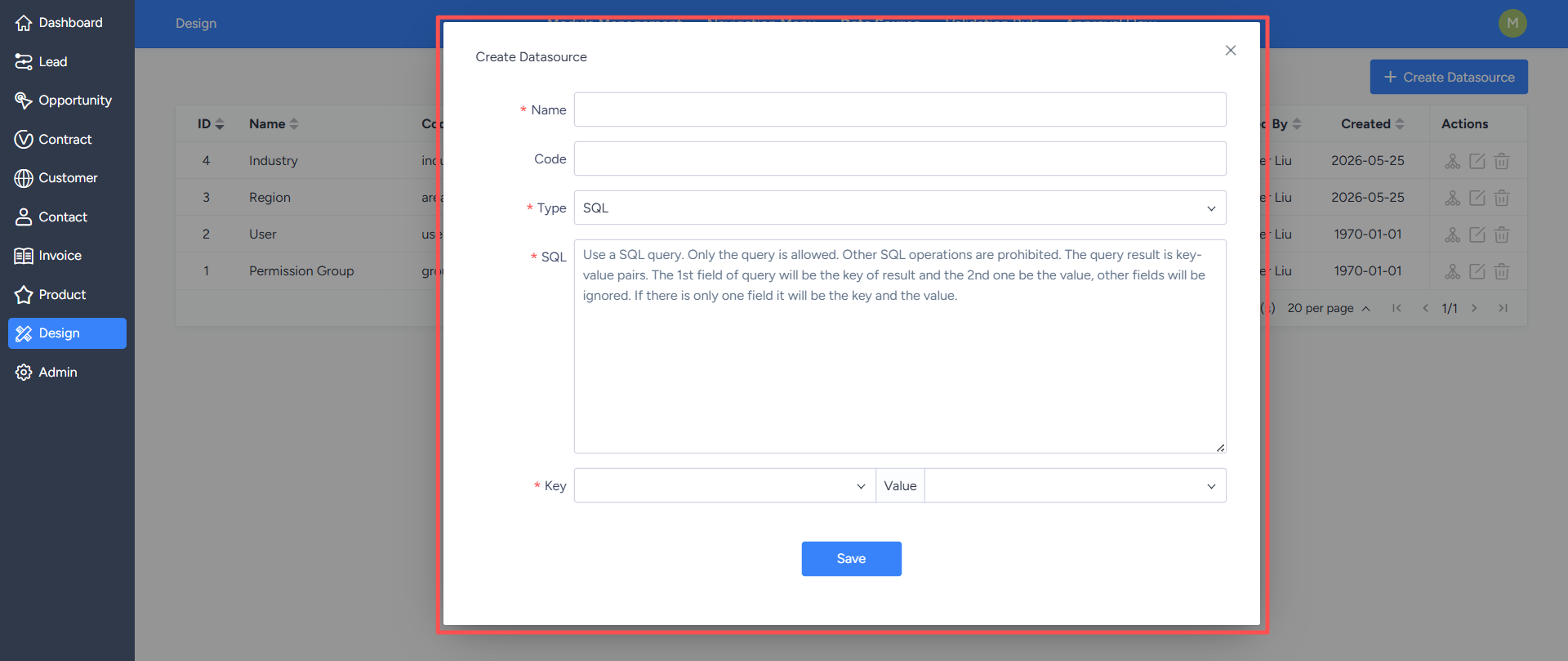
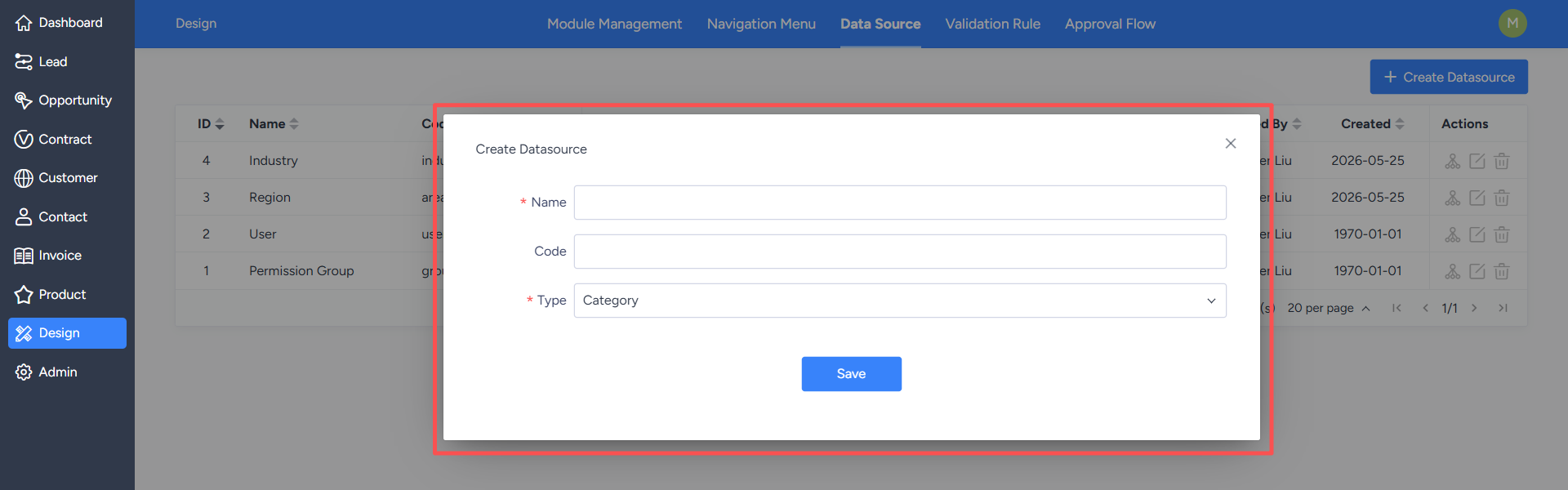
Click the "Add Data Source" button to add a new data source.Data source categories include:
- Custom Options: Maintains data in key-value pair format, such as fixed options like status, type, and level.
- Custom SQL: Retrieves key-value pair data from the database using SQL queries, serving as the data source.
- Custom Categories: Organizes data in a tree structure, supporting multi-level categories.
- System Functions: Calls predefined methods in the system to retrieve data.
- System Language: Selects a built-in system language item as the data source.
After creating a data source, it can be referenced in the module field configuration.
In the data source list, click the "Edit" button to modify an existing data source. After modification, all modules referencing this data source will synchronously use the latest configuration.
Clicking the "Delete" button will remove the data source that is no longer in use. Before deleting, it is recommended to confirm whether the data source is already referenced by any module to avoid affecting the normal use of related fields.