Business Applications
1. KodeFlex Introduction
1.1 About KodeFlex
2. Installing KodeFlex
2.1 Windows One-Click Installer
2.2 Linux One-Click Installer
2.3 Installing ZAI Service
2.4 Installing from the Source Package (All Operating Systems)
3. Upgrading KodeFlex
4. Platform
4.1. Application Management
4.1.1 Create an Application
4.1.2 Maintenance Application
4.2. Module Design
4.2.1 About the Module
4.2.2 Main Table Design
4.2.3 Sub-table Design
4.2.4 Action Design
4.2.5 Label Design
4.2.6 More Settings
4.2.7 Release Deactivated Modules
4.3. AI Features
4.3.1 Intelligent Conversation
4.3.2 Agent
4.3.3 Skill
4.3.4 Model List
4.4. Application Instance Management
4.4.1 Maintenance Instance
4.4.2 Navigation Menu
4.4.3 Data Source
4.4.4 Validation Rules
4.4.5 Approval Process
4.5. User
4.5.1 Maintain Users
4.5.2 Maintenance Department
4.6. Permissions
4.6.1 Maintenance Permissions
4.7. System
4.7.1 Company
4.7.2 Backup
4.7.3 Authorization Information
4.7.4 Safety
4.7.5 Timing
4.7.6 Time zone
4.7.7 LDAP
5. Business Applications
5.1 Access Applications
5.2. Backend
5.2.1 Personnel Management
5.2.2 Access Management

Access Applications

2026-07-22 17:13:03
haoyonghong
143
Last edited by haoyonghong on 2026-07-22 17:24:13
Share links
System super administrators, designers, and regular users can access applications in different ways.

1. Super administrators and designers access a development instance

After logging in, the system super administrator admin and designer users can click the Preview button in the application management list to access the application's development instance.

2. Access all application instances

After logging in, the system super administrator admin and designer users can click an instance name in the application instance list to access any application instance. They can also copy the instance URL from the browser and share it with regular users.

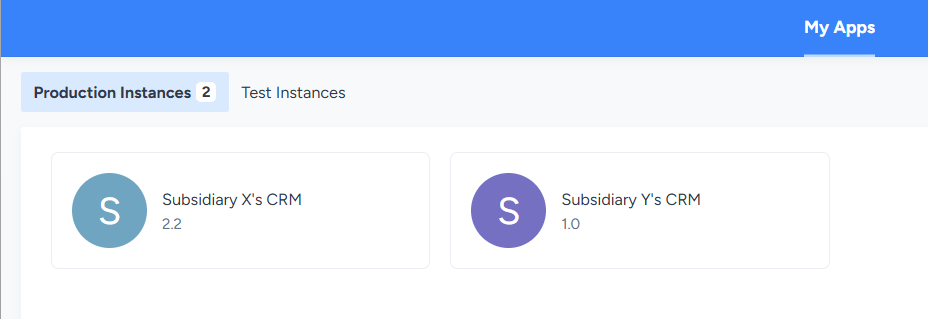
3. Regular users access all applications

After logging in, regular users can centrally access all application instances they have permission to use.
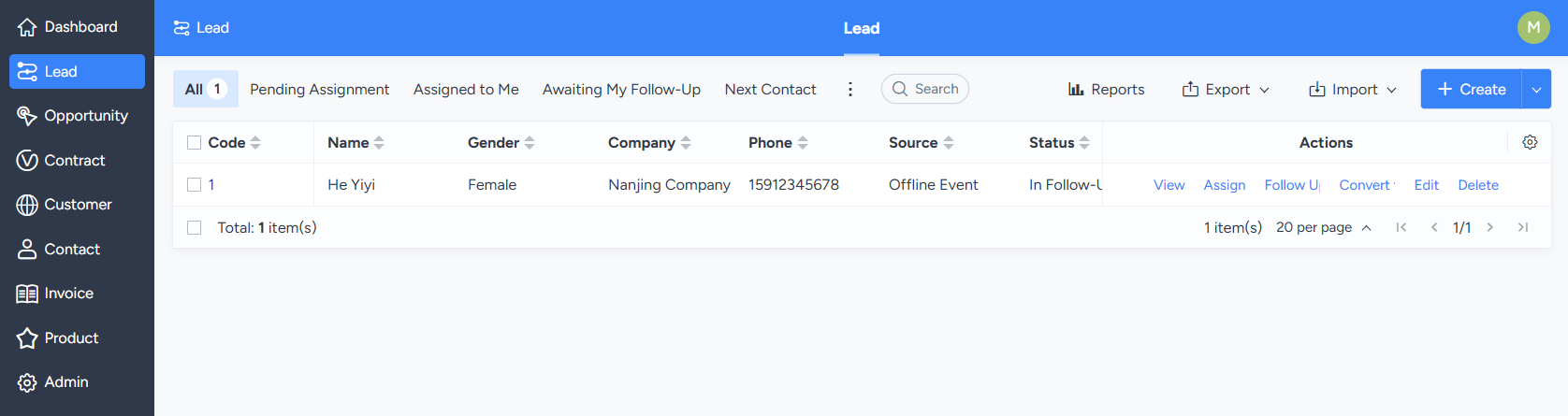
4. Regular users access a specific application

Users who have permission to access an application instance can open that instance URL and log in to access the specific application directly.


Write a Comment
Comment will be posted after it is reviewed.