Module Design
1. KodeFlex Introduction
1.1 About KodeFlex
2. Installing KodeFlex
2.1 Windows One-Click Installer
2.2 Linux One-Click Installer
2.3 Installing ZAI Service
2.4 Installing from the Source Package (All Operating Systems)
3. Upgrading KodeFlex
4. Platform
4.1. Application Management
4.1.1 Create an Application
4.1.2 Maintenance Application
4.2. Module Design
4.2.1 About the Module
4.2.2 Main Table Design
4.2.3 Sub-table Design
4.2.4 Action Design
4.2.5 Label Design
4.2.6 More Settings
4.2.7 Release Deactivated Modules
4.3. AI Features
4.3.1 Intelligent Conversation
4.3.2 Agent
4.3.3 Skill
4.3.4 Model List
4.4. Application Instance Management
4.4.1 Maintenance Instance
4.4.2 Navigation Menu
4.4.3 Data Source
4.4.4 Validation Rules
4.4.5 Approval Process
4.5. User
4.5.1 Maintain Users
4.5.2 Maintenance Department
4.6. Permissions
4.6.1 Maintenance Permissions
4.7. System
4.7.1 Company
4.7.2 Backup
4.7.3 Authorization Information
4.7.4 Safety
4.7.5 Timing
4.7.6 Time zone
4.7.7 LDAP
5. Business Applications
5.1 Access Applications
5.2. Backend
5.2.1 Personnel Management
5.2.2 Access Management

About the Module

2026-06-23 15:02:18
liujinyuan
276
Last edited by haoyonghong on 2026-07-30 15:52:36
Share links
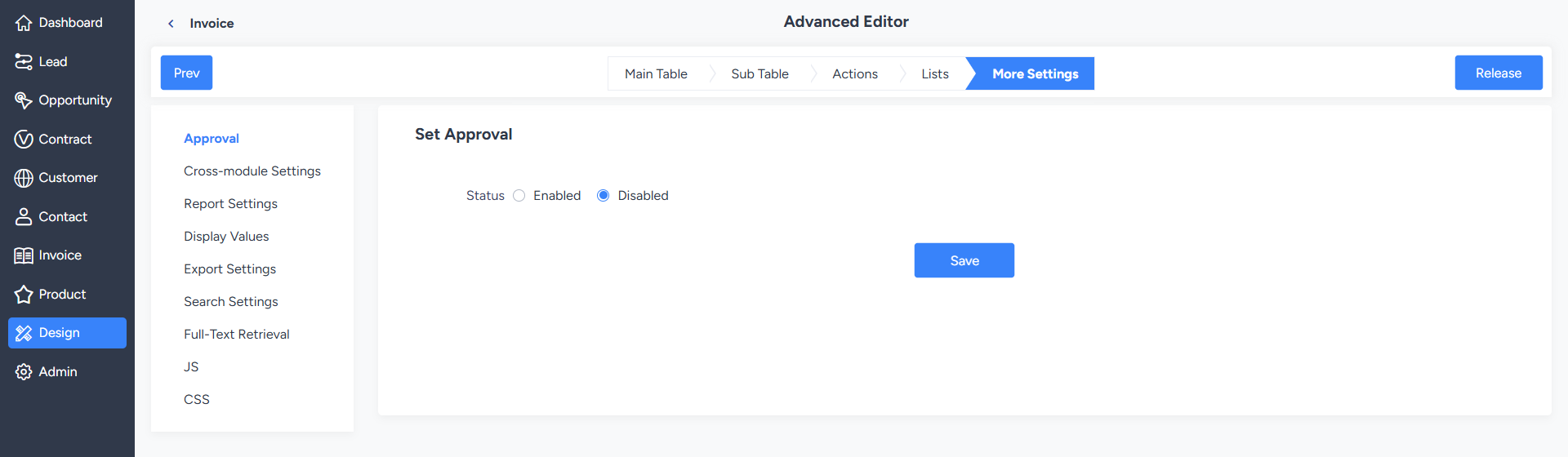
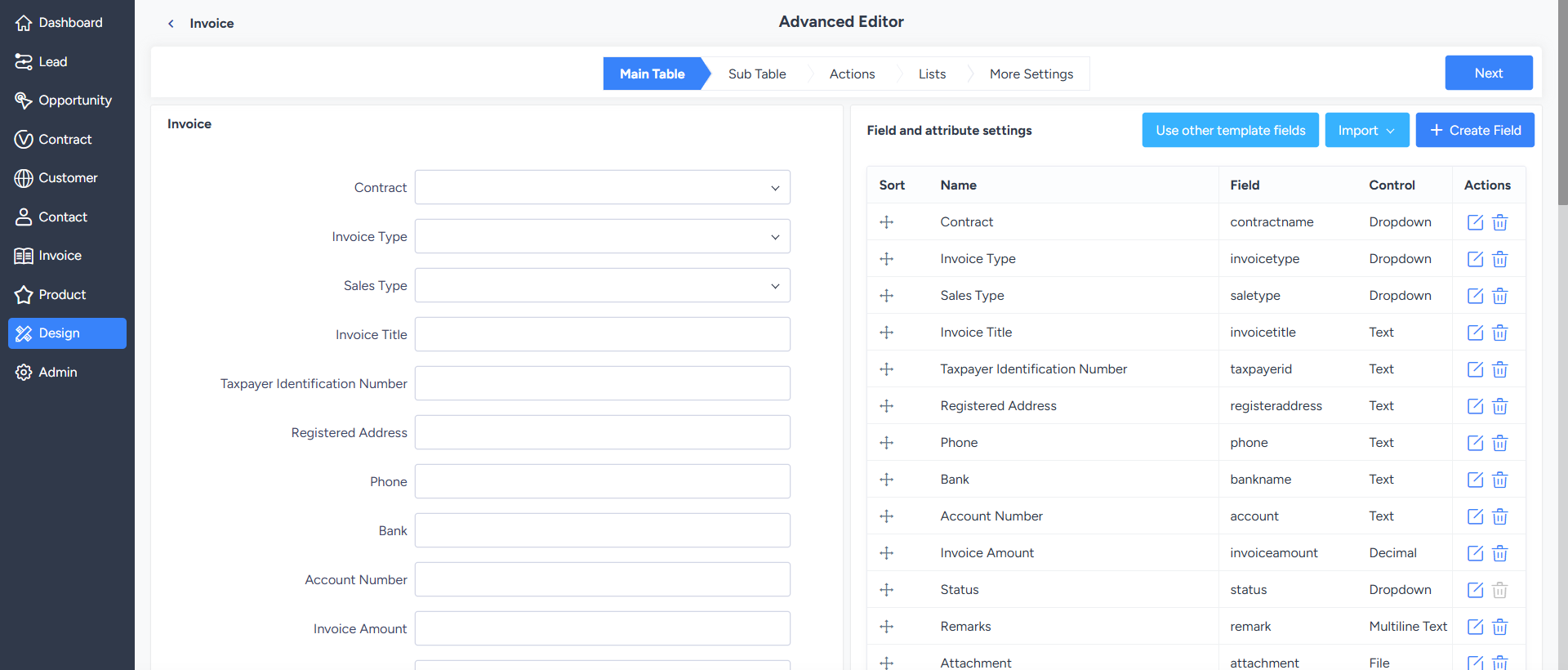
In the module editor, designers can configure modules more completely and in greater detail, including main table design, sub-table design, action design, tag design, and many other settings.
The configuration items are explained below:
  • Main Table Design: Used to maintain the fields and field attributes in the main table.
  • Sub-Table Design: When the main table form requires multiple detailed information entries, sub-tables can be used, such as purchase details or resume information.
  • Action Design: Used to configure operations within the module, such as adding, editing, importing, exporting, and linking data.
  • Tag Design: Used to add search tags and set tag filtering conditions and access permissions.
  • More - Cross-Process Settings: Used to configure the relationships between multiple related processes, such as meeting room management and meeting room reservation.
  • More - Report Settings: Used to configure charts based on data tables and display statistical results on the list page.
  • More - Display Value Settings: Used to set the field values of the preceding process that should be displayed in subsequent processes.
  • More - Export Settings: Used to set the fields that are allowed to be exported. More - Search Settings: Used to set the fields allowed for searching on the list page.
  • More - JS: Used to write custom JavaScript to extend page interactivity.
  • More - CSS: Used to write custom CSS to extend page styles.
Write a Comment
Comment will be posted after it is reviewed.