

Catalog
When a process requires entering multiple detailed data entries, sub-tables can be used. For example:
- In an item procurement process, a purchase order may contain multiple item details;
- In referral management, a referred individual may have multiple resumes, each containing fields such as company, start and end dates;
- In vehicle information, multiple annual inspection records can be maintained.
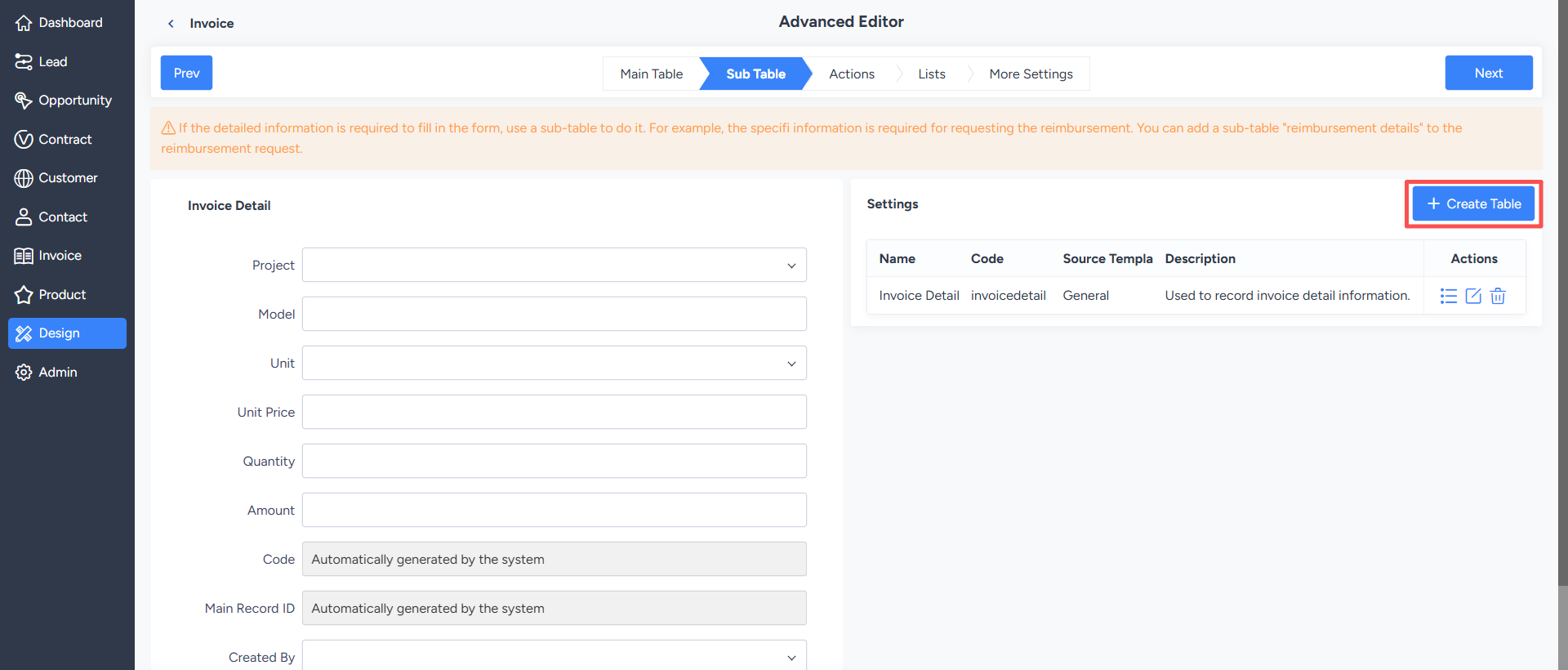
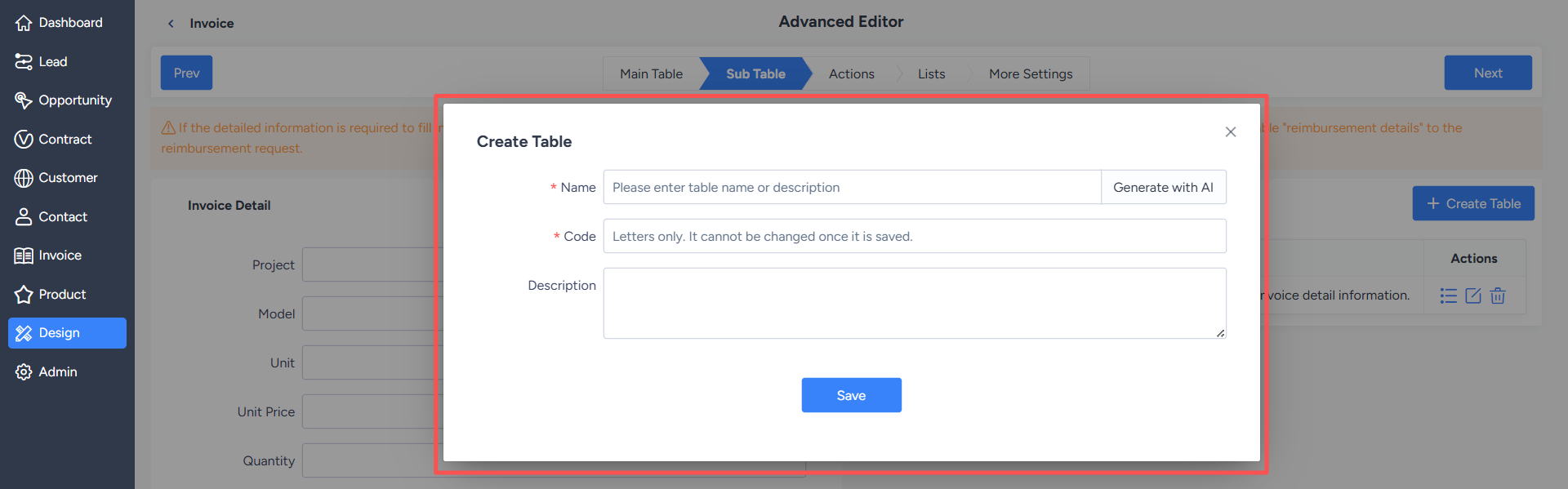
1. Create Sub-Table
After creatng a sub-table in the sub-table design, the system will automatically create the corresponding data table based on the sub-table code.
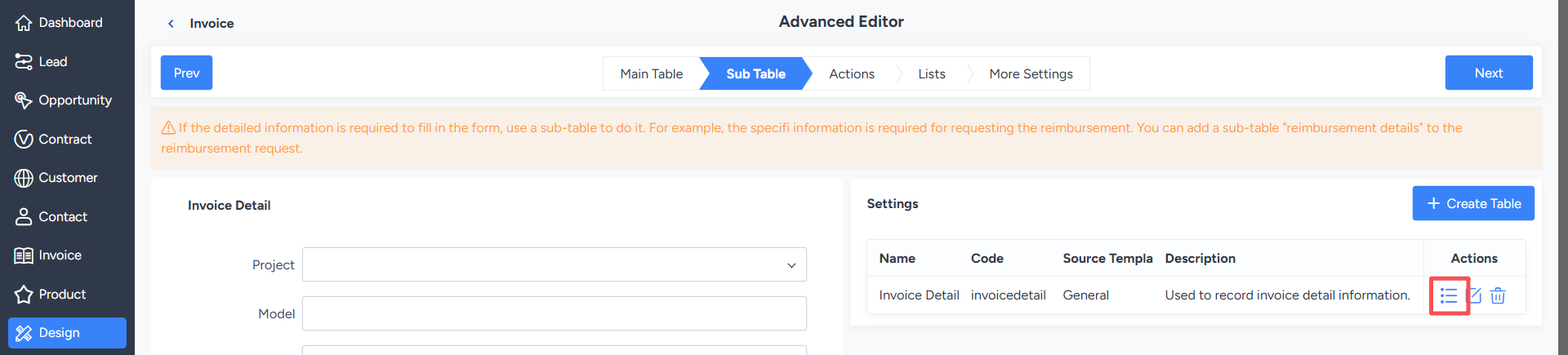
Designers can click on sub-table fields to continue maintaining the fields contained in that sub-table.
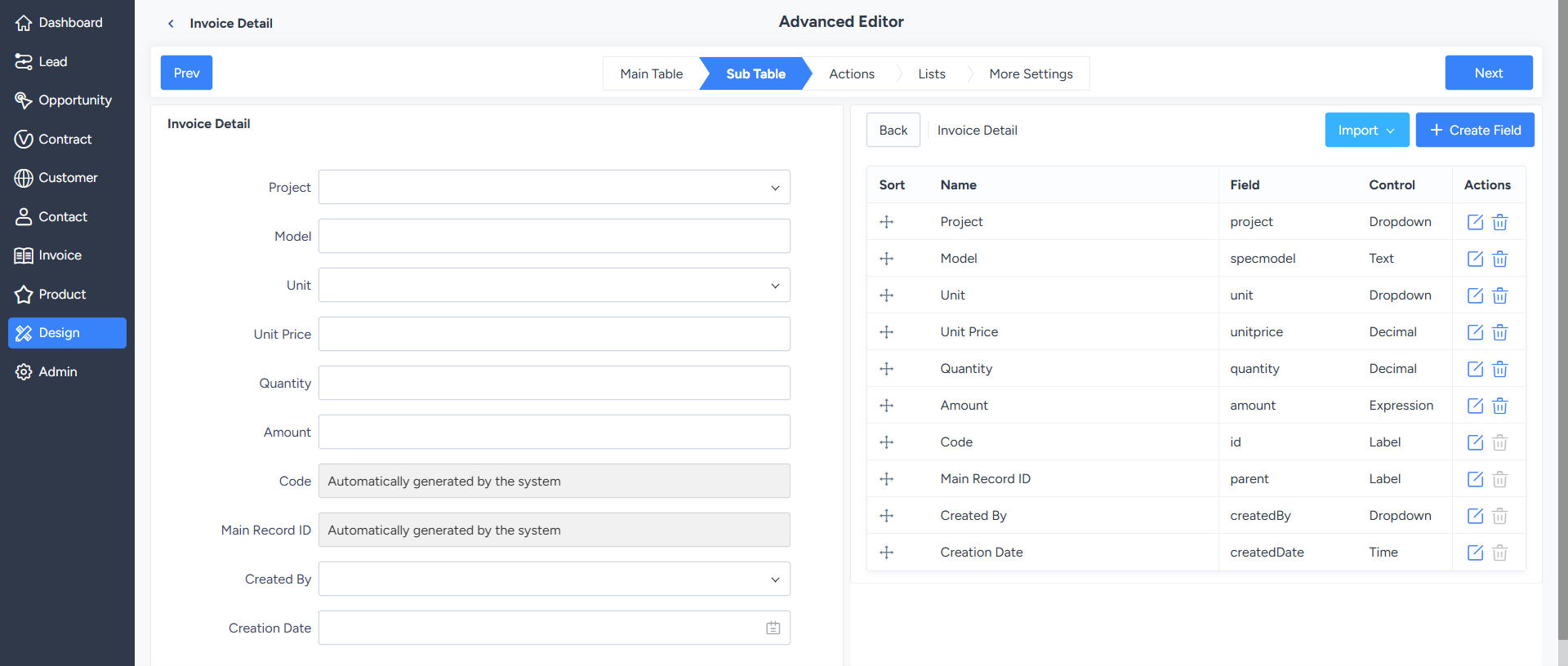
2. Manage Sub-Table Fields
The configuration method for sub-table fields is basically the same as that for main table fields; refer to the field settings in the main table design.


