System
1. KodeFlex Introduction
1.1 About KodeFlex
2. Installing KodeFlex
2.1 Windows One-Click Installer
2.2 Linux One-Click Installer
2.3 Installing ZAI Service
2.4 Installing from the Source Package (All Operating Systems)
3. Upgrading KodeFlex
4. Platform
4.1. Application Management
4.1.1 Create an Application
4.1.2 Maintenance Application
4.2. Module Design
4.2.1 About the Module
4.2.2 Main Table Design
4.2.3 Sub-table Design
4.2.4 Action Design
4.2.5 Label Design
4.2.6 More Settings
4.2.7 Release Deactivated Modules
4.3. AI Features
4.3.1 Intelligent Conversation
4.3.2 Agent
4.3.3 Skill
4.3.4 Model List
4.4. Application Instance Management
4.4.1 Maintenance Instance
4.4.2 Navigation Menu
4.4.3 Data Source
4.4.4 Validation Rules
4.4.5 Approval Process
4.5. User
4.5.1 Maintain Users
4.5.2 Maintenance Department
4.6. Permissions
4.6.1 Maintenance Permissions
4.7. System
4.7.1 Company
4.7.2 Backup
4.7.3 Authorization Information
4.7.4 Safety
4.7.5 Timing
4.7.6 Time zone
4.7.7 LDAP
5. Business Applications
5.1 Access Applications
5.2. Backend
5.2.1 Personnel Management
5.2.2 Access Management

Safety

2026-06-24 11:11:45
liujinyuan
255
Last edited by liujinyuan on 2026-06-24 15:02:11
Share links

1. Password Security Settings

On the "Password Security Settings" page, you can configure the system's password security policies, including:
  • Password security level;
  • Common weak password rules;
  • Whether to force users to change weak passwords;
  • Whether to force users to change their passwords upon first login;
  • Whether to enable CAPTCHAs when users log in.
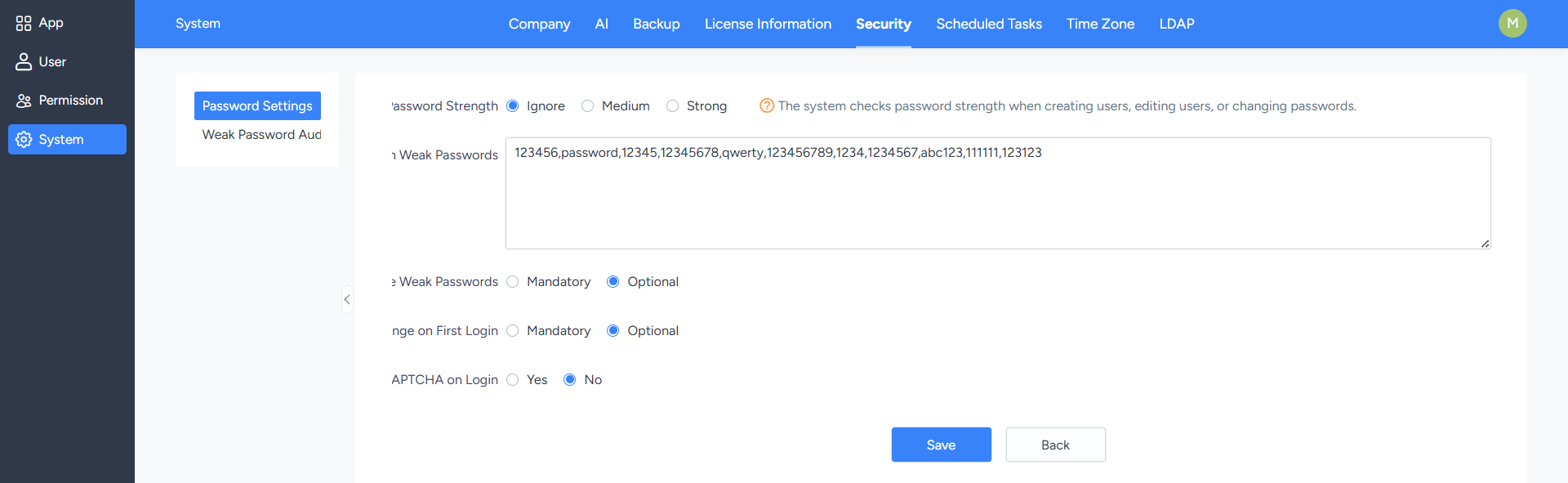
Properly configuring password security policies can reduce account risks associated with weak passwords.

2. Weak Password Scan

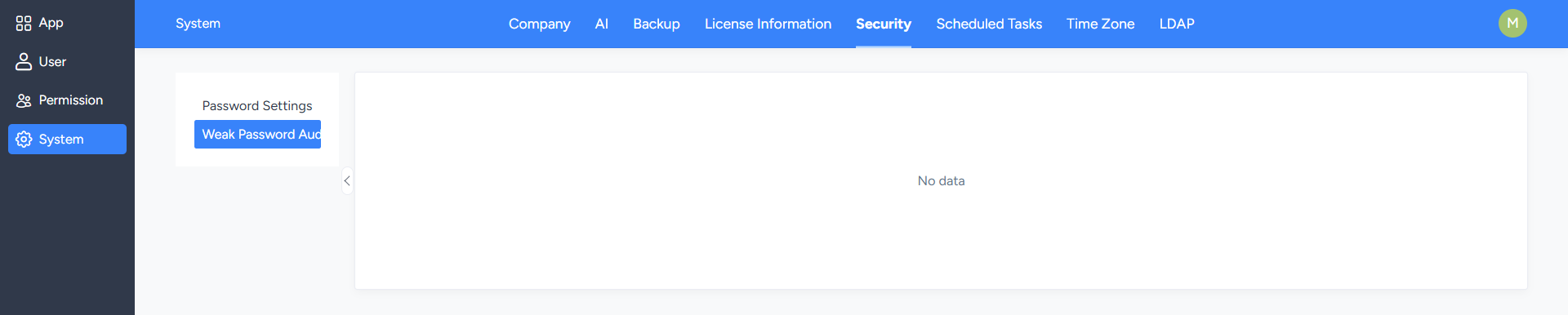
On the "Weak Password Scan" page, the system will list user information with weak password risks.

Administrators can take action against relevant users based on the scan results, such as notifying users to change their passwords or directly assisting them in resetting their passwords.
Write a Comment
Comment will be posted after it is reviewed.