Catalog
1. Publish an Application Version
On the "Application Management" list page, click the "Publish" button for the corresponding application to publish a new application version.

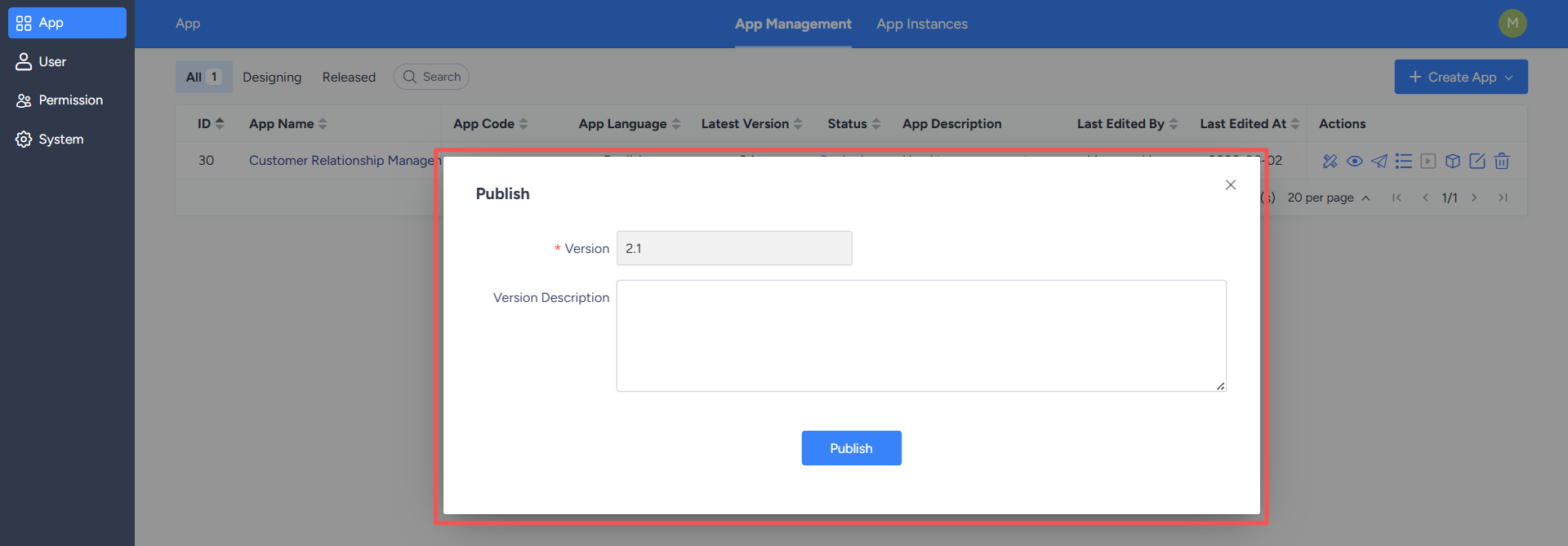
After the version is published, the system will generate a corresponding version record. Designers can click the "Version List" button to view the published versions of the application.


2. Deploy an Application Instance
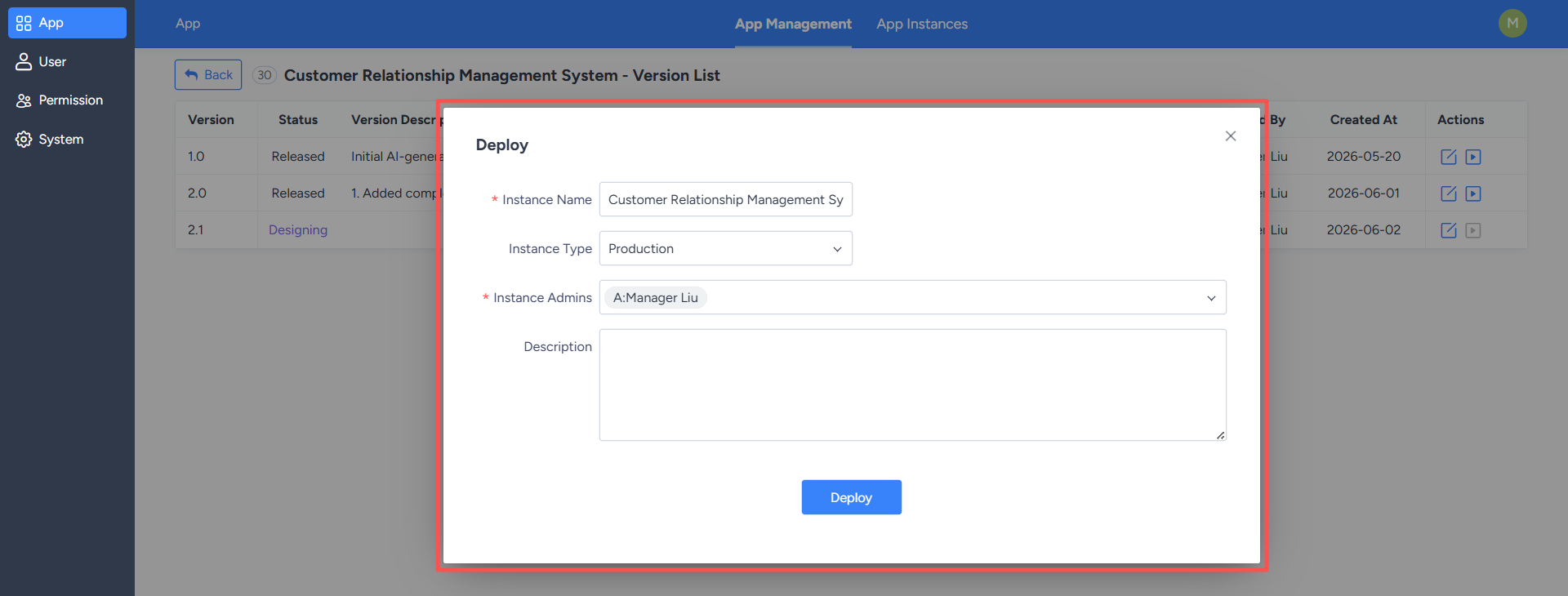
On the version list page, click the "Deploy" button for the corresponding version to bring up the deployment pop-up window.During deployment, you need to fill in the relevant deployment information and select the deployment instance type. You can also add an administrator to the instance. The system supports the following deployments:
- Test Instance: Used for testing and verifying application functionality.
- Production Instance: Used for production business environments.
After confirming that the information is correct, click the "Deploy" button to begin deployment. After deployment is complete, users can access the corresponding instance to use the published application.