Catalog
1. View Company Information
Administrators can view and maintain company information on the "System - Company" page.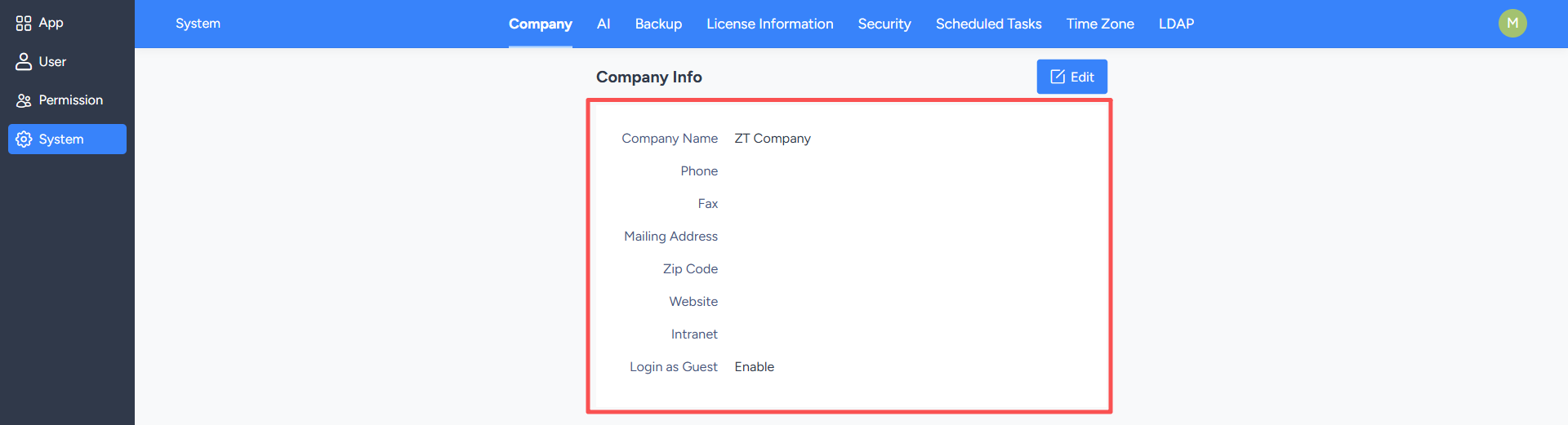
2. Edit Company Information
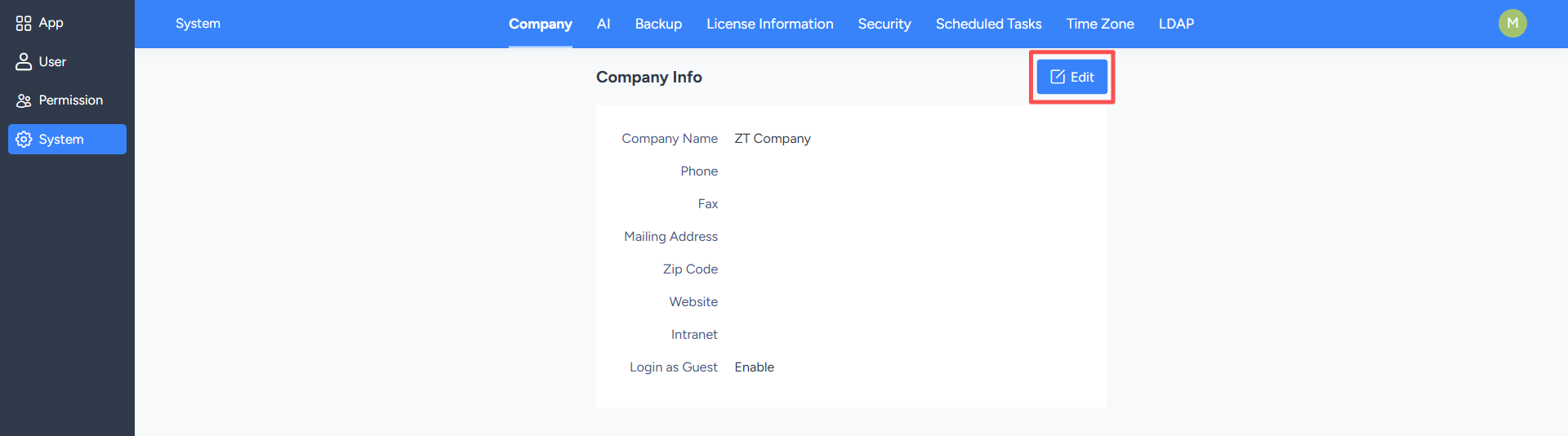
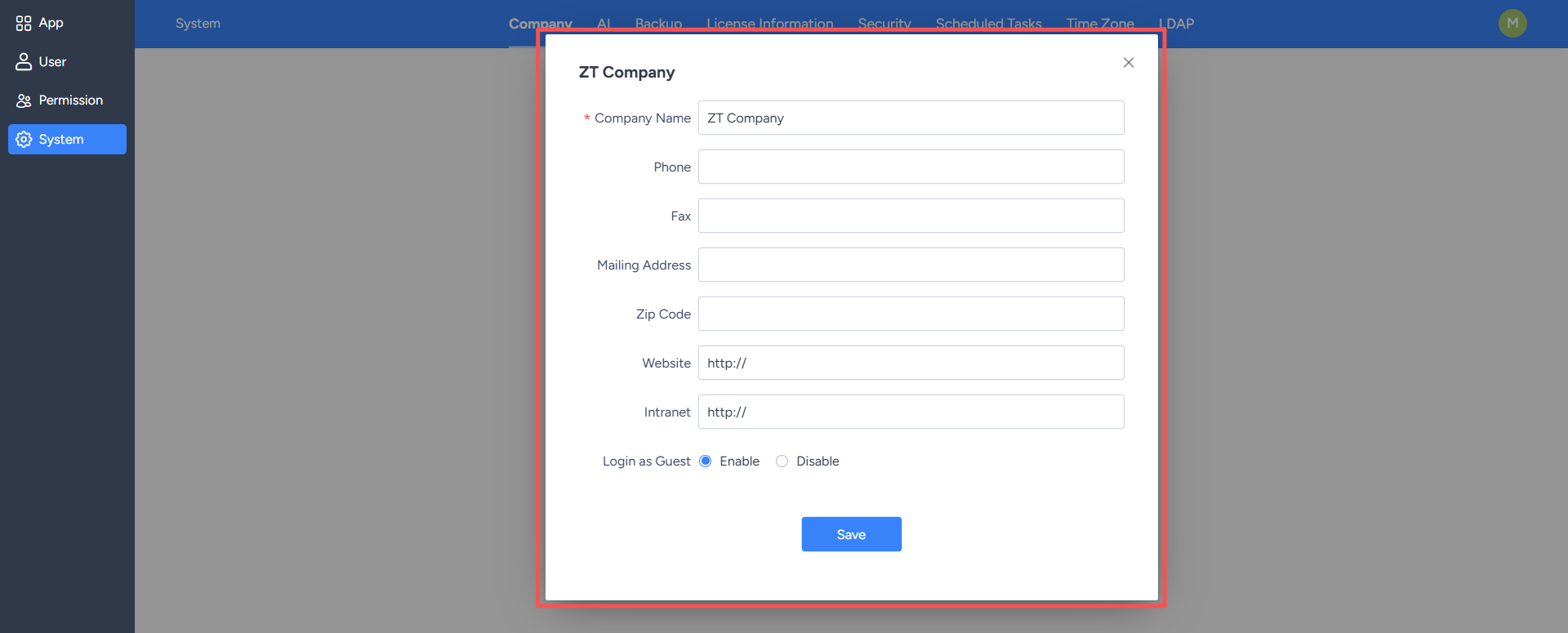
On the company information page, click the "Edit" button in the upper right corner to open an editing pop-up window, where you can modify information such as the company name and contact number.After making changes, click "Save" to update the company information.